
Plus Minus Comparison Template for PowerPoint & Google Slides
Product Description
Description
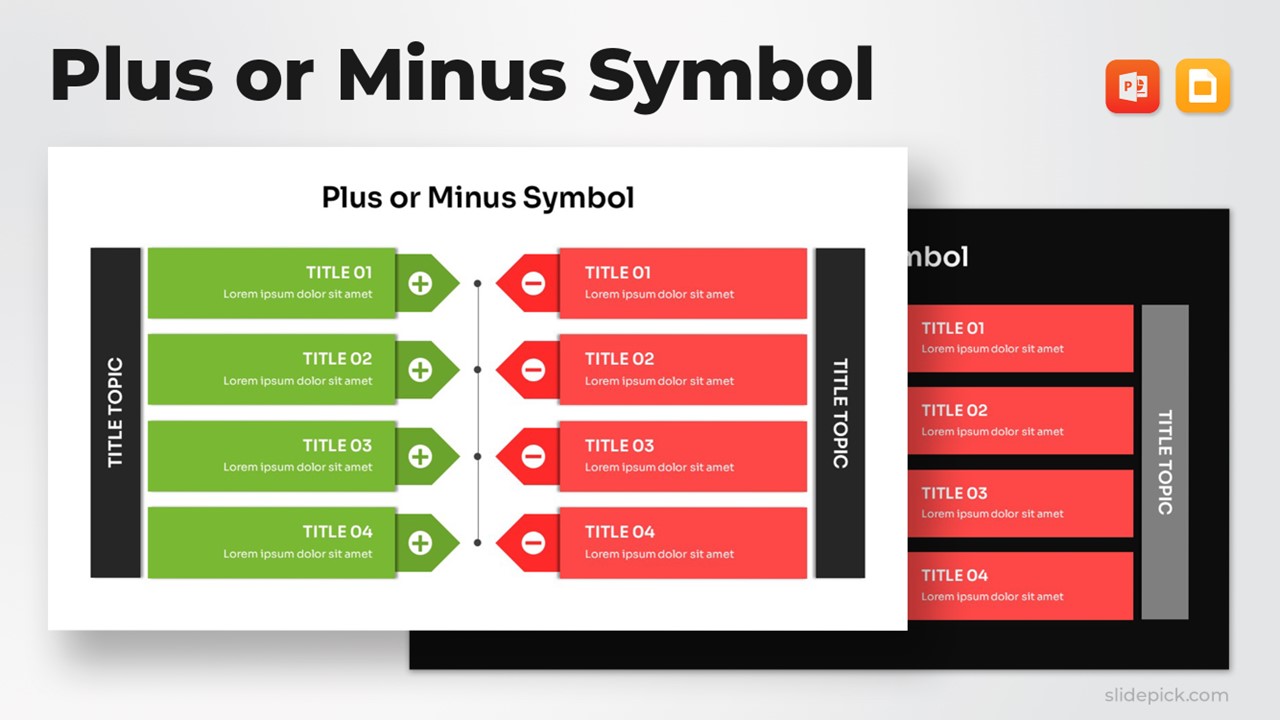
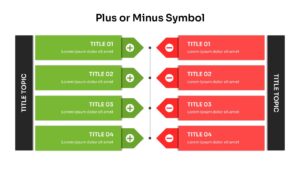
This Plus Minus Comparison Diagram is a structured visual tool designed to clearly present two opposing perspectives, options, or evaluation criteria side by side. Its balanced dual-column layout lets audiences quickly identify strengths versus weaknesses, pros versus cons, or any comparative factors that require clear differentiation. With bold color contrast and a clean organizational flow, this template enhances comprehension and supports confident decision-making in presentations across business, project management, and strategic communication contexts.
What’s Inside the Template
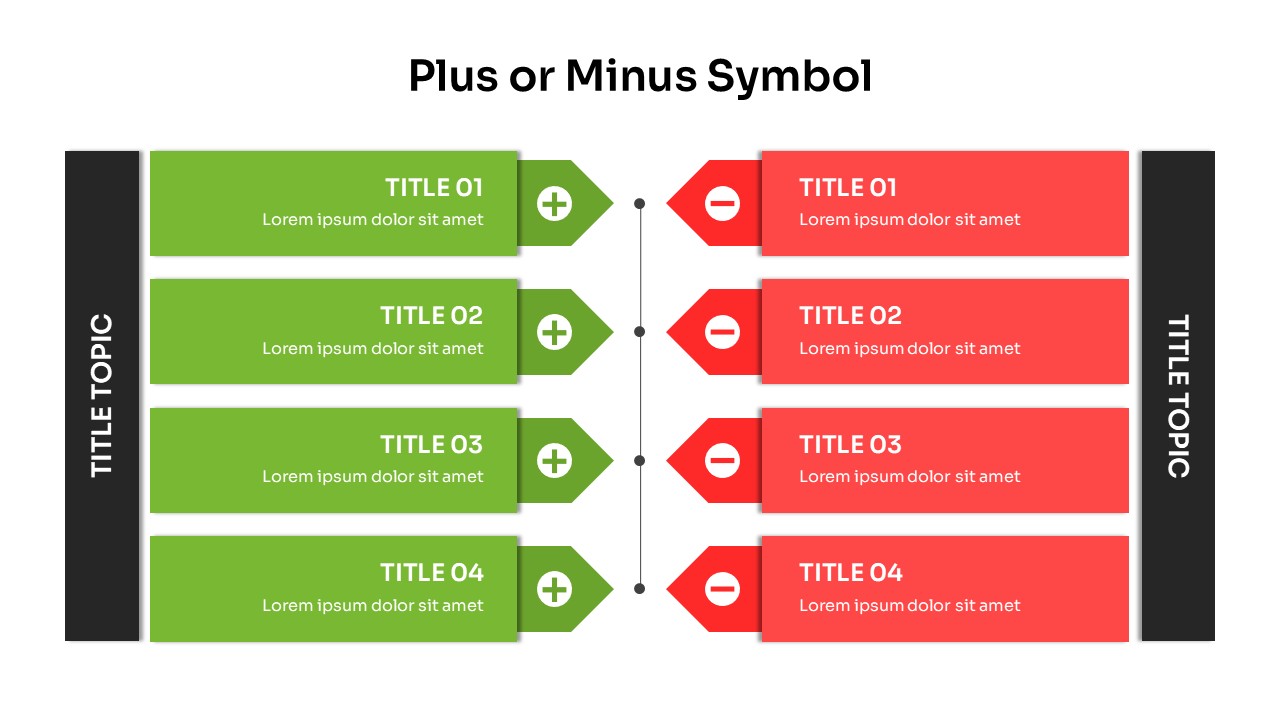
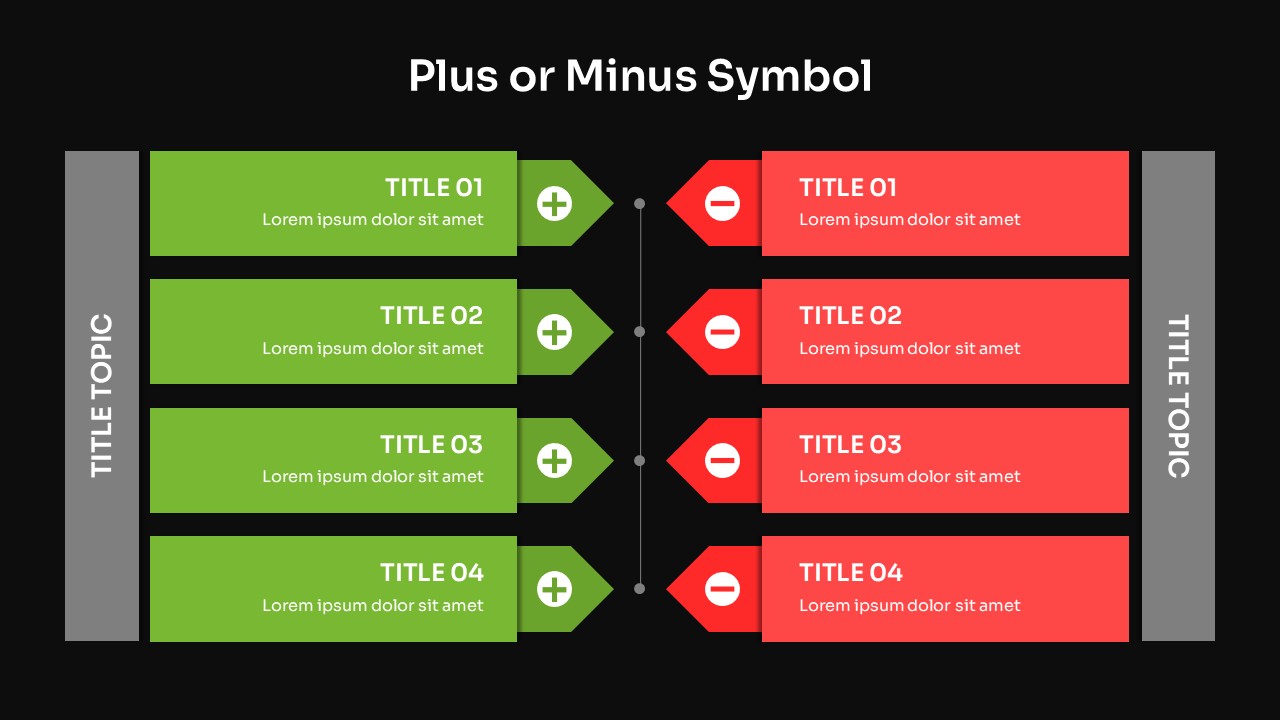
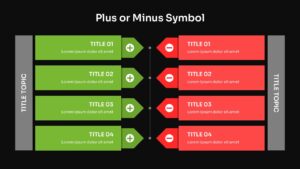
The template features a horizontally aligned comparison structure divided into two mirrored sections. Each side includes four labeled content blocks, ideal for listing parallel points such as benefits versus drawbacks or opportunities versus risks. The central vertical line visually anchors both sections, ensuring clarity and symmetry. Distinct color coding green for positives and red for negatives reinforces interpretation and helps presenters communicate key details effectively. Side labels marked “Title Topic” further support contextual framing.
Key Features
- Dual-sided comparison layout for clear pros-and-cons evaluation
- Color-coded plus and minus symbol markers to guide visual emphasis
- Four structured rows per side to accommodate balanced content mapping
- Clean, modern design suitable for business and educational use
- Fully editable text, shapes, and colors in both PowerPoint and Google Slides
Ideal For
This diagram suits professionals who need to communicate comparative insights with precision. It is ideal for strategy reviews, performance assessments, business proposals, process evaluations, and project recommendations. Educators and consultants can also use it to highlight contrasting concepts or illustrate critical thinking exercises.
Slide Highlights
- Plus-side panels: Green content blocks with plus icons for presenting advantages, strengths, or positive attributes.
- Minus-side panels: Red content blocks with minus icons to display drawbacks, limitations, or challenges.
- Central divider: A clean vertical structure that visually balances both sides and improves readability.
- Topic labels: Bold left and right sidebar labels provide clear section identification.
Compatibility & Formats
This template is fully compatible with Microsoft PowerPoint and Google Slides, offering smooth editing, layout flexibility, and universal access across devices and presentation environments.
Login to download this file
What do you think of this template?
Category:
Business
Aspect Ratio: 16:9
Item ID: SPT0100
Color



