
SCAMPER Framework Template for PowerPoint & Google Slides
Product Description
Description
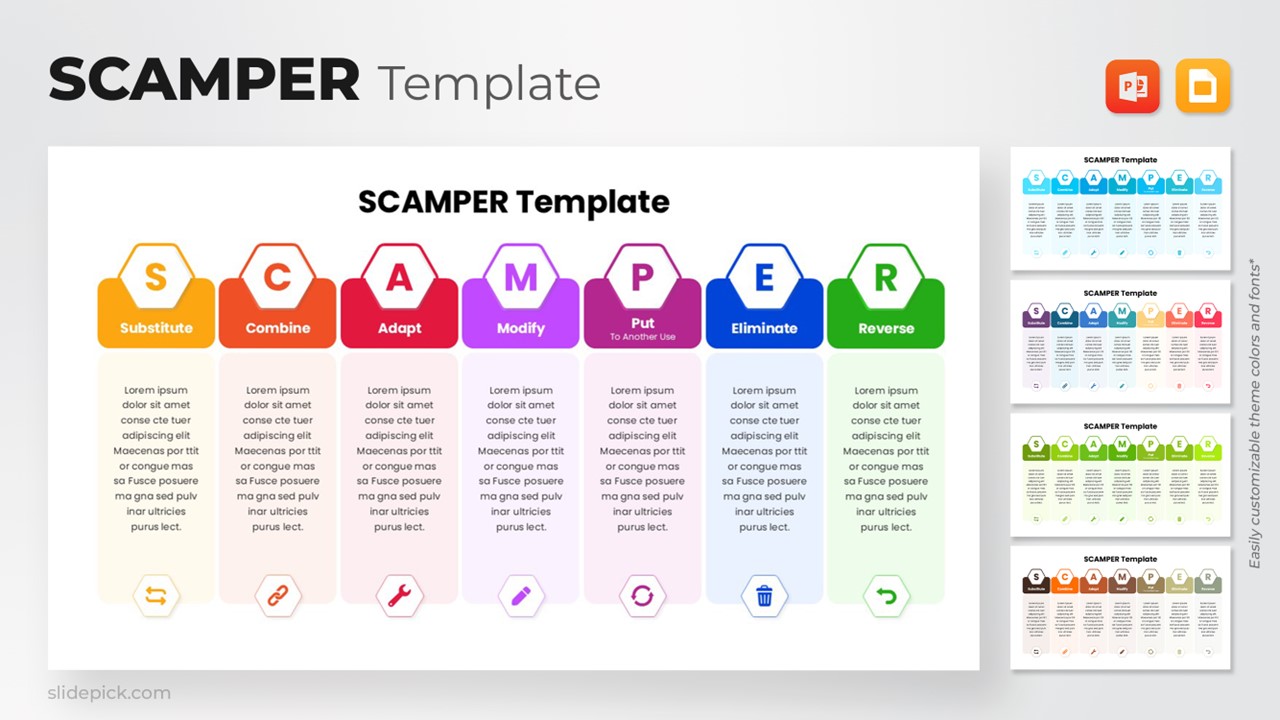
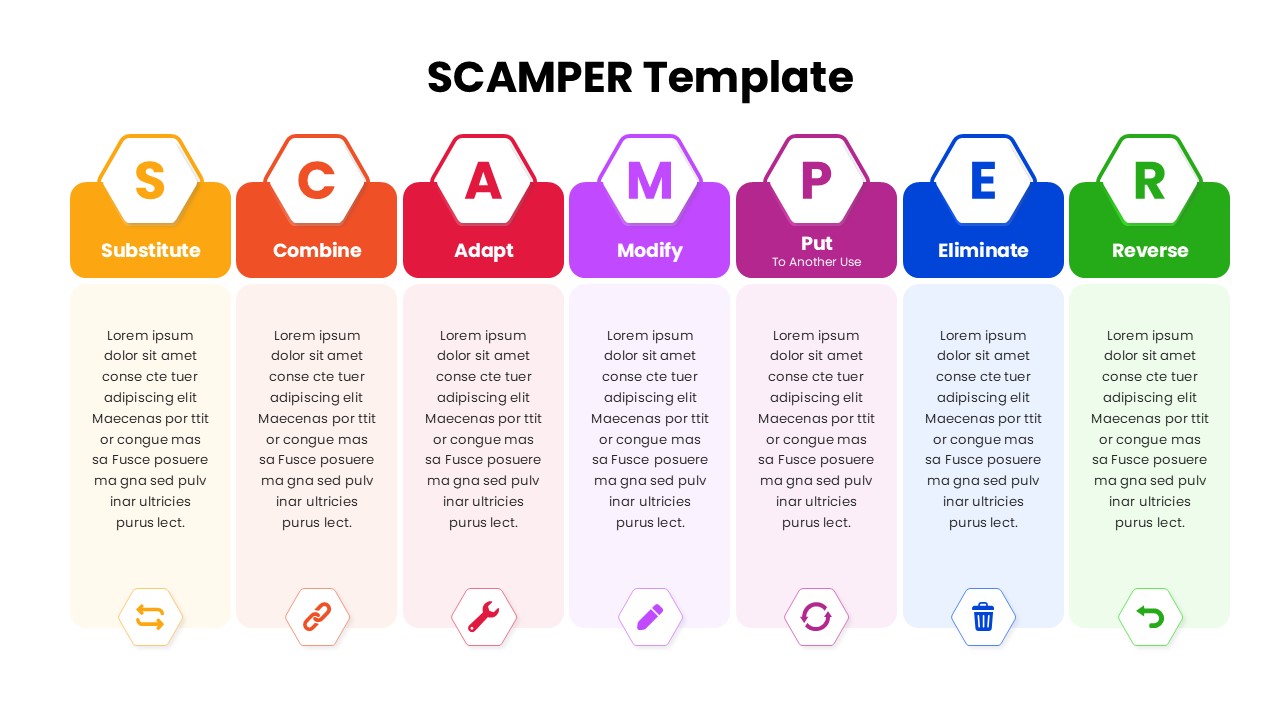
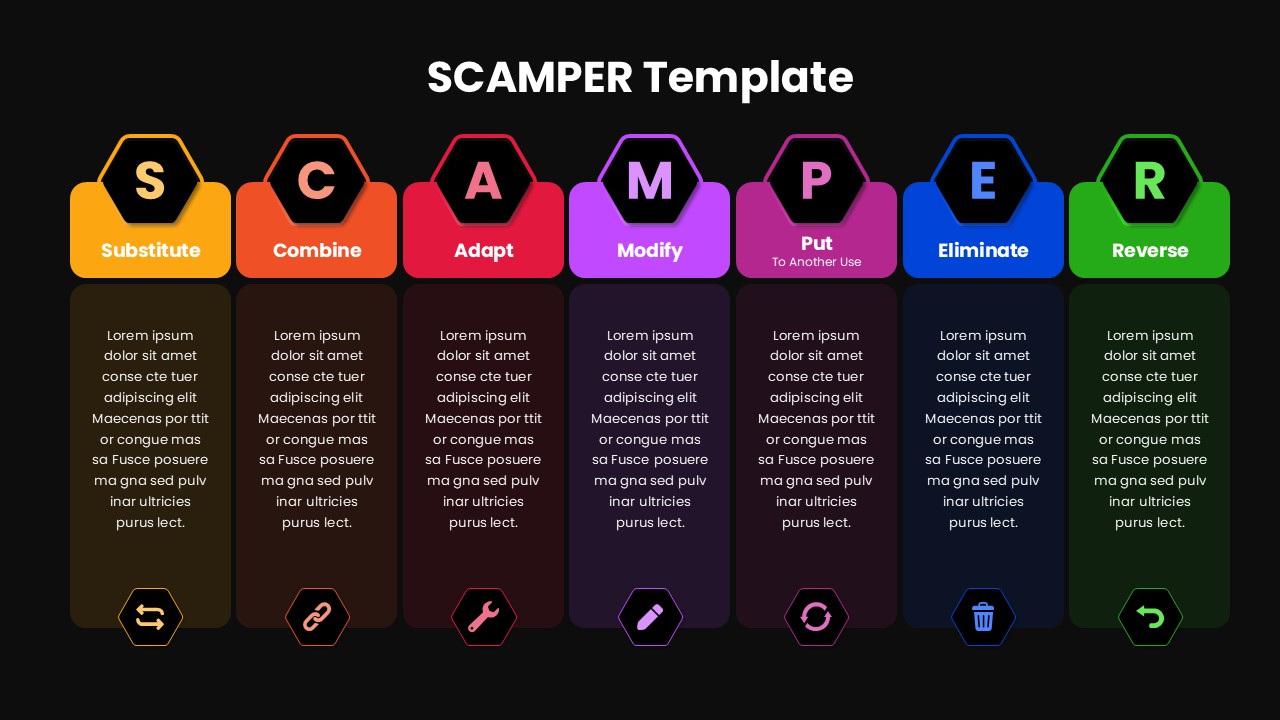
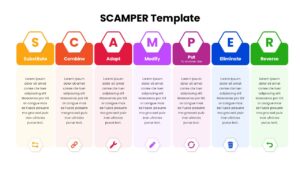
This SCAMPER Framework Template provides a structured visual system for guiding teams through creative problem-solving and innovation exercises. Designed with a vibrant multi-color layout, each element Substitute, Combine, Adapt, Modify, Put to Another Use, Eliminate, and Reverse is clearly separated to help audiences understand the progression of thought. The clean formatting ensures clarity while supporting strategic discussions, workshops, and presentations where idea generation and improvement are key.
What’s Inside the Template
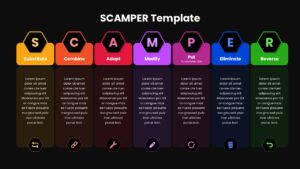
The template features a seven-column layout, with each SCAMPER phase represented in its own colored block. Every column includes a bold header, a large initial letter for emphasis, a descriptive label, and a placeholder text section for adding explanations or insights. At the bottom of each column, a related icon helps visually reinforce the purpose of that step, making the structure intuitive and easy to follow during presentations.
Key Features
- Fully editable text and colors for customization
- Clear seven-step layout ideal for brainstorming and innovation sessions
- Distinct color coding to differentiate each SCAMPER stage
- Icon-enhanced sections to improve comprehension and visual engagement
- Professional formatting suitable for business, consulting, or educational use
Ideal For
This template is ideal for strategy teams, consultants, educators, product development groups, and workshop facilitators seeking a simple yet effective way to explore alternatives, stimulate creative thinking, and improve existing concepts. It also works well in planning discussions, continuous improvement initiatives, and ideation sessions across diverse industries.
Slide Highlights
The template’s standout feature is its uniform column structure, which provides a logical flow from Substitute through Reverse. Each block includes a concise information area where users can input notes or examples relevant to the project. The icons such as links, tools, and arrows add quick visual cues that support retention and understanding. The bright transitions between colors help maintain audience attention throughout the explanation of the SCAMPER model.
Compatibility & Formats
This template is fully compatible with both PowerPoint and Google Slides. All shapes, icons, and text elements are editable, ensuring smooth customization for various presentation styles and business needs.
Login to download this file
What do you think of this template?
Category:
Business
Aspect Ratio: 16:9
Item ID: SPT0174
Color



