
Pie Chart Template

This template is part of a deck featuring multiple slides. To check out all slides.

See All round right arrow
Pie Chart in Powerpoint

Product Description

Description

This Pie Chart Presentation Template offers a clear and visually engaging way to present proportional data, category comparisons, or distribution insights. Designed with a modern aesthetic, it combines a clean white layout with bold blue and teal accents, ensuring strong visual hierarchy and easy readability. The template is ideal for professionals who need to communicate numerical shares or segmented insights in a polished, audience-friendly format.

What’s Inside the Template

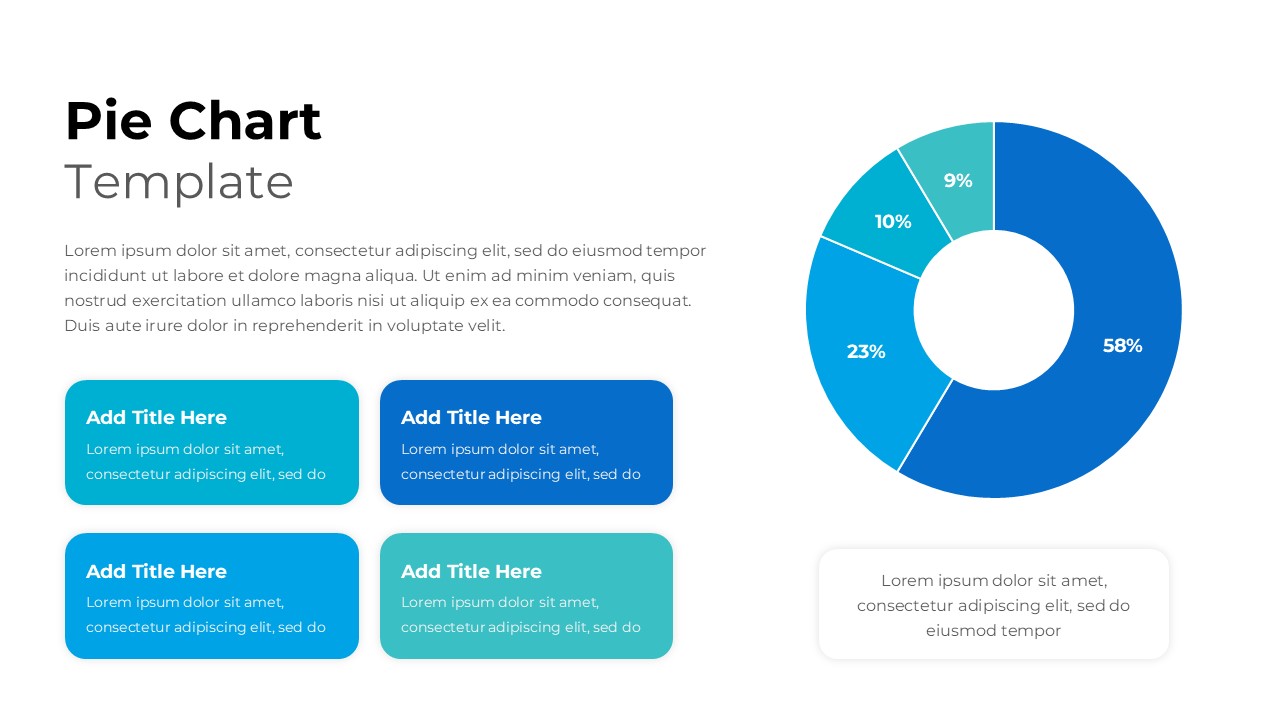
The template includes a central donut-style pie chart illustrating four data segments with percentage labels for quick interpretation. Alongside the chart, the layout incorporates multiple content blocks where you can outline key observations, supporting points, or explanations tied to each slice of data. Each rectangular text card uses consistent color-coding to match the chart’s palette, helping users link narrative elements to respective categories. The design also includes an optional text box for descriptions, summaries, or contextual notes.

Key Features

  • Donut-style pie chart with clearly labeled percentages
  • Color-coded content cards supporting structured explanation
  • Balanced two-column layout for data visualization and text
  • Modern typography and professional spacing for readability
  • Fully customizable colors, icons, and text fields
  • Ideal for presenting numeric distributions or category highlights

Ideal For

This template suits business analysts, marketers, educators, consultants, and project managers who frequently communicate data breakdowns. It is particularly useful for reporting survey results, budget allocation, departmental contributions, product performance splits, or any analytical content requiring visual segmentation.

Slide Highlights

  • A full-width donut pie chart with four distinct color segments (58%, 23%, 10%, 9%)
  • Four matching highlight boxes to explain category-specific insights
  • Clean introductory text area for setting context or outlining data rationale
  • Minimalist spacing that keeps the slide uncluttered while emphasizing core figures

Compatibility & Formats

This template works seamlessly with both PowerPoint and Google Slides. All elements—shapes, colors, and text areas—are fully editable, ensuring quick customization aligned with your brand or presentation style.

Login to download this file

What do you think of this template?

Rating

0.0

(0 reviews)

