
Modern Gantt Chart Project Timeline Template for PowerPoint & Google Slides
Product Description
Description
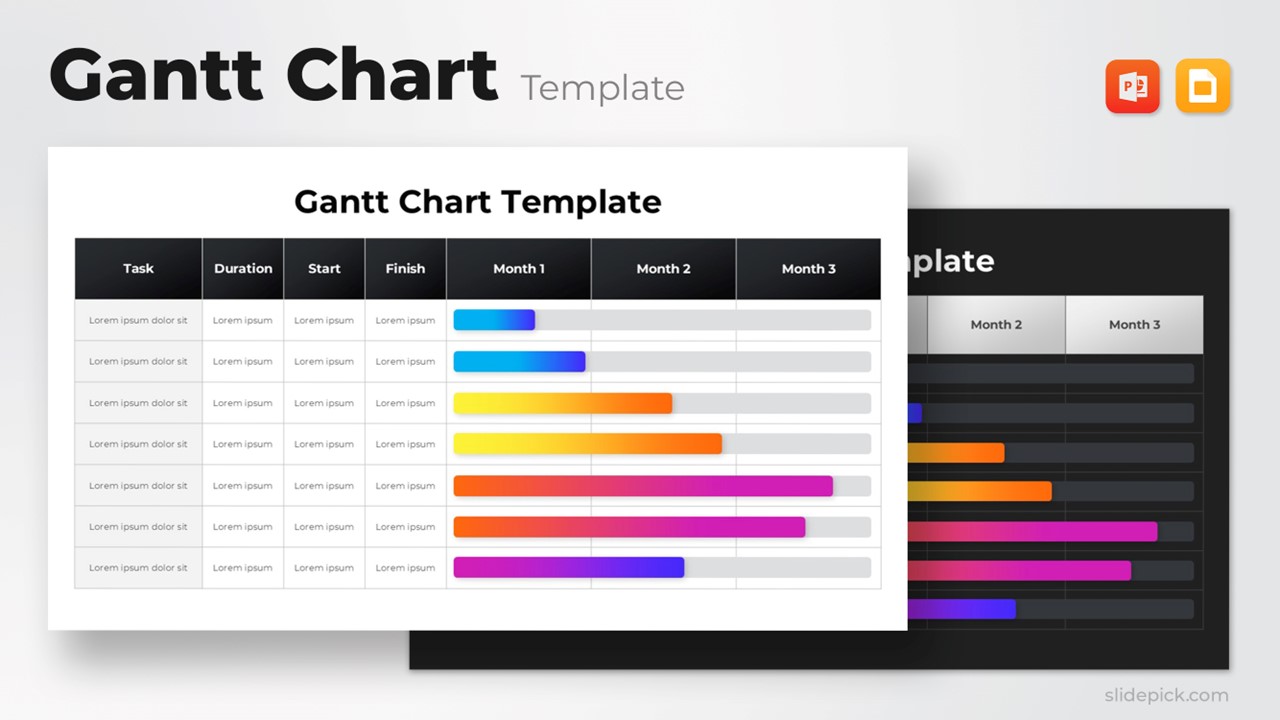
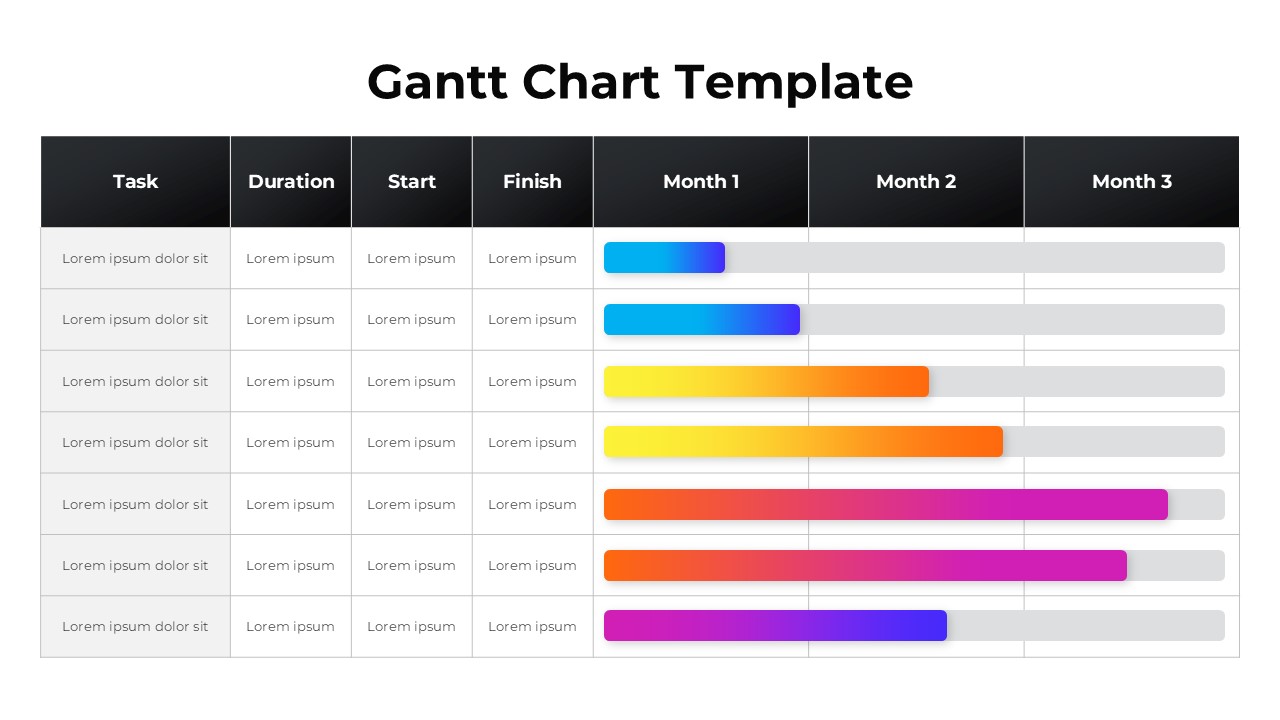
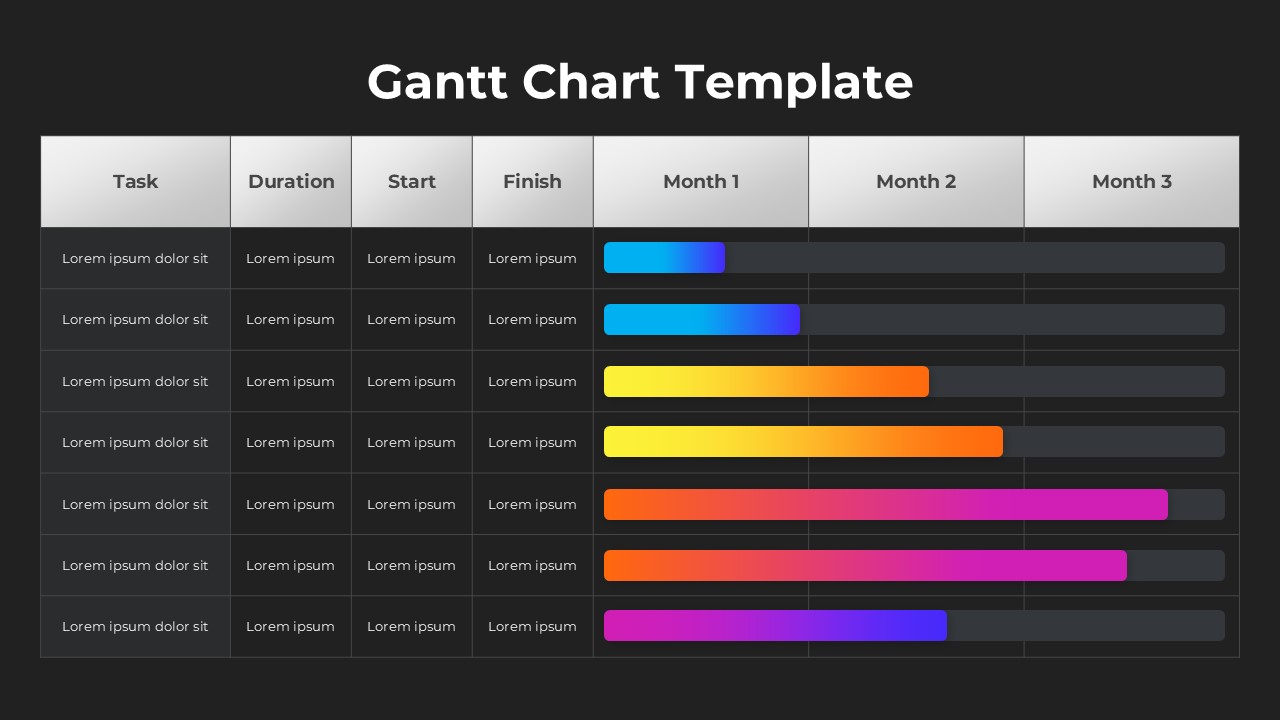
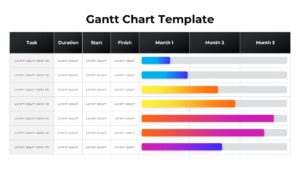
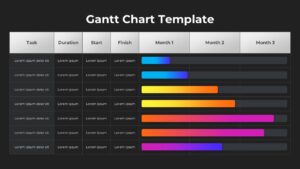
This modern Gantt Chart template provides a clear, visually polished solution for mapping project timelines, tracking progress, and coordinating tasks across multiple months. Designed with clean grid lines, structured columns, and vibrant gradient progress bars, it offers a professional layout suitable for project teams, managers, and executives who require accurate, presentation-ready timeline visuals.
What’s Inside the Template
The template features a structured table format with dedicated columns for Task, Duration, Start, and Finish details, enabling users to document schedule components with precision. Following these planning fields, the layout extends into a three-month horizontal timeline, allowing teams to visualize project sequencing and overlapping activities. Each task row includes an editable color-coded bar that makes it easy to reflect the actual duration and phases of work.
Key Features
- Clean multi-month timeline layout for clear project tracking
- Gradient progress bars for high visual contrast and easy interpretation
- Editable text fields for task details and schedule data
- Intuitive grid system supporting structured workflow visualization
- Professional formatting compatible with both PowerPoint and Google Slides
Ideal For
This Gantt Chart template is ideal for project managers, operations teams, consultants, product owners, startup founders, and any professional who needs to present timelines, schedules, or execution plans in a visually accessible format.
Slide Highlights
This template’s standout feature is its use of dynamic multi-color gradient bars that instantly highlight progress across months. The dark top header contrasts with the light body grid to ensure readability, while aligned rows help communicate sequential task relationships. The spacious design allows detailed breakdowns without visual clutter, making it suitable for both status reporting and planning sessions.
Compatibility & Formats
The template is fully compatible with PowerPoint and Google Slides, ensuring flexible editing across platforms. All shapes, bars, and text fields are fully customizable.
Login to download this file
What do you think of this template?
Category:
Project Management
Aspect Ratio: 16:9
Item ID: SPT0133
Color



