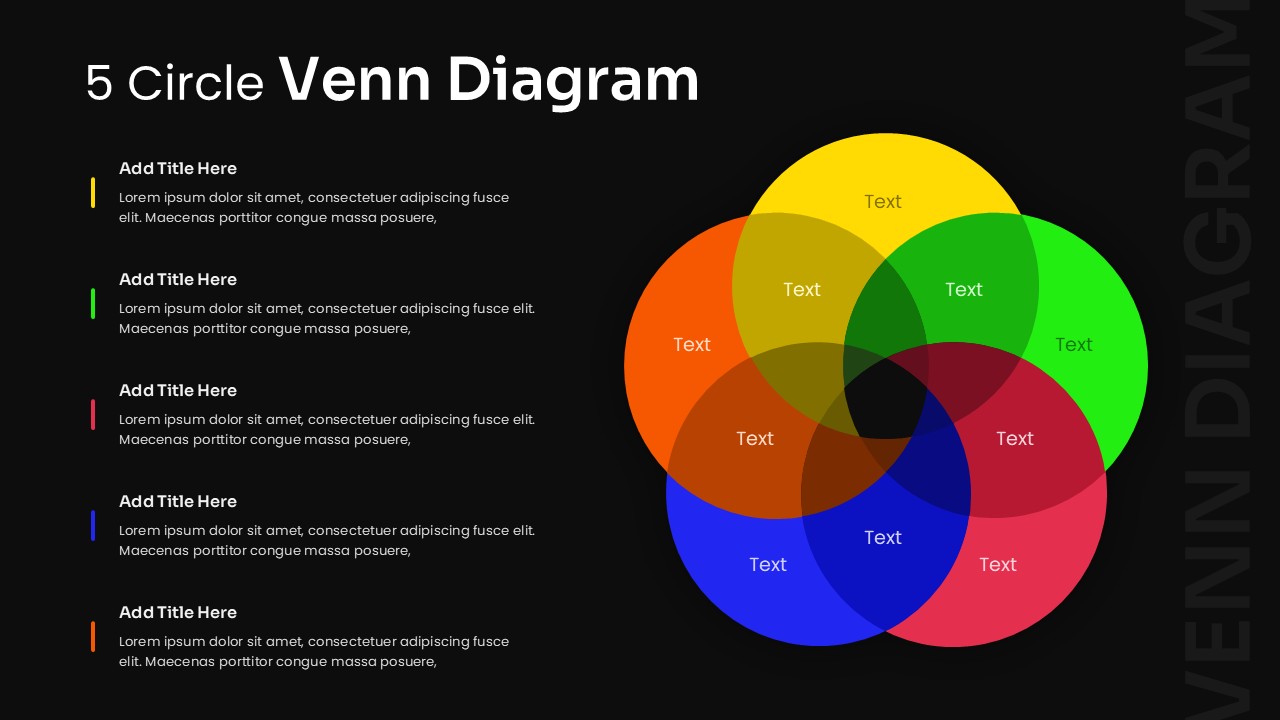
5 Circle Venn Diagram Presentation Slide

5 Circle Venn Diagram Presentation Slide for Project Management

This template is part of a deck featuring multiple slides. To check out all slides.

See All round right arrow
5 Circle Venn Diagram Template For Business Presentations

Product Description

Description

This template is designed to present complex relationships and overlaps between five distinct elements in a clear visual format. It is a fully editable presentation template compatible with PowerPoint and Google Slides. The layout supports structured comparison, multi-variable analysis, and strategic storytelling.
It enables users to explain shared and unique attributes across multiple categories with clarity and visual balance. The design is suitable for both business and academic use where structured comparison is required.

What’s Inside the Template

The template includes a professionally designed five-circle Venn diagram slide with clearly defined overlapping areas. Each circle is color-coded to help differentiate individual components while maintaining visual harmony. The slide also includes aligned text placeholders on the left side, allowing presenters to explain each segment in detail. The structure supports concise explanations alongside the visual diagram, making complex information easier to understand.

Key Features

  • Five-circle Venn diagram layout
  • Editable colors, text, and shapes
  • Balanced structure for comparison analysis
  • Clear overlap zones for shared insights
  • Professional and clean visual design

Ideal For

This template is ideal for business analysts, consultants, educators, and strategy teams who need to compare multiple factors simultaneously. It works well for competitive analysis, feature comparison, stakeholder mapping, research findings, and strategic discussions. It is also suitable for classroom presentations and training materials that require logical comparison.

Slide Highlights

The slide highlights five overlapping circles arranged for maximum readability, with transparency that clearly shows intersections. The side text sections align with each circle, helping presenters explain each category without cluttering the diagram. The overall layout maintains focus on insights rather than decoration, ensuring professional presentation quality.

Compatibility & Formats

The template is fully compatible with PowerPoint and Google Slides. All elements are editable directly within both platforms, allowing users to adjust text, resize circles, or change colors without affecting layout integrity.

Login to download this file

What do you think of this template?

Rating

0.0

(0 reviews)