
Table Template Business Presentations
This template is part of a deck featuring multiple slides. To check out all slides.
See All
Product Description
Description
This template is designed to present structured data, numeric values, and comparisons in a clean and professional table format. It is a fully editable presentation template compatible with PowerPoint and Google Slides. The layout supports clear data communication for business, finance, and reporting use cases.
With a modern visual hierarchy and subtle color accents, it helps audiences quickly understand figures, changes, and percentages without distraction.
What’s Inside the Template
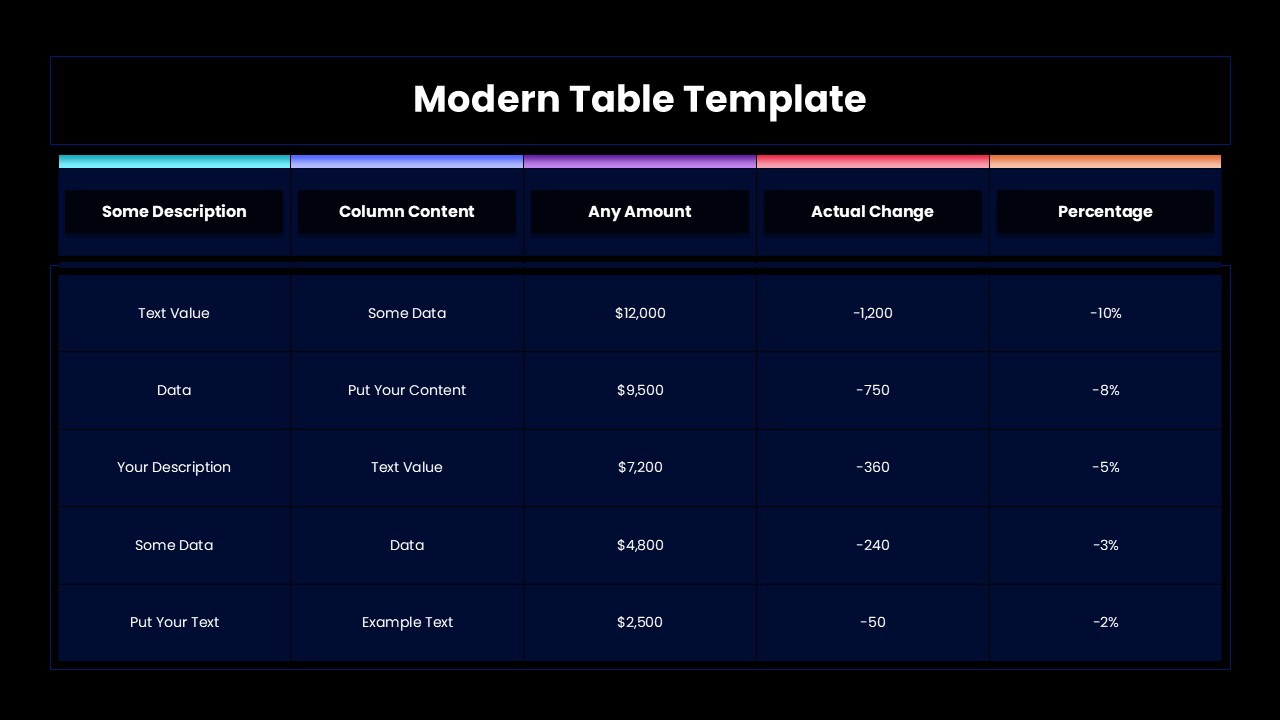
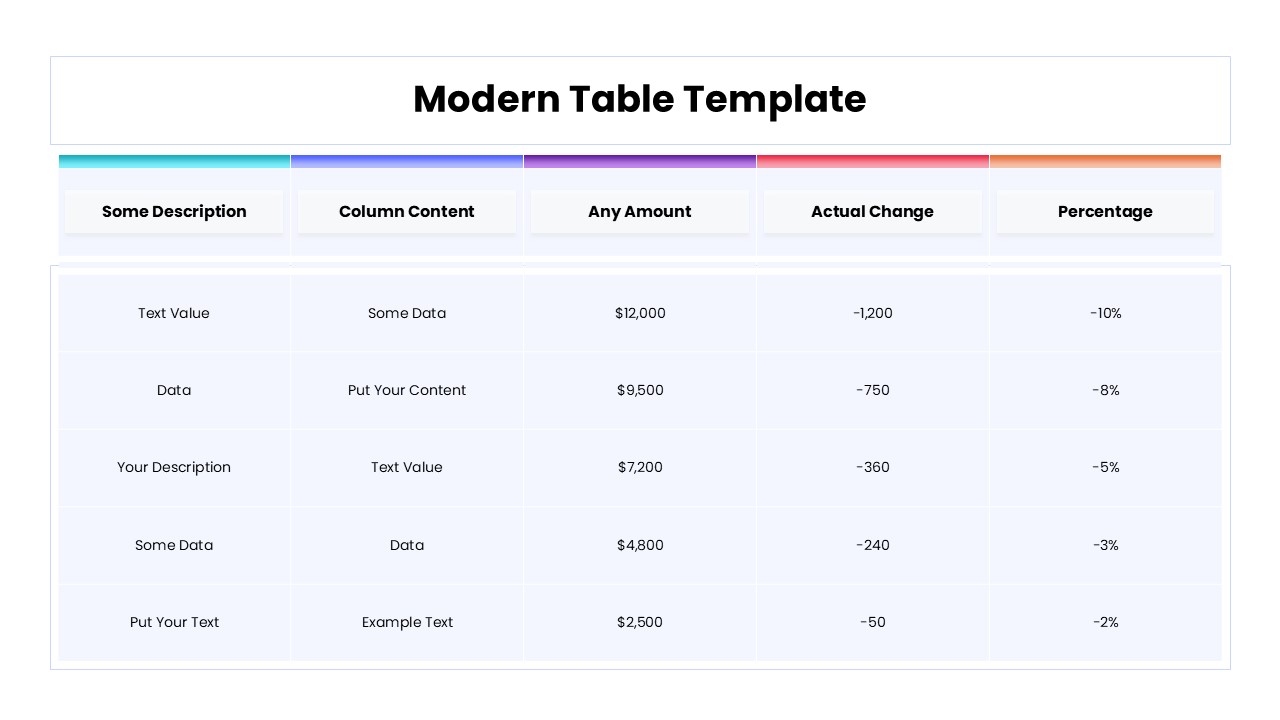
The template includes a well-organized table slide featuring multiple columns for descriptions, data labels, monetary values, changes, and percentages. Each column header is visually separated with soft color highlights, making the table easy to scan and interpret. The rows are evenly spaced to maintain readability, allowing users to present financial summaries, performance metrics, or comparison data clearly. The structure is optimized for both short summaries and detailed datasets.
Key Features
- Modern table layout with clear column separation
- Fully editable rows, columns, and text
- Designed for numeric and comparison data
- Clean typography for high readability
- Professional look suitable for business reports
Ideal For
This template is ideal for business professionals, analysts, finance teams, and consultants who need to present structured data in meetings or reports. It works well for financial summaries, performance reviews, budget comparisons, KPI reporting, and operational updates. Educators and students can also use it for assignments that require organized data presentation.
Slide Highlights
The slide highlights a balanced table design with subtle color bands on headers to guide attention across columns. The alignment of numbers and percentages improves clarity, while the minimalist background ensures focus remains on the data itself. The design supports quick comprehension during presentations without overwhelming viewers.
Compatibility & Formats
The template is fully compatible with PowerPoint and Google Slides. All table elements are editable directly within both platforms, including text content, colors, and column sizing, with no additional tools required.
Login to download this file
What do you think of this template?
Category:
Business
Aspect Ratio: 16:9
Item ID: SPT0302
Color



