
RAD Methodology Process Diagram for PowerPoint & Google Slides
Product Description
RAD Methodology Template
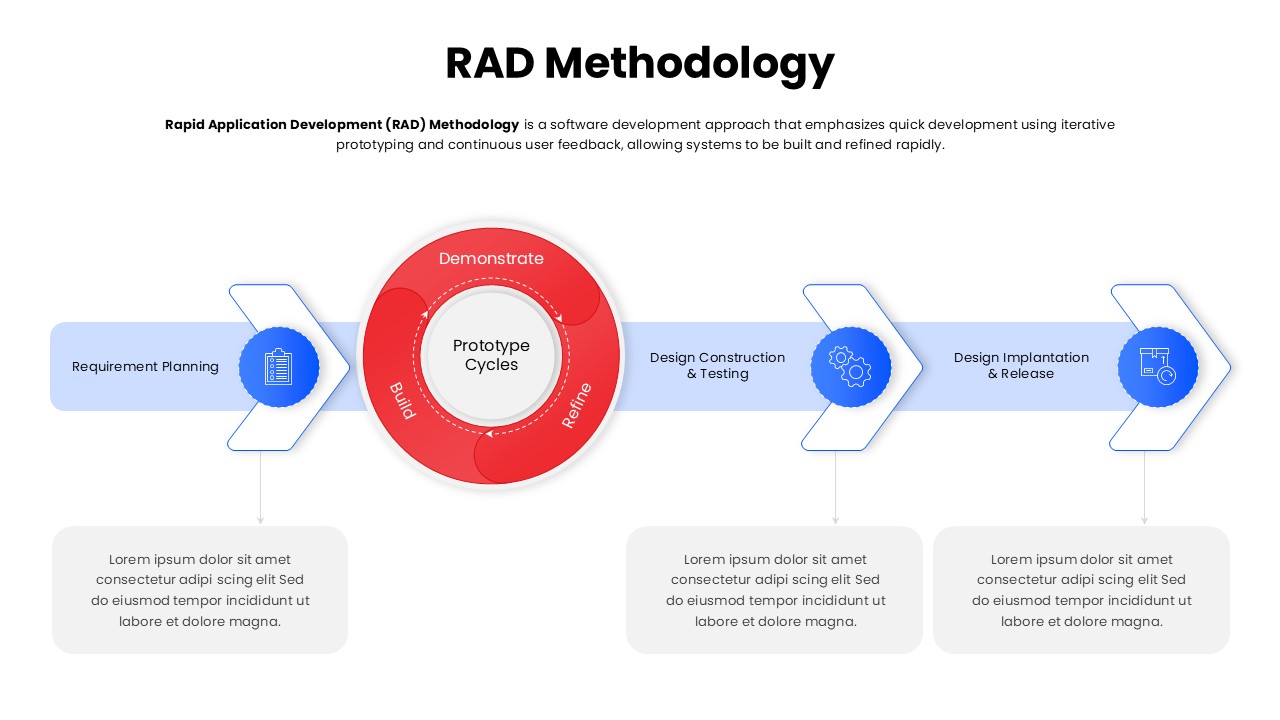
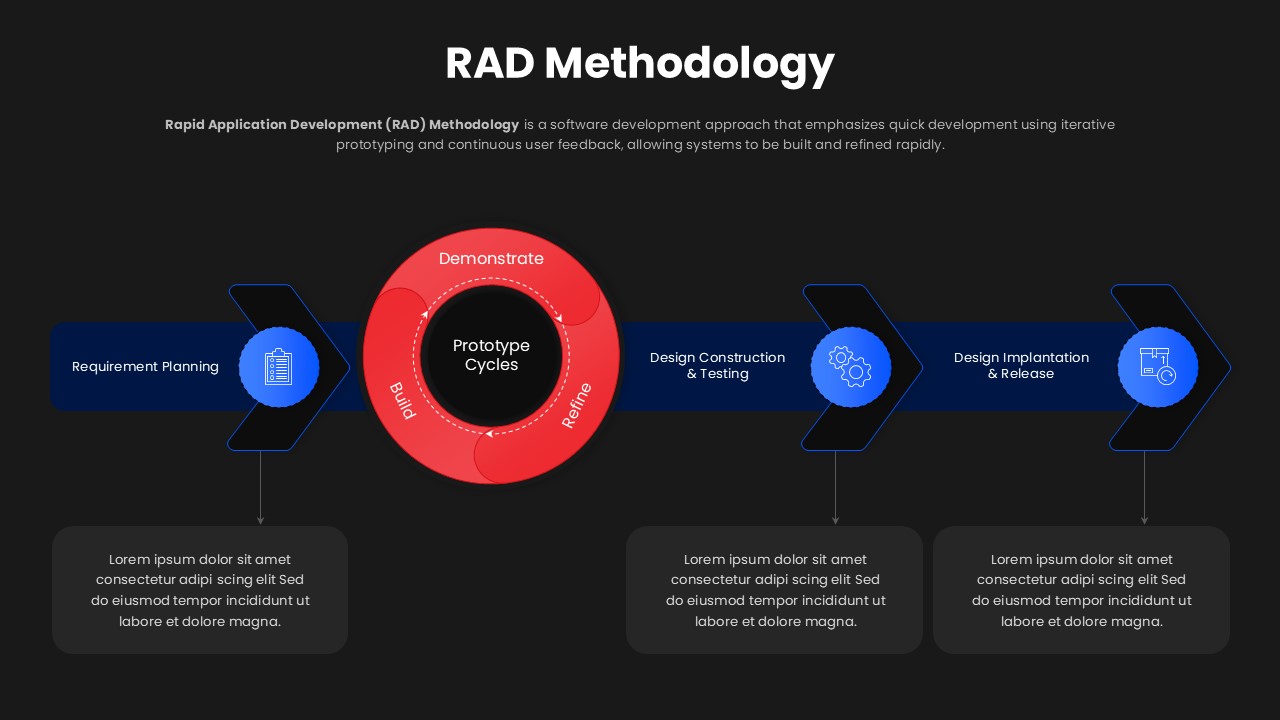
This template is designed to explain the Rapid Application Development methodology in a clear and structured process flow. It is a fully editable presentation template, compatible with PowerPoint and Google Slides. The slide illustrates how RAD emphasizes fast development through iterative prototyping, user feedback, and continuous refinement. It helps teams communicate agile oriented development cycles effectively.
The visual layout supports both technical and non technical audiences by simplifying a complex methodology.
What’s Inside the Template
The template includes a horizontal RAD workflow showing requirement planning, iterative prototype cycles, design construction and testing, and final implementation and release. A central circular loop highlights the build, demonstrate, and refine prototype cycle, reinforcing the iterative nature of RAD. Supporting text areas below each stage allow teams to describe activities, responsibilities, and outputs clearly.
Key Features
- Fully editable RAD methodology process diagram
- Central prototype cycle emphasizing iteration
- Clear separation of planning, development, testing, and release phases
- Professional layout suitable for IT and business use
- Easy customization of text, colors, and icons
Ideal For
This template is ideal for software development teams, IT managers, product owners, consultants, and educators explaining rapid development frameworks. It works well for software project briefings, agile and RAD training sessions, system design presentations, stakeholder updates, and academic instruction.
Slide Highlights
The standout feature is the circular prototype cycle that visually reinforces rapid iteration and continuous feedback. Directional arrows guide viewers through the methodology while maintaining focus on speed and adaptability. The clean spacing and consistent iconography ensure the process remains easy to follow and visually engaging.
Compatibility & Formats
The template is fully compatible with PowerPoint and Google Slides. All elements including shapes, text, icons, and colors are editable, ensuring smooth collaboration, consistent formatting, and flexible reuse across different development presentations.
Login to download this file
What do you think of this template?
Category:
Technology
Aspect Ratio: 16:9
Item ID: SPT0372
Color



