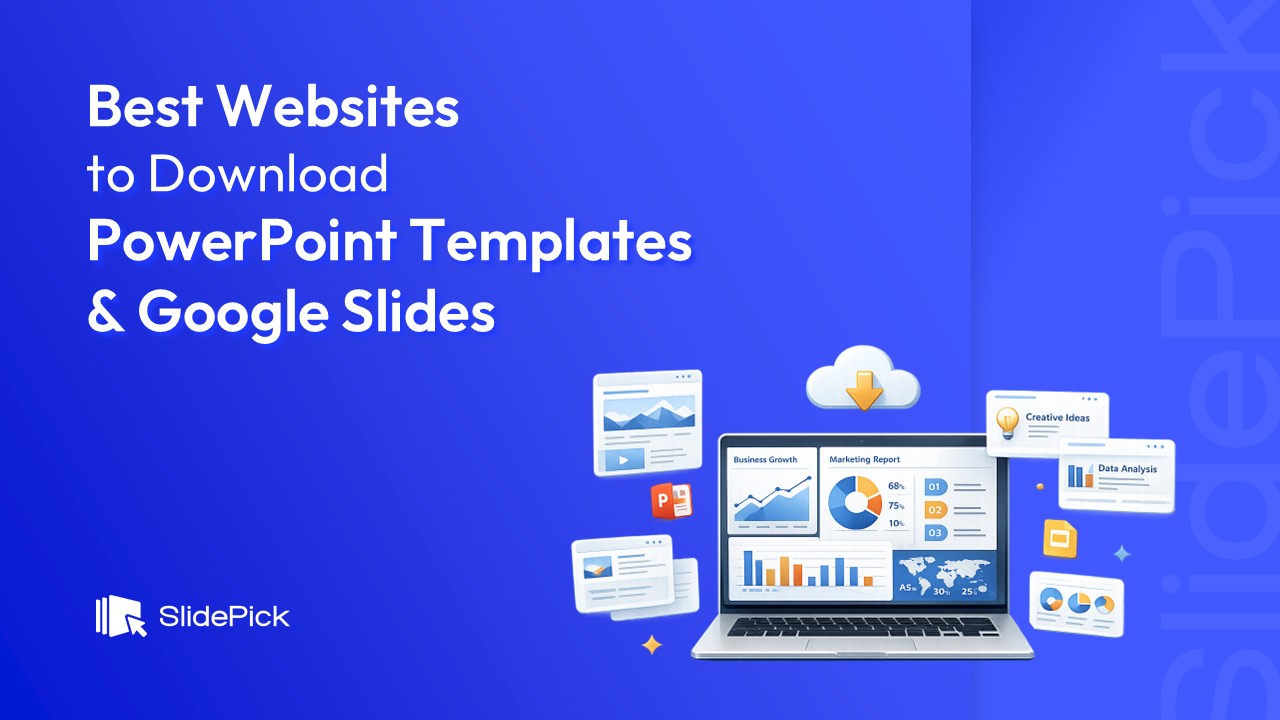
15 Best Websites to Download PowerPoint & Google Slides Templates (Tested & Reviewed)



Over the last few years, I’ve worked on everything from client pitch decks and internal strategy presentations to marketing reports and event slides. Because of that, I’ve tried almost every popular website that offers PowerPoint templates. Some were great, some were disappointing, and a few surprised me in a good way.
In this blog, I’m not repeating marketing claims or copying feature lists. I’m sharing my personal experience with the best websites to download PowerPoint templates and Google slides, based on design quality, ease of use, variety, and real-world usability. If you’re a student, marketer, founder, consultant, or designer, this list should save you a lot of trial and error.
1. SlideModel
SlideModel is one of the first platforms I used when I needed professional-looking business slides. The templates here feel structured and corporate-friendly, which is perfect for board meetings, investor decks, and consulting presentations.
What I liked
- Very clean layouts
- Strong focus on diagrams, charts, and frameworks
- Great for business and strategy decks
What I didn’t
- Less creative or playful designs
- Requires a subscription for full access
Best for professionals who value clarity and structure over flashy visuals.
2. Slidesgo
Slidesgo is where I go when I want something modern and visually engaging. Their designs feel fresh and are ideal for education, startups, and creative projects.
What I liked
- Eye-catching themes
- Google Slides and PowerPoint support
- Free templates with attribution
What I didn’t
- Some free designs feel overused.
- Premium templates can feel similar.
Still, it’s a solid choice if visuals matter to you.
3. SlidePick
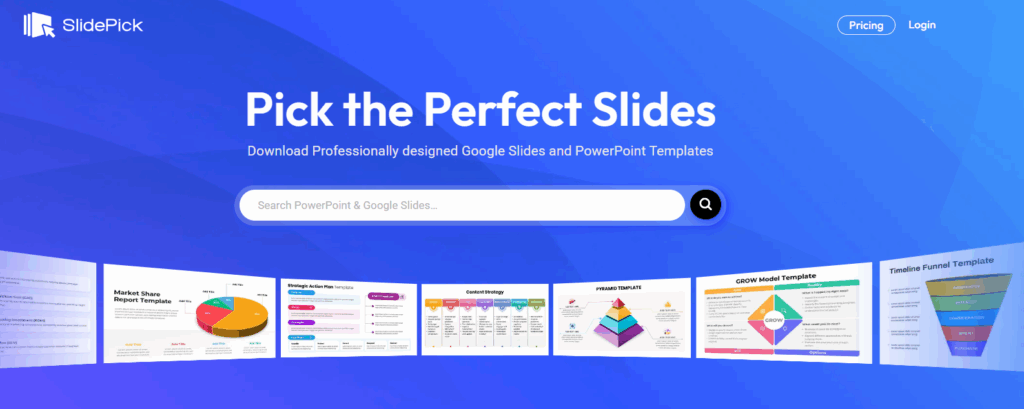
SlidePick was a pleasant surprise. I didn’t expect much at first, but the templates are clean, practical, and easy to customize. I’ve used it multiple times when I needed quick, no-nonsense slides.
What I liked
- Minimal and professional layouts
- Easy to edit without design skills
- Growing library
· Great for modern PowerPoint templates and Google Slides designs
What I didn’t
- Smaller collection compared to bigger platforms
If you want usable slides without visual overload, SlidePick is worth checking.
4. SlideBazaar
SlideBazaar feels very business-focused. I’ve used it mainly for pitch decks and corporate presentations where clarity matters more than creativity.
What I liked
- Well-structured business templates
- Clear typography and spacing
- Good value for paid templates
What I didn’t
- Not ideal for creative storytelling decks
Great for startups, consultants, and enterprise users.
5. SlidesCarnival
SlideCarnival is one of my go-to sites for free templates. It’s simple, reliable, and easy to navigate.
What I liked
- Completely free
- Works with PowerPoint and Google Slides
- Simple, readable designs
What I didn’t
- Limited advanced layouts
- Not very unique visually
Perfect for students, teachers, and quick projects.
6. Canva
Canva isn’t just a presentation tool, but I use it often when I need speed. It’s especially useful for social media presentations, internal slides, or visual storytelling.
What I liked
- Drag-and-drop simplicity
- Huge template library
- No design experience required
What I didn’t
- Less control for complex PowerPoint animations
- Exports sometimes need tweaking.
Best for beginners or fast-turnaround work.
7. SlideChef
SlideChef offers a decent mix of free and premium templates. I’ve used it mainly for themed presentations and business decks.
What I liked
- Good topic-based templates
- Straightforward slide structures
What I didn’t
- Design quality can vary.
- Smaller library than competitors
It’s useful when you’re searching for a specific theme.
8. SlideUpLift
SlideUpLift is very strong when it comes to business storytelling. I’ve used it for strategy decks and executive presentations.
What I liked
- Framework-driven slides
- Consulting-style layouts
- Professional look
What I didn’t
- Paid plans can be expensive.
- Not beginner-friendly
Ideal for consultants and corporate teams.
9. SketchBubble
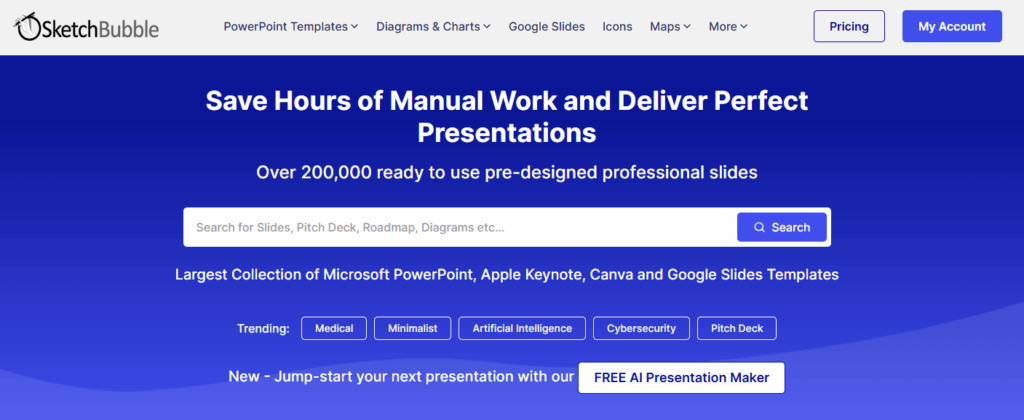
SketchBubble is a good option when I want something a bit different but still professional.
What I liked
- Unique infographic-style slides
- Business and marketing focus
What I didn’t
- Interface feels slightly dated.
- Limited free options
Still useful for presentations that need visual explanation.
10. 24Slides
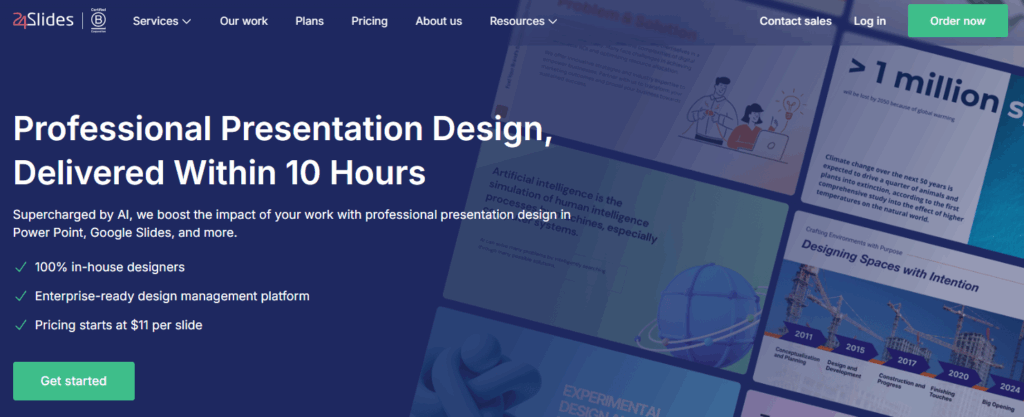
24Slides is different because it’s more of a service than a template marketplace. I’ve explored it when I needed custom-designed slides.
What I liked
- Professional design service
- Consistent branding support
What I didn’t
- Not instant like template downloads
- Higher cost
Best for enterprises and long-term projects.
11. FPPT
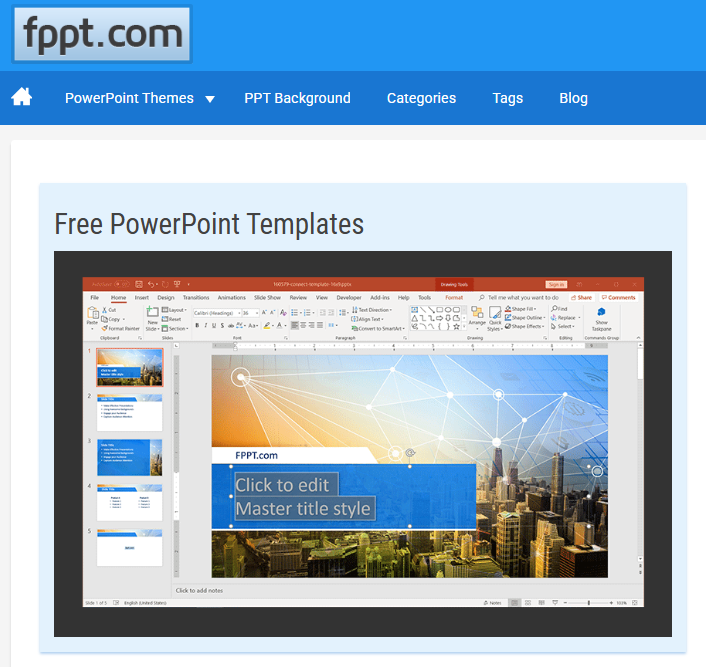
FPPT is one of the oldest free template sites I’ve used. It’s basic but reliable.
What I liked
- Large collection
- Completely free
- Easy downloads
What I didn’t
- Outdated designs
- Requires design polishing
Good if you’re on a tight budget and willing to tweak.
12. SlideEgg

SlideEgg focuses on business and educational slides. I’ve used it for simple explainer decks.
What I liked
- Clear layouts
- Topic-based organization
What I didn’t
- Designs can feel repetitive.
Useful for functional presentations.
13. SlidesMania

SlidesMania stands out for its creative and classroom-friendly templates.
What I liked
- Unique, fun designs
- Free to use
- Great for storytelling
What I didn’t
- Not ideal for formal business decks
Perfect for educators and creative presenters.
14. SlideKit

SlideKit has quickly become one of my favorites. The templates feel modern, well-structured, and designed with real presentation flow in mind.
What I liked
- Clean, premium layouts
- Consistent slide systems
- Great for PowerPoint and Google Slides
What I didn’t
- Smaller library compared to the giants.
If you want polished, professional slides without clutter, SlideKit is a strong option.
15. PresentationGo
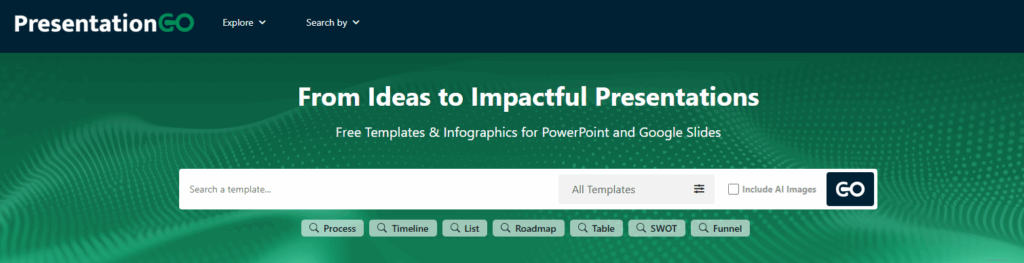
PresentationGo is another solid free resource I’ve used many times.
What I liked
- High-quality free slides
- Good diagram and infographic options
What I didn’t
- Limited variety in full themes
Excellent for adding specific slides to existing decks.
Final Thoughts
After trying almost all major presentation template providers, I’ve learned one thing: there’s no single “best” website for everyone. The right choice depends on your goal.
- For business and consulting: SlideModel, SlideUpLift, SlideBazaar
- For clean and modern decks: SlidePick, SlideKit
- For creativity and education: Slidesgo, SlidesMania, Canva
- For free resources: SlideCarnival, FPPT, PresentationGo
I usually keep 3–4 of these bookmarked and choose based on the project. If you work with presentations regularly, exploring multiple platforms will give you flexibility and better results.
That’s been my real experience, without hype or marketing fluff.
Related Articles
 March 24th, 2026
Best Color Schemes for PowerPoint Presentations: Choose the Right Palette
Presentation Resources- February 17th, 2026
13 Alternatives for Slidesgo: Free Google Slides Themes & PowerPoint Templates
Presentation Resources - February 25th, 2026
11 Best SlidesCarnival Alternatives for 2026 (Free & Premium)
Presentation Resources