From to Comparison Slide Dark Template
From to Comparison Slide Dark Template

This template is part of a deck featuring multiple slides. To check out all slides.

See All round right arrow
From to Curved Arrow Slide Template

Product Description

From To Template

This presentation is designed to visually compare current and future states in a clear transformation flow. It is a fully editable presentation template built to explain progress, change, or strategic transition from one stage to another. The slides are compatible with PowerPoint and Google Slides, making customization simple and flexible. The From To structure helps audiences quickly understand where things are today, what changes are required, and where the organization or process is heading. The visual flow supports logical storytelling and strategic clarity.

What’s Inside the From To Presentation Template

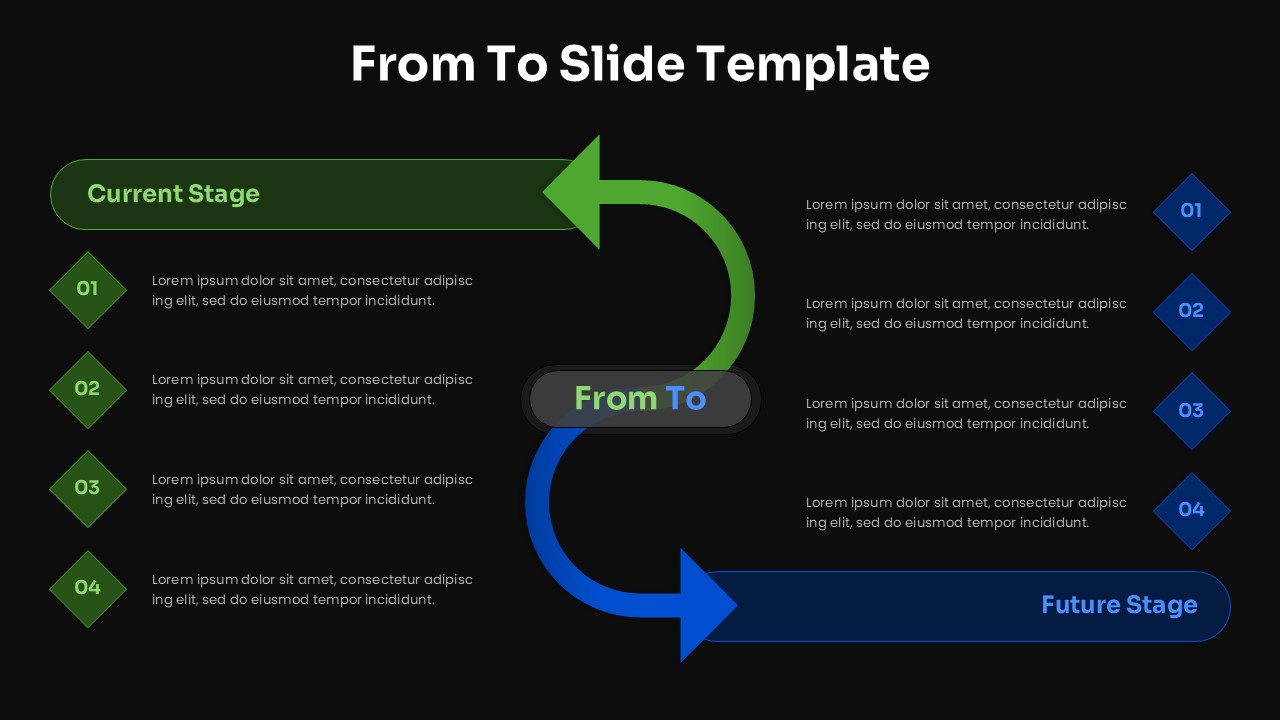
The template includes a structured From To slide with a clearly labeled current stage on the left and future stage on the right. A curved directional arrow visually connects both states, reinforcing the idea of transformation. Numbered steps on each side allow you to list key attributes, challenges, actions, or milestones associated with each stage. All shapes, arrows, colors, and text placeholders are fully editable, allowing adaptation for business, process, or strategy use cases.

Key Features of From To Template

  • Clear From To transformation layout
  • Defined current and future state sections
  • Directional arrow highlighting progress and change
  • Numbered steps for structured comparison
  • Fully editable in PowerPoint and Google Slides

Ideal For

This template is ideal for strategy teams, consultants, project managers, business leaders, and change management professionals. It works well for transformation roadmaps, process improvement discussions, digital maturity assessments, and before and after comparisons where clarity of movement is essential.

Slide Highlights

The slide highlights a clean left to right comparison that guides the viewer naturally through the transition journey. Color differentiation between current and future states improves readability and contrast. The curved arrow adds visual momentum, making the narrative of change easy to follow and visually engaging.

Compatibility & Formats

The template is fully compatible with PowerPoint and Google Slides. It requires no additional fonts or plugins and supports fast customization for executive presentations, workshops, and internal planning sessions. The layout maintains clarity across screen sizes and presentation formats.

Login to download this file

What do you think of this template?

Rating

0.0

(0 reviews)


