
Vroom Yetton Decision Model Diagram Template for PowerPoint & Google Slides
Product Description
Vroom-Yetton Decision Model
This presentation template visualizes the Vroom Yetton decision making model through a clear, structured diagram designed for leadership, management, and organizational behavior discussions. It is a fully editable presentation template compatible with PowerPoint and Google Slides.
Its purpose is to simplify complex decision pathways, helping presenters explain how autocratic, consultative, and collaborative styles influence decision outcomes.
The template uses a multi colored segmented diagram to represent each leadership style category, ensuring easy interpretation and comparison.
It provides a clean, modern method for teaching or presenting decision models in workshops, training programs, and academic sessions.
What’s Inside the Vroom-Yetton Model Template
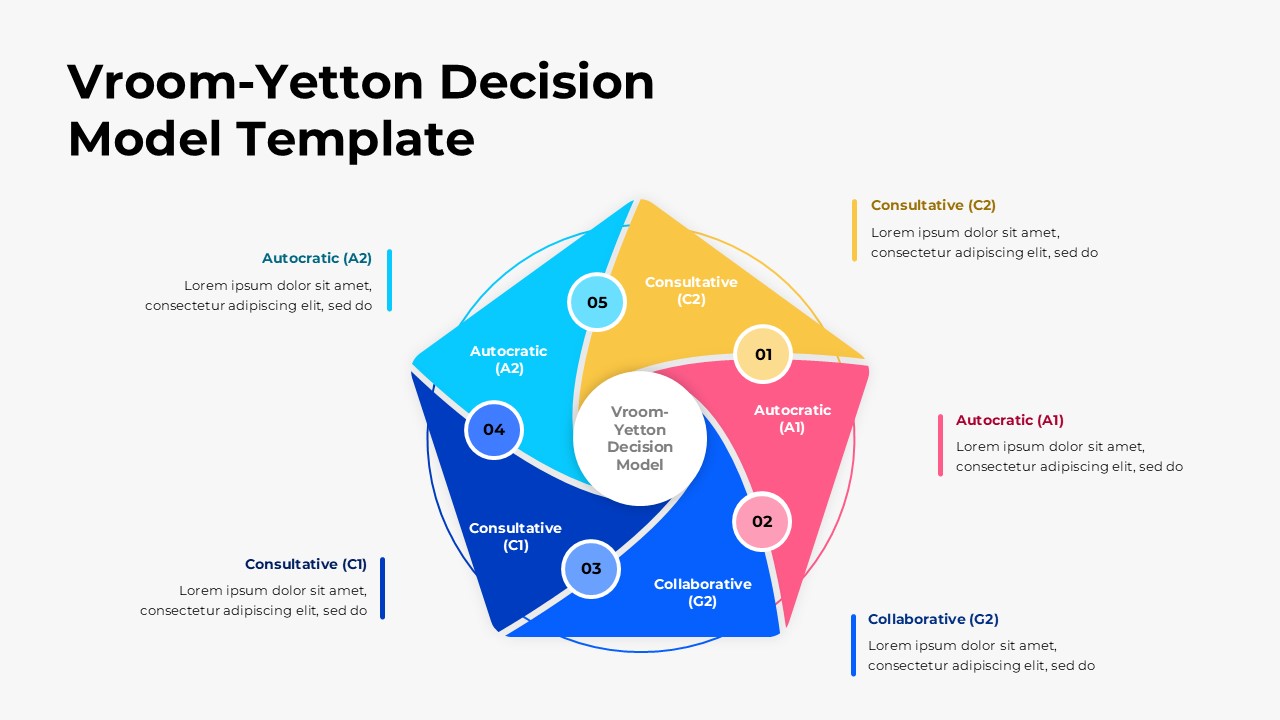
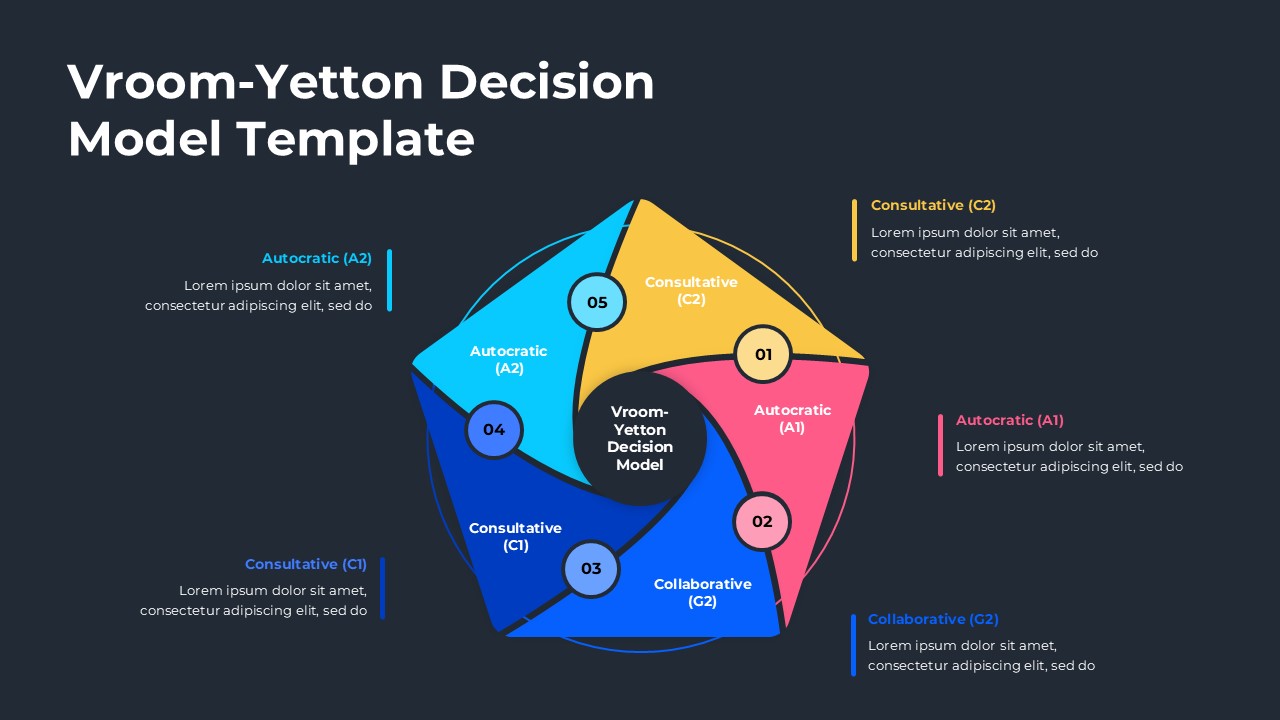
Centered on the slide is a polygon shaped diagram divided into vibrant segments, each representing a mode within the Vroom Yetton framework: Autocratic A1, Autocratic A2, Consultative C1, Consultative C2, and Collaborative G2. Numbered labels accompany each segment for visual clarity and model sequencing. Supporting text areas are placed around the diagram, offering space to describe each mode in detail. Smooth curves, contrasting colors, and a balanced layout enhance viewer comprehension and engagement. This structure helps presenters communicate the model’s logic and practical application effectively.
Key Features of Vroom-Yetton Model Template
- Fully editable Vroom Yetton diagram with labeled segments
- Color coded decision style categories for clear interpretation
- Clean, modern layout suitable for training and academic use
- Text placeholders for explanations and guided discussion
- Works seamlessly in both PowerPoint and Google Slides
Ideal For
This template is ideal for leadership trainers, HR professionals, management consultants, educators, and students studying decision making models. It supports training modules, organizational development programs, business courses, and strategic planning workshops that require explanation of structured decision processes.
Slide Highlights
The diagram at the center is the focal point, using dynamic, angled shapes to define each decision style visually. Each segment is paired with a corresponding label and description positioned around the slide, creating a clear left to right and top to bottom reading flow. The color differentiation strengthens quick understanding, while the central title circle anchors the entire model for coherence.
Compatibility & Formats
The template is fully compatible with PowerPoint and Google Slides. Every shape, text block, and color can be edited or restyled, enabling organizations or educators to match branding standards or customize explanations for various audiences.
Login to download this file
What do you think of this template?
Category:
Business
Aspect Ratio: 16:9
Item ID: SPT0475
Color


Related Templates
-
-
Yes No Decision Flow Diagram Template for PowerPoint & Google Slides
Business Strategy
-
-
-
-
-
-
-
-
-
-



