
Project Charter Google Slides & PowerPoint Template

Product Description
Project Charter Template
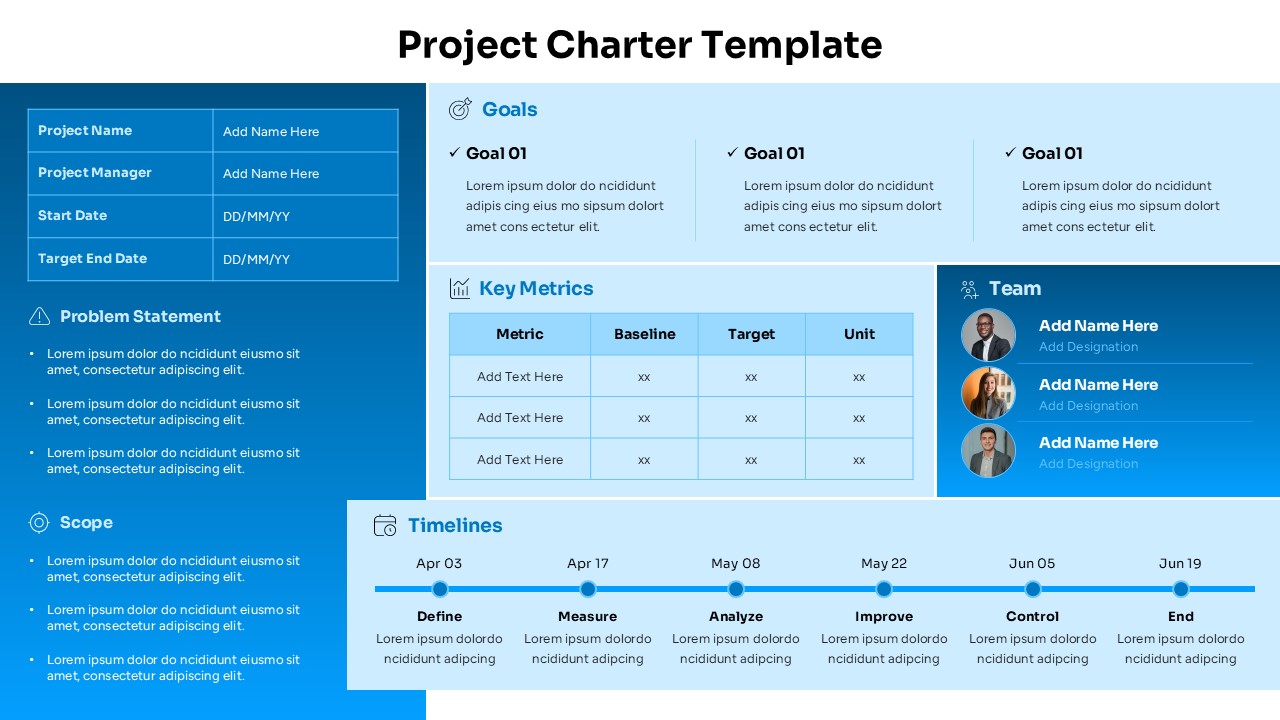
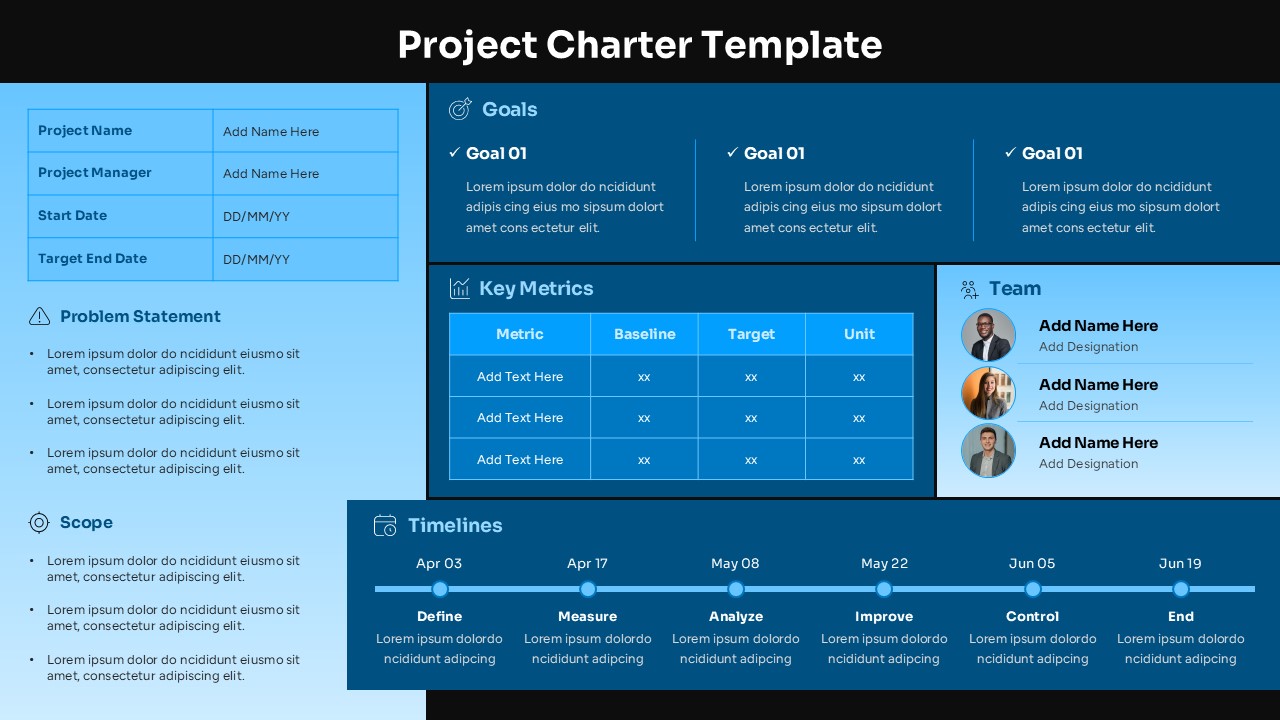
This comprehensive Project Charter template delivers everything you need to formally document and present your project foundation in a professional, structured format. Designed with a clean, modern aesthetic available in both dark navy and light blue color schemes, this template is completely editable in both Microsoft PowerPoint and Google Slides. The multi-section layout efficiently organizes all critical project information on a single slide, making it perfect for stakeholder presentations, project approval meetings, and team alignment sessions where you need to communicate project essentials clearly and concisely.
What’s Inside the Project Charter Template
The template features a well-organized layout with distinct sections including a project information table for key details like project name, manager, and dates, a comprehensive problem statement area with bullet points, detailed scope definition section, structured goals framework with three-column format, key metrics table with baseline and target columns, team roster section with profile photo placeholders, and a full-width timeline visualization spanning six project phases. The design incorporates gradient backgrounds, professional typography, and strategic use of white space to ensure excellent readability and visual appeal.
Key Features of Project Charter Template
- Complete project charter framework with all essential components
- Dual color scheme options – dark navy and light blue versions
- Six-phase timeline visualization with milestone tracking
- Team section with profile photo placeholders and role designations
- Key metrics table with baseline, target, and unit columns
- Structured problem statement and scope definition areas
- Professional gradient design with excellent readability
- Fully customizable text, colors, and layout elements
Ideal For
This template is perfect for project managers, business analysts, consultants, and team leaders across various industries who need to create formal project documentation. It’s particularly valuable for Six Sigma practitioners following DMAIC methodology, corporate project teams requiring stakeholder buy-in, consulting professionals presenting to clients, and organizations implementing structured project management approaches. Whether you’re leading digital transformation initiatives, process improvement projects, or strategic business initiatives, this template provides the professional foundation needed for successful project communication.
Slide Highlights
The template showcases a sophisticated design with carefully balanced sections that guide the eye naturally through the project information. The dark version features deep navy blue backgrounds with light blue accents and high-contrast white text for boardroom presentations, while the light version offers a softer approach with gradient blue backgrounds and plenty of white space for better screen readability. Both versions maintain professional aesthetics with modern flat design elements, subtle shadows, and strategic use of color to differentiate between sections while maintaining visual harmony throughout the comprehensive planning layout.
Compatibility & Formats
This Project Charter template is fully compatible with both Microsoft PowerPoint and Google Slides, ensuring seamless editing and presentation across different platforms. All elements including text, colors, images, and layout components are completely customizable, allowing you to adapt the template to match your organization’s branding and specific project requirements while maintaining its professional quality and structured approach.
Frequently Asked Questions
Can I customize the timeline phases in the Project Charter template?
Yes, the timeline section is fully editable. You can modify the six default phases (Define, Measure, Analyze, Improve, Control, End) to match your specific project methodology, adjust dates, and add or remove phases as needed for your project structure.
How do I add team member photos to the template?
The team section includes placeholder areas for profile photos. Simply click on the image placeholders and replace them with your team members' photos. You can also edit the name and designation text fields below each photo to reflect your actual team composition.
Is this template suitable for different project management methodologies?
Absolutely. While the template includes Six Sigma DMAIC phases by default, it's designed to be flexible for various methodologies including Agile, Waterfall, or custom frameworks. You can easily modify the timeline, sections, and terminology to align with your preferred project management approach.
Login to download this file
What do you think of this template?
Category:
Business
Aspect Ratio: 16:9
Item ID: SPT0525
Color


Related Templates
-
-
-
-
-
-
-
-
-
-
-
-
Simple Gantt Chart Planning Template for PowerPoint & Google Slides
Project Overview



