
Conclusion Slide PowerPoint & Google Slides Template

Product Description
Conclusion Slide Presentation Template
This professional conclusion slide template delivers a powerful ending to your presentations with three distinct, modern designs that effectively summarize key points and leave lasting impressions. Each layout is completely editable in both Microsoft PowerPoint and Google Slides, offering flexibility to match your brand and presentation style. The template combines sophisticated visual elements with practical functionality, making it an essential tool for wrapping up business presentations, project summaries, and strategic discussions with clarity and impact.
What’s Inside the Conclusion Slide Template
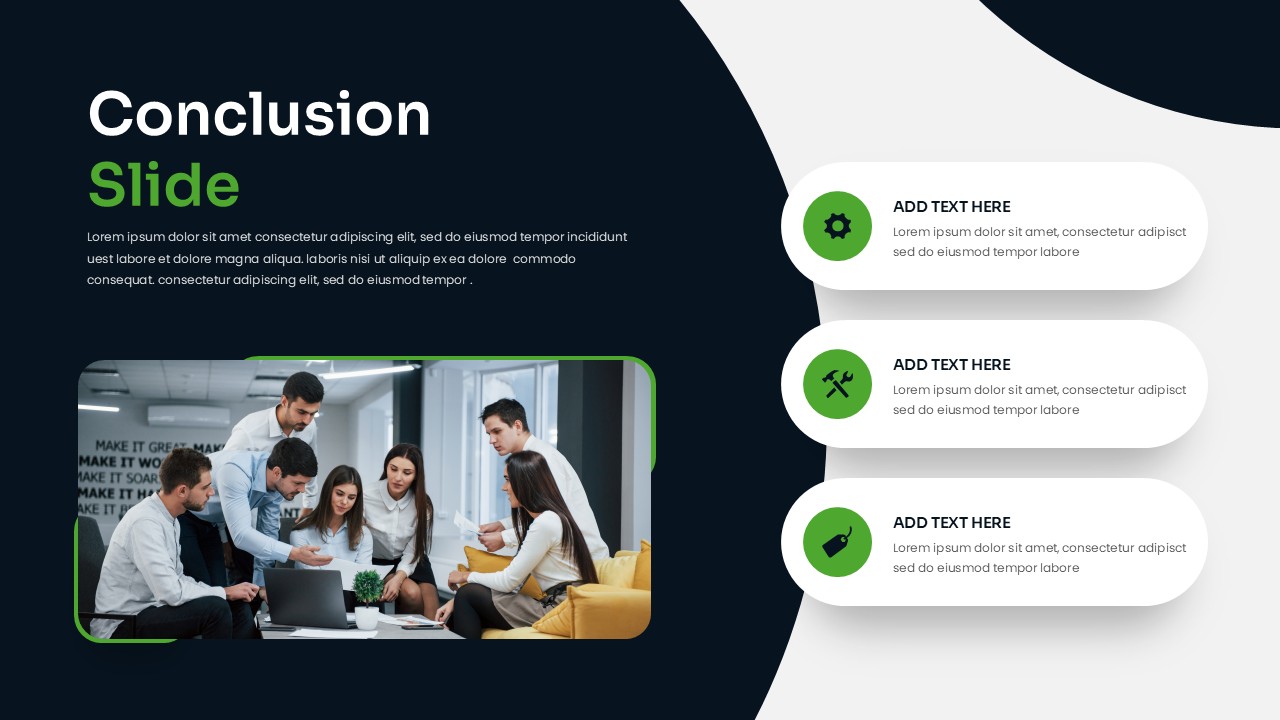
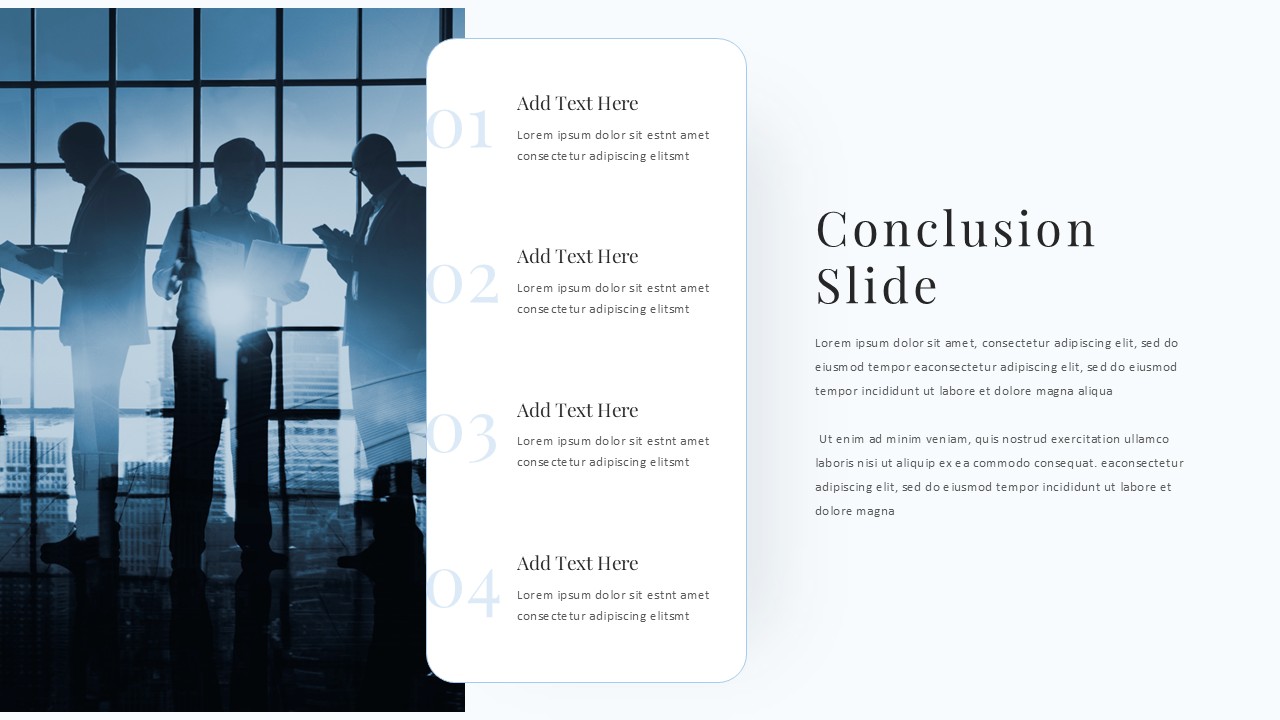
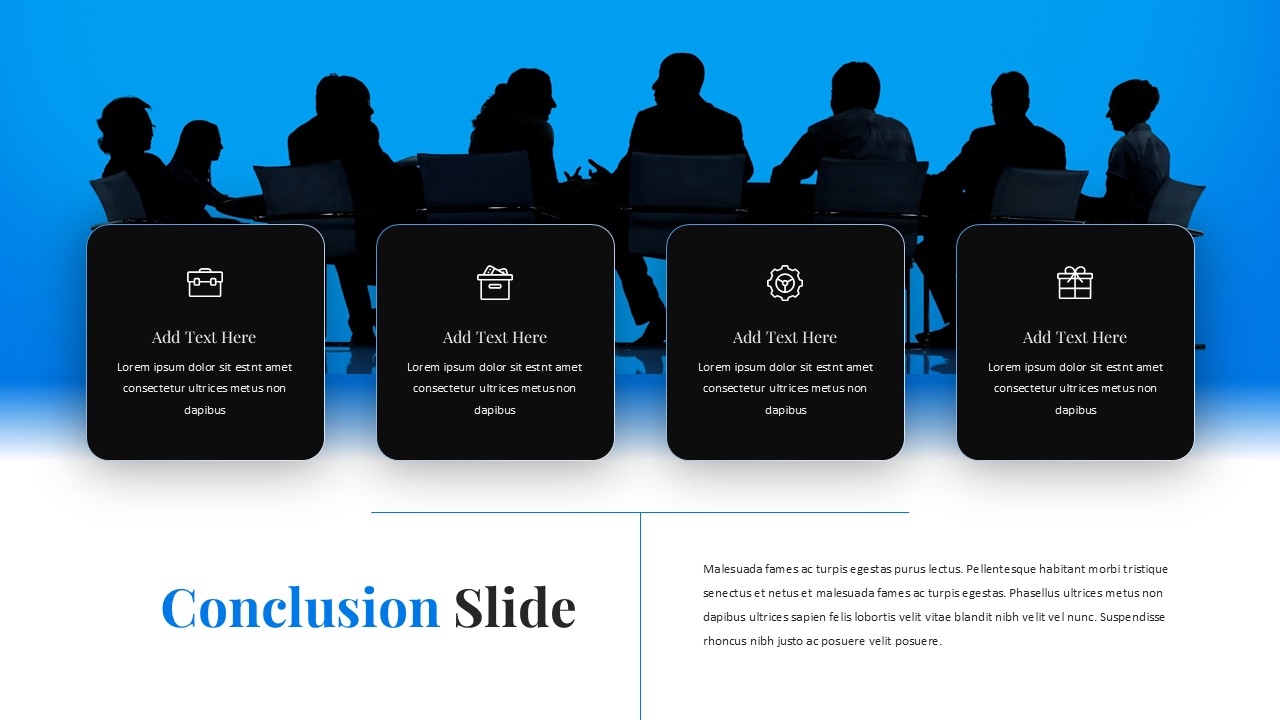
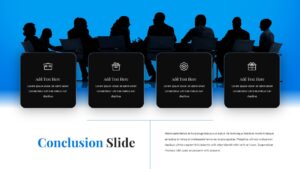
The template package includes three unique slide designs, each featuring different structural approaches to presenting conclusion content. The first design showcases an asymmetrical split-screen layout with dark navy panels and bright green accents, incorporating circular icons and team collaboration imagery. The second template presents a clean two-column format with executive silhouettes against office backgrounds, while the third offers a horizontal four-card layout with vibrant blue gradients and meeting imagery. All designs include comprehensive text placeholders, customizable color schemes, and professional iconography that supports clear content organization and visual hierarchy.
Key Features of Conclusion Slide Template
- Three distinct professional designs for varied presentation contexts
- Fully editable text placeholders and visual elements
- Modern color palettes with customizable accent colors
- High-quality business imagery and professional iconography
- Multiple content organization formats – bullet points, numbered lists, and card layouts
- Clean typography with excellent readability
- Flexible layouts adaptable to different content volumes
- Professional aesthetic suitable for corporate environments
Ideal For
These conclusion slide templates are perfect for business professionals, executives, project managers, consultants, and team leaders who need to deliver impactful presentation endings. Whether you’re conducting business strategy reviews, quarterly reports, training sessions, or client presentations, these designs provide the professional polish needed to reinforce key messages and drive action. The templates work exceptionally well for corporate meetings, conference presentations, academic summaries, and any scenario where synthesizing information and providing clear takeaways is essential.
Slide Highlights
Each slide features sophisticated color combinations including navy blue, professional green accents, and clean white backgrounds that create visual depth and maintain audience engagement. The designs incorporate modern elements like curved dividing lines, rounded corners, and strategic use of negative space that enhances readability. High-quality business imagery showing team collaboration, executive meetings, and professional environments adds credibility and context. The corporate aesthetic is enhanced through consistent typography, well-balanced layouts, and subtle design elements that direct attention to your conclusion content without overwhelming the message.
Compatibility & Formats
All slides are fully compatible with Microsoft PowerPoint and Google Slides, ensuring seamless editing across platforms. Every element including text, colors, images, and layouts can be customized to match your specific presentation needs and brand guidelines. The templates maintain professional quality and formatting consistency when shared or presented across different devices and software versions.
Frequently Asked Questions
Can I customize the colors and images in these conclusion slide templates?
Yes, all elements in these conclusion slide templates are fully customizable. You can change colors, replace images, modify text, and adjust layouts to match your brand guidelines and presentation requirements in both PowerPoint and Google Slides.
Which conclusion slide design works best for executive presentations?
The second template with executive silhouettes and office backgrounds is particularly well-suited for executive presentations and board meetings. However, all three designs maintain a professional aesthetic appropriate for high-level business communications.
How many key points can I include in each conclusion slide design?
The templates are designed to accommodate 3-4 key conclusion points optimally. The first design works well with three points, the second handles up to four numbered items, and the third template features four card sections, though you can adjust these based on your content needs.
Login to download this file
What do you think of this template?
Category:
Business
Aspect Ratio: 16:9
Item ID: SPT0658
Color


Related Templates
-
-
-
-
-
-
-
-
Balanced Scorecard Circle Template for PowerPoint & Google Slides
Business Strategy
-
-
-
-



