
Weekly Work Report PowerPoint & Google Slides Template
Product Description
Weekly Work Report Template
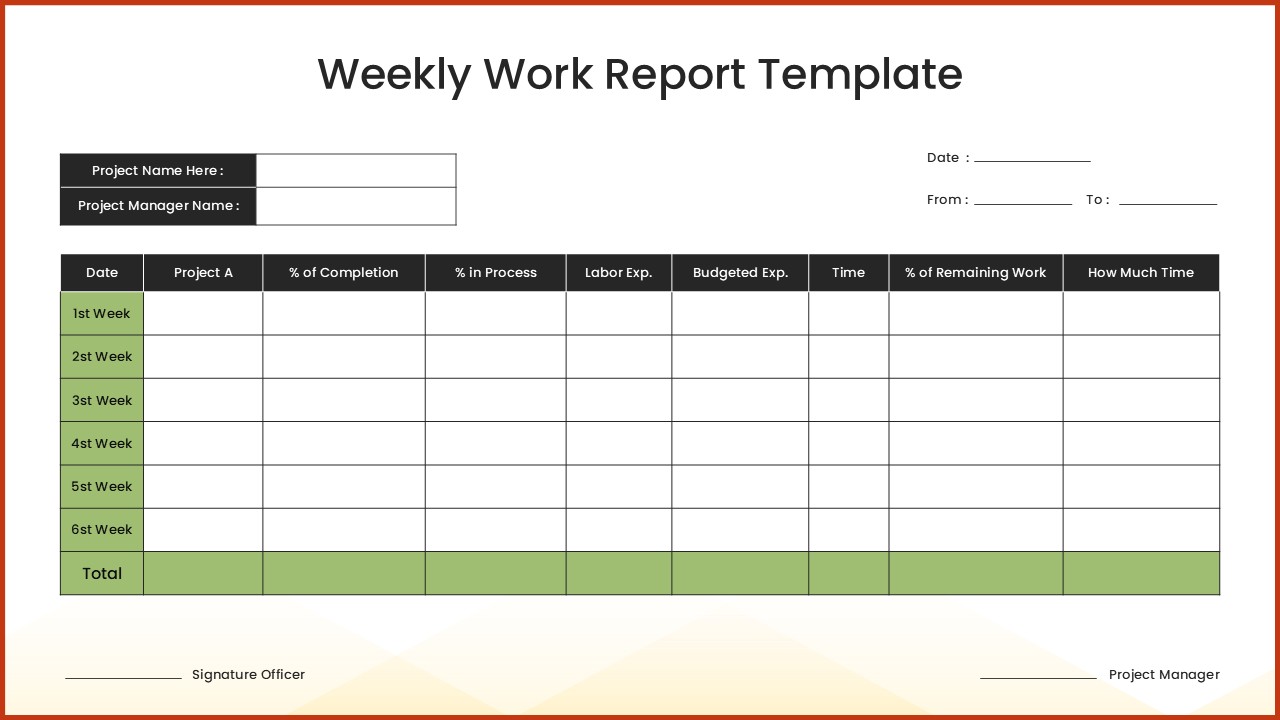
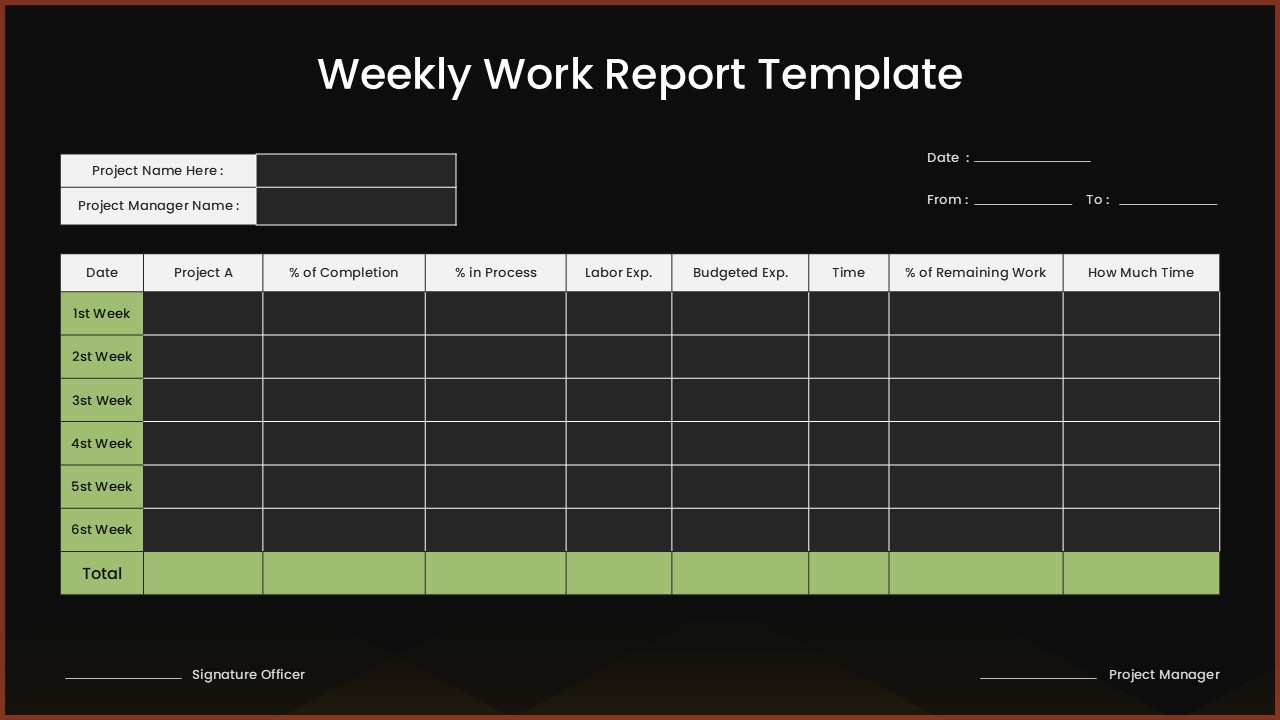
This professional weekly work report template offers a comprehensive solution for tracking project progress, budget allocation, and completion percentages over a six-week period. The template features a clean, tabular design with both light and dark theme variations, making it perfect for formal project presentations and stakeholder reporting. Completely editable in both Microsoft PowerPoint and Google Slides, this template streamlines your weekly reporting process with organized data visualization and professional formatting that enhances clarity and communication effectiveness.
What’s Inside the Weekly Work Report Template
The template includes two professionally designed slides featuring a comprehensive 9-column tracking system with dedicated fields for project identification, date ranges, and weekly progress monitoring. Each slide contains a structured table with six weekly intervals plus a totals summary row, signature sections for project authorization, and clearly defined columns for completion percentages, budget expenditures, time allocation, and remaining work calculations. The light theme version features a cream background with green gradient headers, while the dark theme offers a modern charcoal background with high contrast elements, both framed by distinctive orange accent borders.
Key Features of Weekly Work Report Template
- Comprehensive 9-column tracking system for detailed project monitoring
- Dual theme options with professional light and dark color schemes
- Six-week tracking periods with automatic totals calculation row
- Built-in signature sections for project manager and officer approval
- Percentage tracking for completion, process status, and remaining work
- Budget and labor expense monitoring capabilities
- Clear column headers and alternating row colors for enhanced readability
- Professional tabular layout suitable for formal business documentation
Ideal For
This template is perfectly suited for project managers, team leaders, department heads, and business professionals who need to provide regular progress updates to stakeholders, clients, or senior management. It serves consulting firms tracking multiple project deliverables, construction companies monitoring weekly milestones, and any organization requiring structured project management reporting. The formal design makes it ideal for corporate environments, government agencies, and professional service providers who need to maintain detailed project documentation and accountability.
Slide Highlights
The template showcases a sophisticated design with carefully balanced visual elements that promote easy data entry and review. The light version features soothing green gradient column headers against a clean white background, while the dark version provides a modern aesthetic with high contrast white text on charcoal backgrounds. Both versions maintain the distinctive orange border accent that frames the entire report, creating a professional appearance. The alternating row colors and clear cell divisions ensure excellent readability, while the structured layout guides users through logical data entry from project identification through budget tracking and completion metrics.
Compatibility & Formats
This weekly work report template is fully compatible with both Microsoft PowerPoint and Google Slides, ensuring seamless editing and collaboration across different platforms. All text fields, colors, borders, and formatting elements are completely customizable, allowing you to adapt the template to match your organization’s branding and specific reporting requirements while maintaining the professional quality and structured approach to project tracking.
Frequently Asked Questions
Can I customize the number of weeks tracked in this weekly work report template?
Yes, the template is fully editable, allowing you to add or remove weekly rows as needed. You can easily modify the table structure to track projects for different time periods while maintaining the professional formatting and calculation capabilities.
Are both the light and dark theme versions included in the download?
Yes, this template package includes both the light theme version with cream background and green headers, as well as the dark theme version with charcoal background and high contrast elements, giving you flexibility in presentation style.
How do I calculate the totals row in the weekly work report template?
The template includes a designated totals row at the bottom of the tracking table. You can input your own calculations or use PowerPoint and Google Slides' built-in formula functions to automatically sum columns like labor expenses, budgeted expenses, and time tracking for comprehensive project oversight.
Login to download this file
What do you think of this template?
Category:
Project
Aspect Ratio: 16:9
Item ID: SPT0719
Color


Related Templates
-
-
-
Project Status Report Google Slides & PowerPoint Template
Business Reports
-
-
-
-
-
-
-
-
-



