
Free Blank Pyramid Template with 5 Levels for PowerPoint & Google Slides
Product Description
Blank Pyramid Diagram with 5 Levels
This professionally designed 5-level pyramid template offers a powerful visual solution for presenting hierarchical information, organizational structures, and step-by-step processes. The template features a modern gradient design with extending horizontal banners that create ample space for detailed content. Completely editable in both Microsoft PowerPoint and Google Slides, this template transforms complex hierarchical data into engaging visual presentations that capture audience attention and improve information retention.
What’s Inside the Blank Pyramid Template
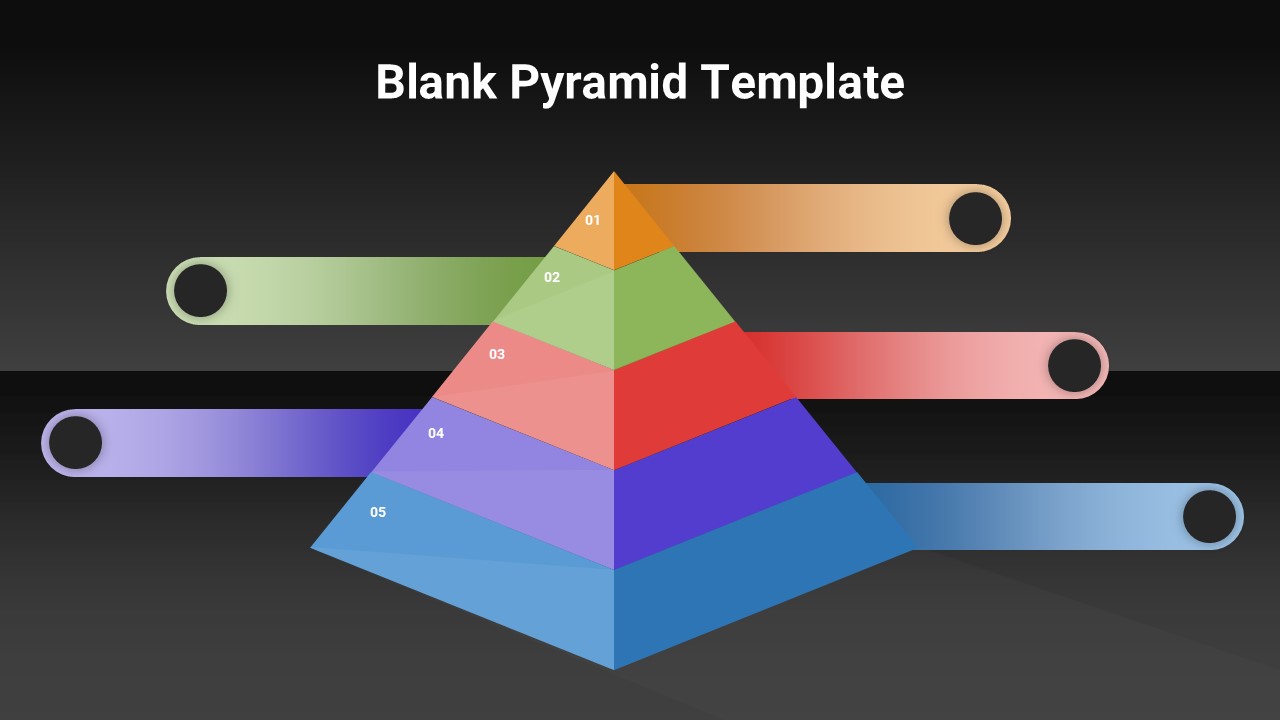
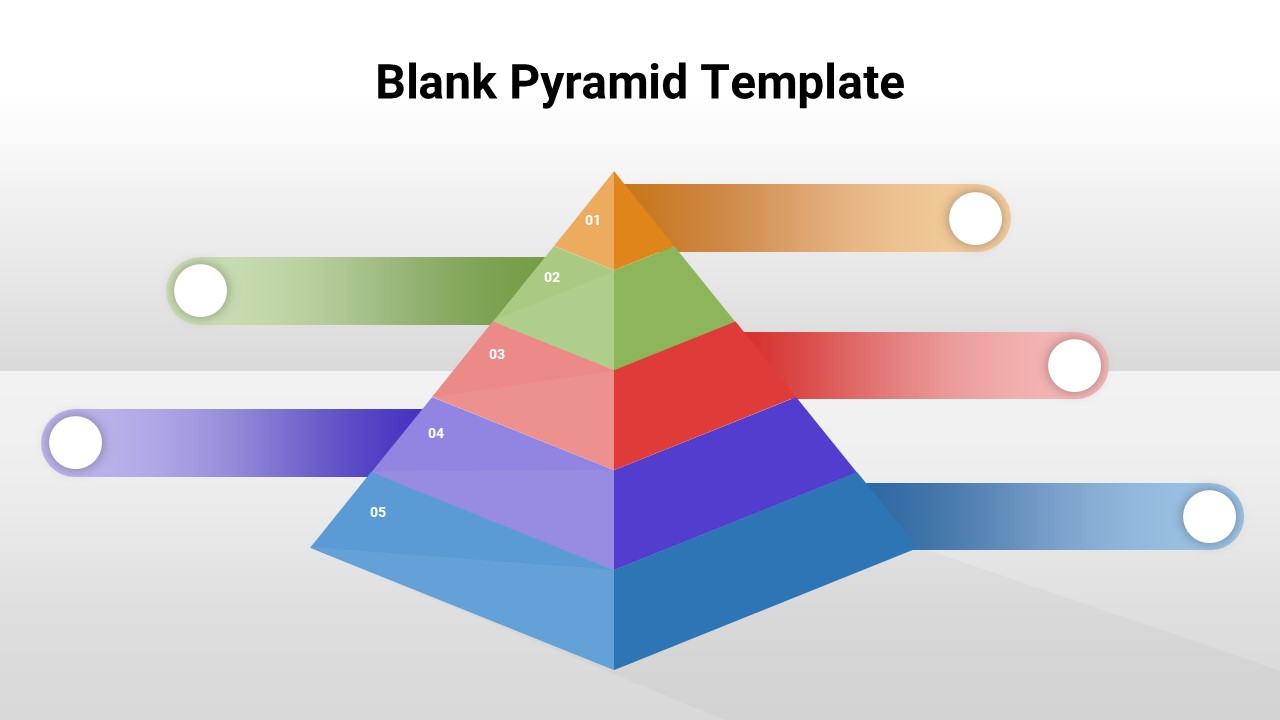
The template includes two complementary slide variations featuring identical 5-level pyramid structures with extending callout banners. Each pyramid level displays vibrant gradient colors progressing from orange at the top through green, red, purple, and blue at the base. The design incorporates white circular placeholders for icons or graphics, numbered levels (01-05), and spacious horizontal extensions for comprehensive text content. One slide features a light background while the second offers a dramatic dark theme, providing flexibility for different presentation styles and corporate branding requirements.
Key Features of Blank Pyramid Template
- Two slide variations with light and dark background themes
- 5-level hierarchical pyramid structure with numbered segments
- Vibrant gradient color scheme with professional visual appeal
- Extending horizontal banners for detailed content placement
- Circular placeholders for custom icons or graphics
- 3D pyramid effect with depth and shadowing for visual impact
- 16:9 aspect ratio optimized for modern presentation displays
- Fully customizable colors, text, and design elements
Ideal For
This template is perfect for business professionals, consultants, educators, and project managers who need to present layered information structures. It works exceptionally well for business strategy presentations showcasing priority levels, organizational hierarchies, skill development frameworks, or process flows. The versatile design suits marketing professionals presenting customer journey stages, HR teams outlining career progression paths, and trainers delivering content about priority management or goal-setting methodologies.
Slide Highlights
The template showcases a stunning gradient color progression that guides the eye naturally from top to bottom, while the 3D pyramid effect adds professional depth to your presentations. Clean typography combines with the symmetrical layout to ensure excellent readability across all presentation environments. The extending banner design creates natural content zones that prevent overcrowding while maintaining visual balance. Both light and dark theme options provide versatility for different presentation contexts, whether you’re presenting in bright conference rooms or dimmed auditoriums where pyramid diagrams need high contrast visibility.
Compatibility & Formats
This template is fully compatible with both Microsoft PowerPoint and Google Slides, ensuring seamless editing capabilities across all platforms. Every element including colors, text, shapes, and layout can be customized to match your specific presentation needs and brand guidelines, maintaining professional quality throughout your modifications.
Frequently Asked Questions
Can I customize the colors of each pyramid level?
Yes, all colors in the template are fully customizable. You can easily change the gradient colors of each pyramid level to match your brand colors or presentation theme in both PowerPoint and Google Slides.
What type of content works best with this 5-level pyramid template?
This template is ideal for presenting hierarchical information such as organizational structures, priority rankings, process flows, skill levels, strategic planning stages, or any content that follows a top-down approach like Maslow's hierarchy of needs.
How do I add icons to the circular placeholders?
You can easily insert icons into the circular placeholders by selecting the circle, then inserting images, icons, or shapes from PowerPoint or Google Slides. The placeholders are designed to accommodate various graphic elements while maintaining the overall design balance.
Login to download this file
What do you think of this template?
Category:
Business
Aspect Ratio: 16:9
Item ID: SPT0681
Color


Related Templates
-
-
-
-
-
-
-
Puzzle Piece PowerPoint & Google Slides Template
Business Strategy
-
-
-
-
-



