
Partnership Slide PowerPoint & Google Slides Template
Product Description
Partnership Slides for Presentations
This Partnership Slide template delivers a comprehensive visual framework for presenting business collaborations and joint ventures with professional clarity. The template features both light and dark theme variants, allowing you to choose the perfect aesthetic for your presentation context. Completely editable in both Microsoft PowerPoint and Google Slides, this template transforms complex partnership agreements into easily digestible visual content that resonates with stakeholders, investors, and team members alike.
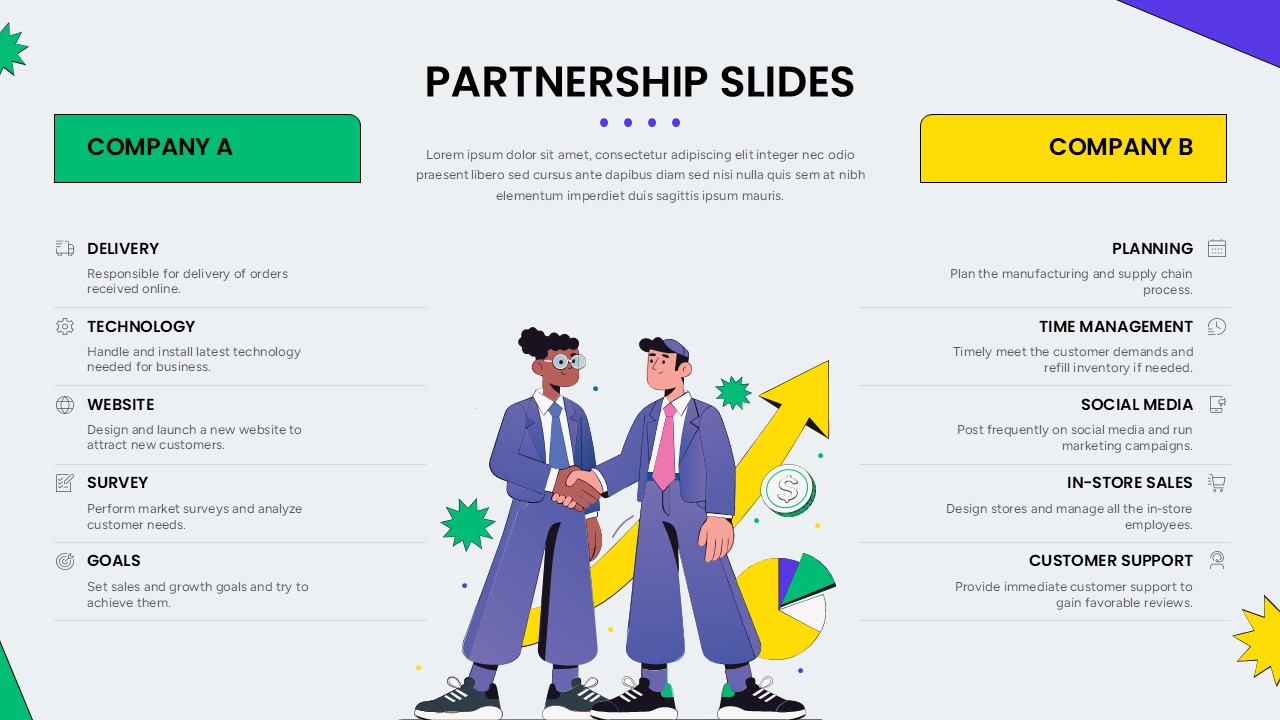
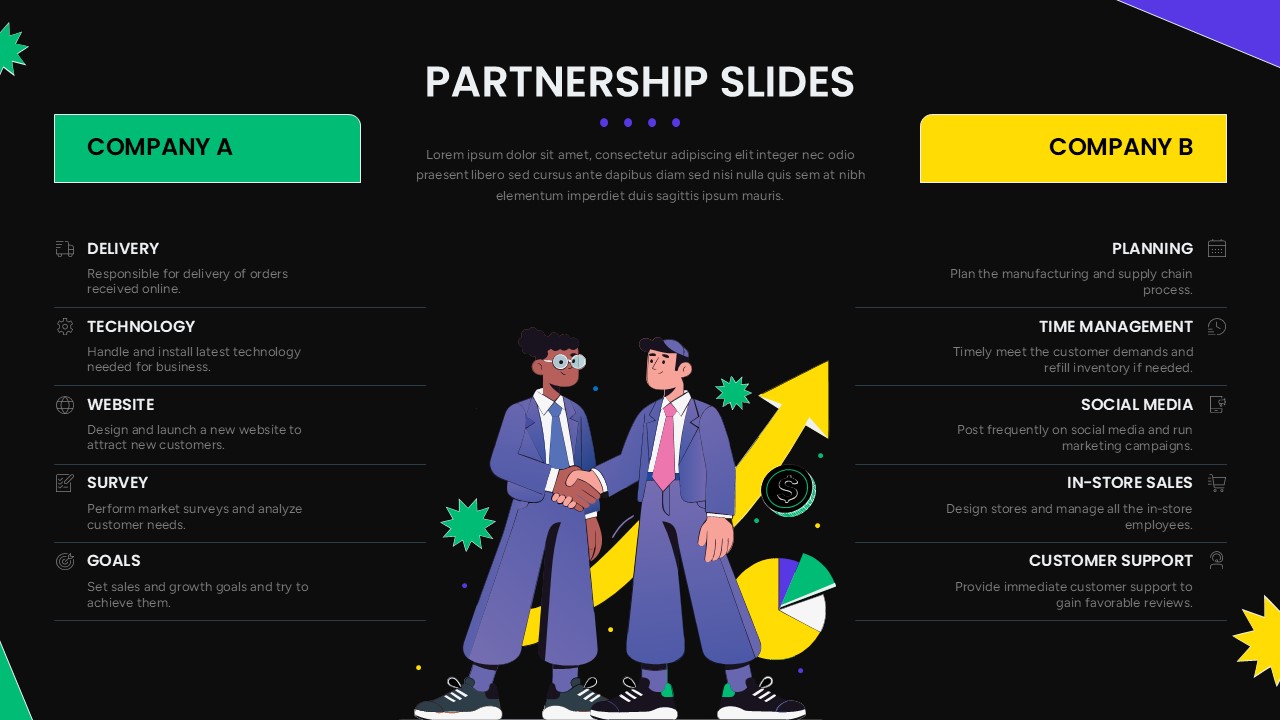
The visual design combines sophisticated color palettes with intuitive information architecture. The light theme offers clean professionalism with gray backgrounds and colorful accents, while the dark theme provides premium sophistication with enhanced contrast. Central illustrations feature contemporary business figures in partnership poses, surrounded by growth symbols and analytical elements. The responsibility sections use clear categorization with functions like delivery, technology, planning, and customer support, each accompanied by descriptive text areas that maintain excellent readability across both themes.
What’s Inside the Partnership Slide Template
The template includes two carefully crafted slides featuring identical layouts in contrasting themes. Each slide showcases a symmetrical design with a central partnership illustration flanked by detailed responsibility matrices. The visual hierarchy flows from header sections through company identification areas to comprehensive role breakdowns. Vibrant accent colors in green, yellow, and purple create visual distinction while maintaining professional appeal. The design incorporates diverse business illustrations, growth arrows, and analytical icons that support your partnership narrative with engaging visual storytelling.
Key Features of Partnership Slide Template
- Dual theme options with light and dark background variants
- Central handshake illustration with diverse character representation
- Structured responsibility matrices for clear role definition
- Vibrant color coding system for company differentiation
- Growth-focused visual elements including trending arrows and charts
- Modern flat design aesthetic with decorative geometric accents
- Comprehensive text placeholders for detailed partnership descriptions
- Professional layout suitable for boardroom and team presentations
Ideal For
This template serves business development managers, partnership coordinators, executives, and consultants who need to present collaborative arrangements effectively. It’s particularly valuable for startups exploring joint ventures, established companies forming strategic alliances, and consulting professionals who facilitate partnership agreements. The template works excellently for investor meetings, internal strategy sessions, stakeholder briefings, and partnership proposal presentations where clear role delineation and professional presentation quality are essential.
Compatibility & Formats
Fully compatible with Microsoft PowerPoint and Google Slides, this template ensures seamless editing across platforms. All text elements, colors, shapes, and illustrations are completely customizable, allowing you to adapt the content to your specific business development needs while maintaining the professional design integrity that makes your partnership presentations memorable and impactful.
Frequently Asked Questions
Can I customize the company roles and responsibilities shown in the partnership template?
Yes, all text elements including company names, roles, and responsibility descriptions are fully editable. You can modify the partnership functions, add or remove responsibilities, and customize the content to match your specific business collaboration requirements.
Does the template work for partnerships involving more than two companies?
While the template is designed for two-company partnerships, you can adapt it for multi-party collaborations by duplicating sections or modifying the layout. The flexible design allows you to expand the responsibility matrices to accommodate additional partners.
Which theme should I choose for my partnership presentation?
The light theme works well for daytime presentations, client meetings, and traditional business environments. The dark theme is ideal for evening presentations, modern corporate settings, or when you want to create a more premium, sophisticated impression with your audience.
Login to download this file
What do you think of this template?
Category:
Consulting
Aspect Ratio: 16:9
Item ID: SPT0529
Color


Related Templates
-
-
-
-
SOAR Analysis Google Slides & PowerPoint Template
Business Strategy
-
Stage Gate Process Google Slides & PowerPoint Template
Business Strategy
-
-
-
-
-
Dupont Bradley Curve PowerPoint & Google Slides Template
Business Strategy
-
30-60-90 Day Executive Plan Template Google Slides & PowerPoint Template
Business Strategy
-



