
Go No Go Decision Template PowerPoint & Google Slides Template

Product Description
Go No Go Decision Template
This professional Go No Go Decision Template provides a clear, structured framework for making critical strategic decisions in your organization. Completely editable in both Microsoft PowerPoint and Google Slides, the template features a modern two-column matrix design with vibrant color coding that helps teams systematically evaluate options and reach informed conclusions. This template transforms complex decision-making processes into visually compelling presentations that engage stakeholders and facilitate productive discussions.
What’s Inside the Go No Go Decision Template
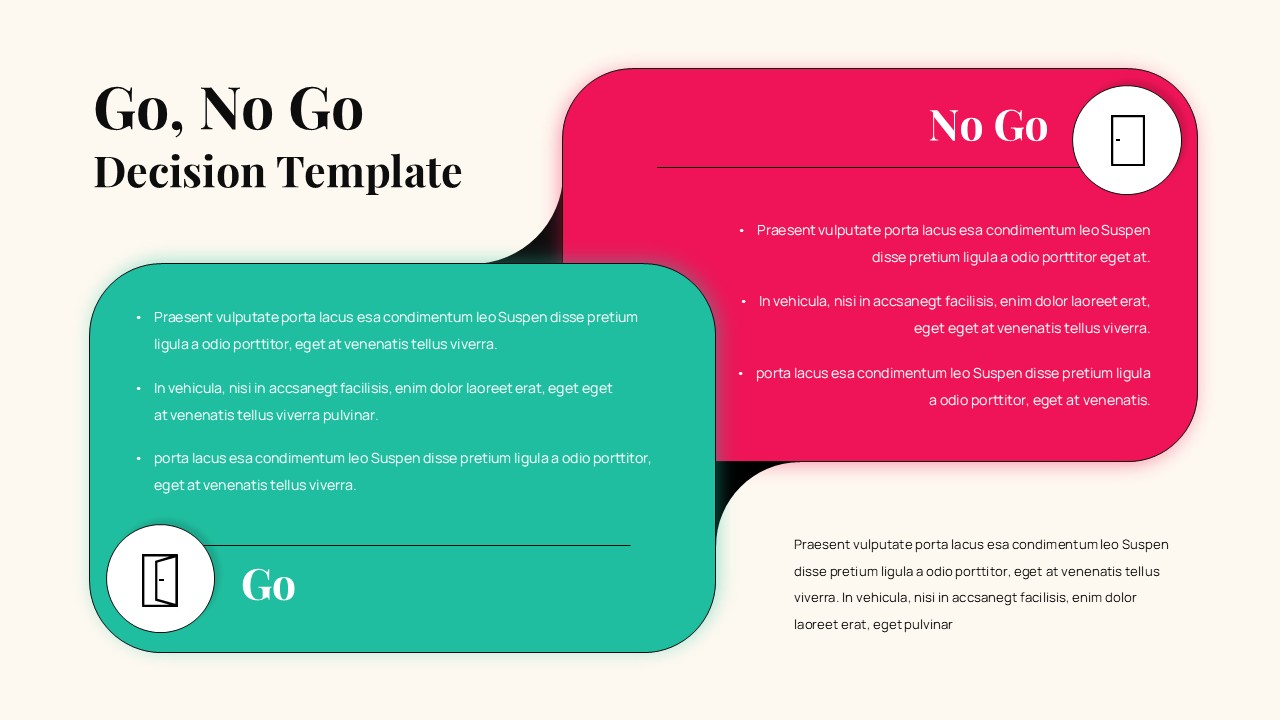
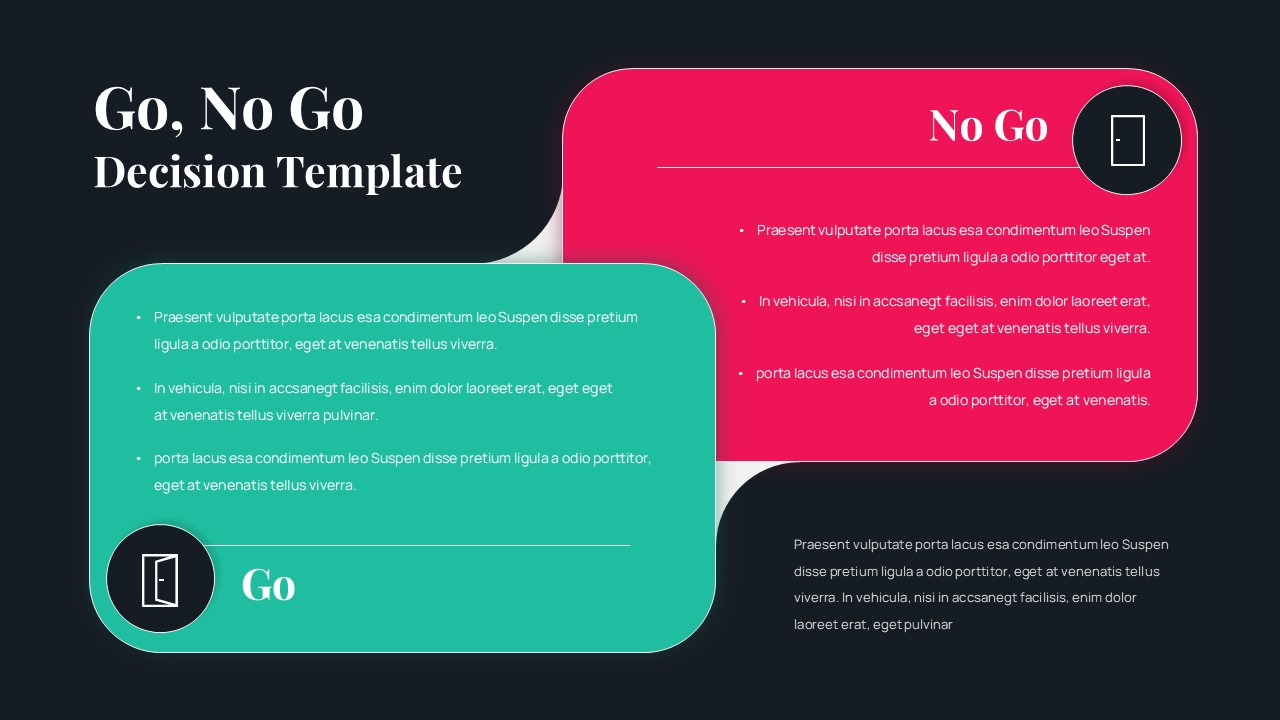
The template includes 2 expertly designed slides featuring both light and dark background versions to suit different presentation environments. Each slide showcases overlapping rounded rectangle cards with distinct color zones – a teal green “Go” section and a bright magenta “No Go” section. The layout incorporates circular icon badges, multiple bullet-point placeholders for criteria listing, and an additional gray summary section for contextual information. The design supports extensive customization while maintaining professional visual hierarchy and clear decision-making structure.
Key Features of Go No Go Decision Template
- Two presentation versions with light and dark backgrounds
- Color-coded decision matrix with clear Go/No Go sections
- Modern card-based layout with rounded corners and subtle shadows
- Multiple bullet-point placeholders for detailed criteria
- Circular icon badges for visual enhancement
- Additional summary text area for context and conclusions
- High contrast design for excellent readability
- Fully editable text, colors, and graphics
Ideal For
This template is perfect for executives, project managers, business analysts, and strategic planners who need to present critical decisions to stakeholders. It’s particularly valuable for business strategy meetings, investment committees, product development teams, and consulting professionals who regularly facilitate decision-making processes. The structured format helps organizations make data-driven choices while ensuring all relevant factors are properly evaluated and communicated.
Slide Highlights
The visual design features a sophisticated color palette combining professional teal and vibrant magenta against clean backgrounds that enhance readability. The overlapping card layout creates visual depth while maintaining clear separation between decision criteria. Icons are housed in circular badges that add professional polish, while the typography hierarchy guides viewers through the decision making framework logically. The dark version offers enhanced contrast for boardroom environments, while the light version provides versatility for various presentation settings.
Compatibility & Formats
This template is fully compatible with both Microsoft PowerPoint and Google Slides, ensuring seamless editing and presentation across platforms. All elements including text, colors, shapes, and icons are completely customizable to match your brand guidelines and specific decision-making criteria. The professional design maintains its visual impact whether presented on screens or printed materials.
Frequently Asked Questions
Can I customize the decision criteria in both Go and No Go sections?
Yes, all text placeholders in both sections are fully editable. You can replace the sample content with your specific decision criteria, add or remove bullet points, and adjust the text formatting to match your needs.
Are both light and dark versions included in the template?
Yes, the template includes both light and dark background versions of the decision matrix. This gives you flexibility to choose the version that best suits your presentation environment and audience preferences.
Can I change the colors of the Go and No Go sections?
Absolutely! All colors in the template are fully customizable. You can modify the teal and magenta sections to match your company branding or personal preferences while maintaining the clear visual distinction between sections.
Login to download this file
What do you think of this template?
Category:
Business
Aspect Ratio: 16:9
Item ID: SPT0590
Color


Related Templates
-
Yes No Decision Flow Diagram Template for PowerPoint & Google Slides
Business Strategy
-
-
-
-
-
Harvey Balls Google Slides & PowerPoint Template
Business Strategy
-
Cost Benefit Analysis Matrix Google Slides & PowerPoint Template
Business Strategy
-
SOAR Analysis Google Slides & PowerPoint Template
Business Strategy
-
-
Puzzle Piece PowerPoint & Google Slides Template
Business Strategy
-
Dupont Bradley Curve PowerPoint & Google Slides Template
Business Strategy
-



