
Zig Zag Timeline PowerPoint & Google Slides Template
Product Description
Zig Zag Timeline Presentation Template
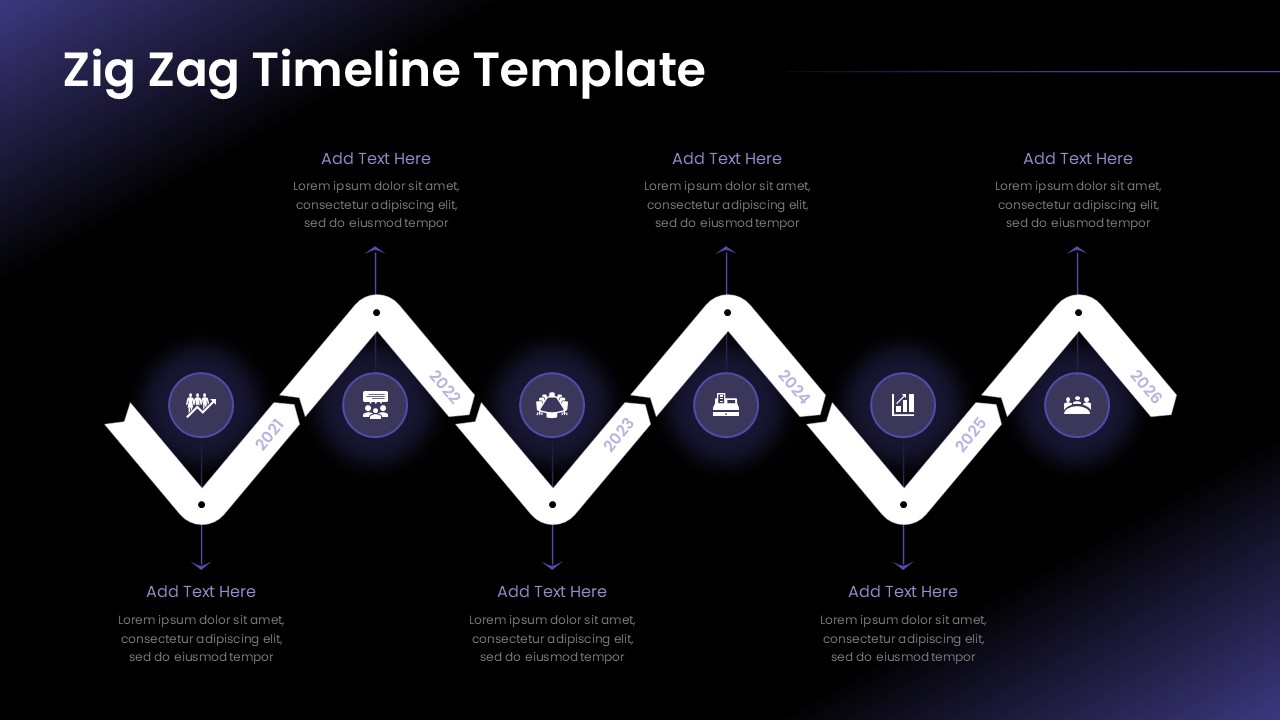
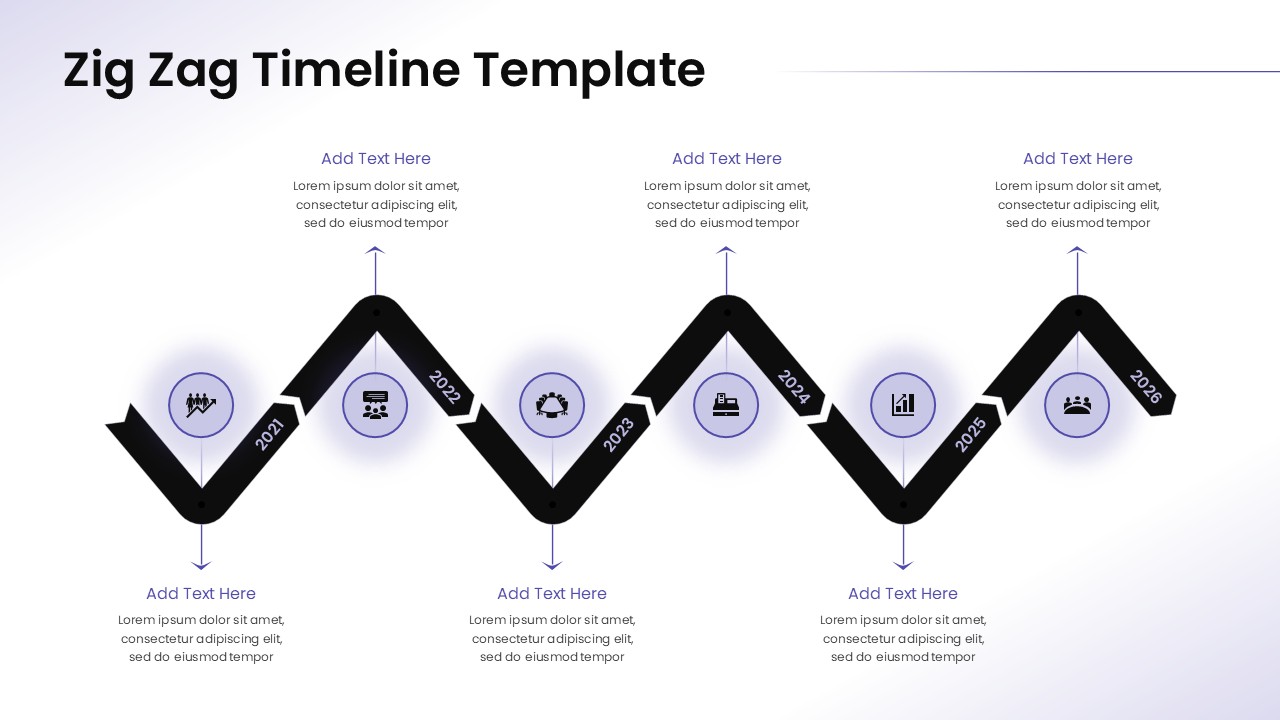
This professional zig zag timeline template delivers a dynamic visual approach to presenting chronological information and project milestones. The template features a striking horizontal zigzag design that guides viewers through your timeline with engaging diamond-shaped milestone markers and circular icon placeholders. Completely editable in both Microsoft PowerPoint and Google Slides, this template transforms standard timeline presentations into visually compelling narratives that capture and maintain audience attention throughout your presentation.
What’s Inside the Zig Zag Timeline Template
The template includes two professionally designed slides featuring a six-year timeline structure spanning 2021-2026. Each slide showcases three diamond milestone points connected by a dynamic zigzag path, complemented by six circular icon placeholders positioned above and below the timeline. The design incorporates spacious text areas with clear headers and placeholder content, allowing for comprehensive milestone descriptions. One slide features a dramatic dark gradient background with purple accents, while the second offers a clean light background version, providing flexibility for different presentation contexts and brand requirements.
Key Features of Zig Zag Timeline Template
- Two distinct color variations – dark gradient and light minimal versions
- Six-year timeline structure with customizable year markers
- Three prominent diamond-shaped milestone indicators
- Six circular icon placeholders for visual enhancement
- Symmetrical layout with balanced text positioning
- Professional gradient effects and subtle shadows
- Fully editable text, colors, and graphic elements
- 16:9 aspect ratio optimized for modern displays
Ideal For
This template serves project managers, business strategists, consultants, and executives who need to present multi-year roadmaps, strategic initiatives, or company evolution timelines. Perfect for business strategy presentations, annual planning sessions, investor pitches, and project milestone reviews. The professional design appeals to corporate audiences while remaining accessible for educational institutions, startups, and organizations planning long-term initiatives or tracking progress across extended timeframes.
Slide Highlights
The template showcases a sophisticated purple and white color palette with striking visual contrast between the two slide variations. The zigzag pathway creates natural visual flow while diamond milestone markers serve as prominent anchor points for key achievements or deadlines. Circular icons feature subtle glowing effects in the dark version and elegant shadows in the light version. The typography maintains excellent readability with clear hierarchy, while the overall design balances modern aesthetics with functional timeline presentation requirements.
Compatibility & Formats
Designed for seamless compatibility with both Microsoft PowerPoint and Google Slides, this template ensures consistent presentation quality across platforms. All graphic elements, text formatting, colors, and effects remain fully editable, allowing complete customization to match your brand guidelines and content requirements while maintaining the professional design integrity.
Frequently Asked Questions
Can I customize the years shown on the zig zag timeline?
Yes, all year markers on the timeline are fully editable. You can easily change the years from the default 2021-2026 range to any timeframe that suits your project or presentation needs.
Are the circular icons replaceable with my own graphics?
Absolutely. The six circular icon placeholders can be customized with your own icons, logos, or graphics. You can also change their colors and sizes to match your brand guidelines or presentation theme.
Which slide version should I use for my presentation?
Choose the dark gradient version for dramatic impact and modern tech presentations, or select the light background version for corporate environments and formal business meetings. Both versions contain identical content structure and functionality.
Login to download this file
What do you think of this template?
Category:
Business Strategy
Aspect Ratio: 16:9
Item ID: SPT0611
Color


Related Templates
-
-
-
Product Roadmap Google Slides & PowerPoint Template
Business Strategy
-
-
Stage Gate Process Google Slides & PowerPoint Template
Business Strategy
-
-
-
Data Strategy Roadmap Template for PowerPoint & Google Slides
Project Management
-
-
Migration Plan Process Presentation Template for PowerPoint & Google Slides
Project Management
-
-



