
Editable Concept Map Template for PowerPoint & Google Slides Presentation
Product Description
Concept Map Presentation Template
This professional concept map template helps you visualize complex relationships and organize ideas into a clear, hierarchical structure that enhances understanding and engagement. The template is completely editable in both Microsoft PowerPoint and Google Slides, allowing you to customize every element to match your specific needs. Perfect for educational presentations, brainstorming sessions, and strategic planning, this versatile design transforms abstract concepts into digestible visual information that audiences can easily follow and comprehend.
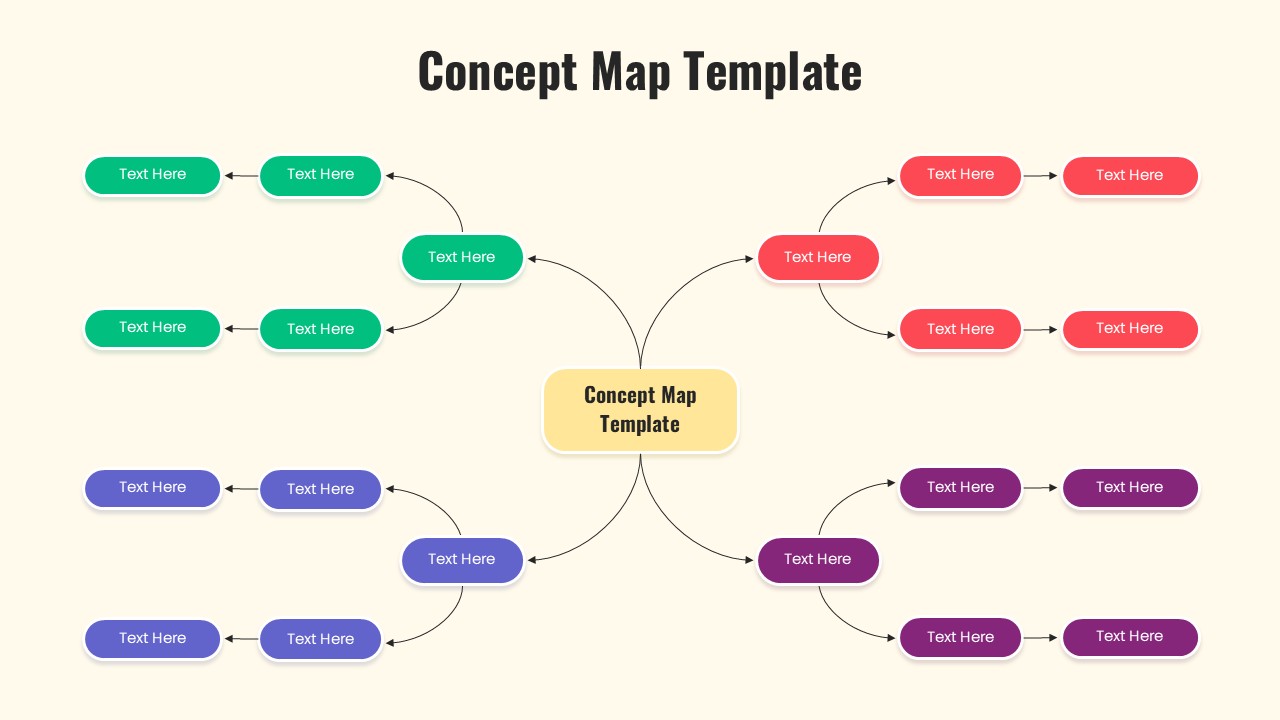
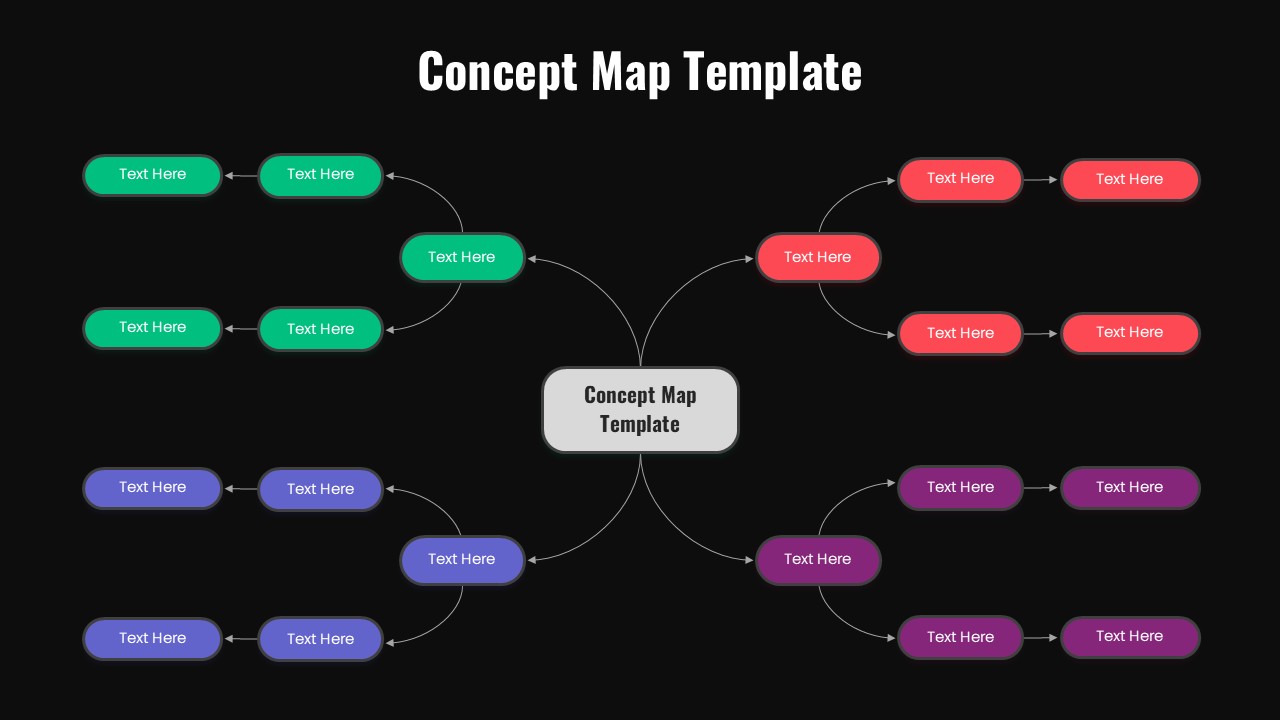
The template features a sophisticated hub-and-spoke design with vibrant color coding across four distinct branches – emerald green, coral red, purple-blue, and deep purple. Each branch extends from a central focal point with connecting arrows that clearly illustrate relationships between concepts. The design includes both light cream and dark black background options, providing flexibility for different presentation themes while maintaining excellent readability and visual impact throughout your content.
What’s Inside Our Concept Map Template
This comprehensive template contains 2 professionally designed slides with identical layouts in contrasting background styles. The structure includes 16 strategically placed text placeholders arranged in a symmetrical pattern, with 4 main branches each containing 2 sub-branches. The central hub serves as your primary concept, while rounded rectangular boxes and connecting arrows create a logical flow of information. The color-coded system helps differentiate between topics while maintaining visual cohesion across your entire presentation.
Key Features of This Concept Map Template
- Hub-and-spoke design with central focal point and 4 main branches
- 16 fully editable text placeholders for comprehensive content organization
- Dual background options – light cream and dark black variations
- Four-color coding system for easy topic differentiation
- Connecting arrows showing clear relationships between concepts
- Professional rounded rectangular text boxes for modern appearance
- Symmetrical layout ensuring balanced visual presentation
- Hierarchical structure supporting complex information organization
Ideal For
This template is perfect for educators developing curriculum materials, trainers conducting workshops, and consultants facilitating strategic planning sessions. Business professionals can leverage these diagram templates for project planning, process visualization, and team brainstorming activities. Students and researchers will find it invaluable for organizing study materials, thesis planning, and academic presentations where complex relationships need clear visual representation.
Compatibility & Formats
Designed for seamless compatibility with both Microsoft PowerPoint and Google Slides, this template ensures all elements are fully editable including text, colors, and shapes. The professional 16:9 aspect ratio delivers crisp, clear visuals whether you’re presenting on screens, projectors, or sharing digitally, making it an excellent choice for mind mapping presentations across various professional and educational settings.
Frequently Asked Questions
How many text placeholders are included in this concept map template?
The template includes 16 fully editable text placeholders arranged in a hub-and-spoke design with a central concept box and 4 main branches, each containing 2 sub-branches for comprehensive content organization.
Can I change the colors of the different branches in the concept map?
Yes, all colors are completely customizable. You can modify the four-color coding system (emerald green, coral red, purple-blue, and deep purple) to match your brand colors or presentation theme in both PowerPoint and Google Slides.
What's the difference between the two slides included in this template?
The template includes two slides with identical layouts but different background styles - one with a light cream background and another with a dark black background, giving you flexibility to choose the option that best fits your presentation theme.
Login to download this file
What do you think of this template?
Category:
Business
Aspect Ratio: 16:9
Item ID: SPT0637
Color


Related Templates
-
-
-
-
-
-
-
-
-
-
-
Puzzle Piece PowerPoint & Google Slides Template
Business Strategy
-



