
4 Step Hub and Spoke Diagram Editable in PowerPoint & Google Slides

Product Description
4 Step Hub & Spoke Presentation Diagram
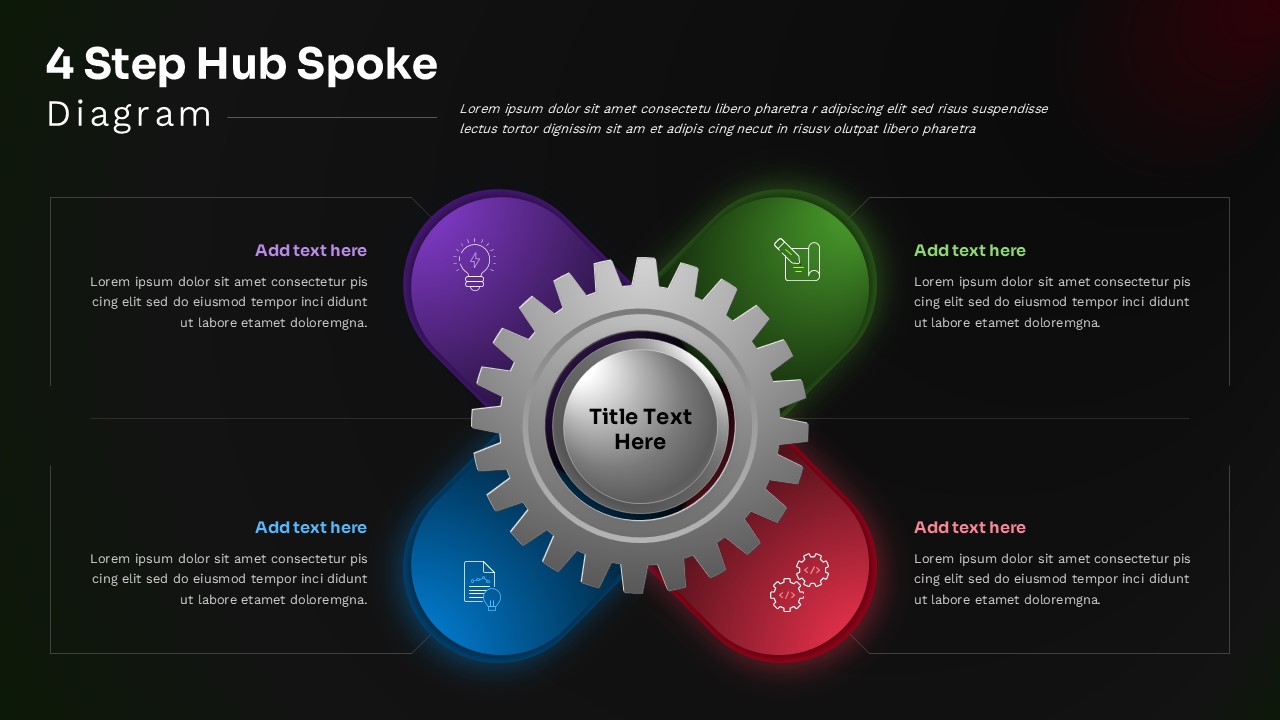
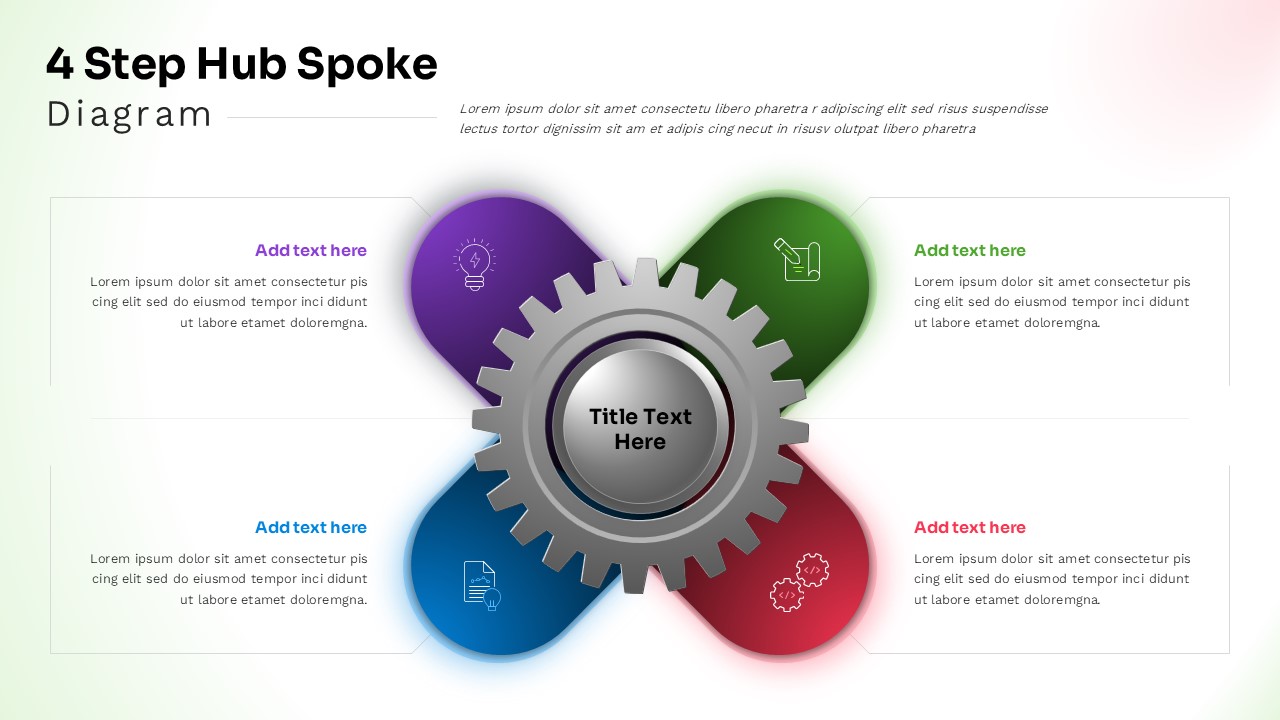
This professional 4 Step Hub Spoke Diagram template features a striking metallic gear as the central hub with four vibrant colored spokes extending outward, perfect for visualizing interconnected processes and strategic frameworks. The template is completely editable in both Microsoft PowerPoint and Google Slides, allowing you to customize all text, colors, and elements to match your brand. The sophisticated design combines modern aesthetics with functional clarity, making complex relationships easy to understand and present to any audience.
The template showcases a stunning contrast between dark and light theme options, featuring a realistic 3D metallic gear at the center with glowing effects around each colored segment. The four spoke colors – purple, green, blue, and red – create vibrant visual anchors that draw attention to each key component. Clean typography and strategic white space ensure excellent readability, while the symmetrical layout maintains professional balance throughout the presentation.
What’s Inside Our Spoke Diagram Template
This comprehensive template includes two professionally designed slides with identical layouts but different background themes. Each slide features a central metallic gear hub connected to four colored circular segments, with corresponding text boxes positioned in each corner for detailed explanations. The design incorporates subtle lighting effects and professional spacing that supports easy customization of icons, text content, and color schemes while maintaining the template’s sophisticated visual impact.
Key Features of This Hub & Spoke Diagram Template
- Two slide variations with dark and light background themes
- Fully editable metallic gear design with realistic 3D rendering
- Four vibrant colored spokes with customizable text placeholders
- Professional lighting effects and glow elements
- 16:9 aspect ratio optimized for modern displays
- Easy-to-modify icons and text content
- Symmetrical layout ensuring visual balance
- High contrast design for maximum readability
Ideal For
This template is perfect for business strategists, project managers, consultants, and executives who need to present interconnected processes or systems. It’s particularly valuable for business strategy presentations involving centralized operations, organizational structures, process workflows, or strategic frameworks where one core element connects to four key components. The professional design makes it suitable for board meetings, client presentations, team workshops, and strategic planning sessions across various industries.
Compatibility & Formats
This template is fully compatible with both Microsoft PowerPoint and Google Slides, ensuring seamless editing and presentation capabilities. All elements including the metallic gear, colored segments, text boxes, and visual effects are completely editable, allowing you to create hub spoke diagrams that perfectly align with your presentation needs and brand identity.
Frequently Asked Questions
Can I change the colors of the four spokes in this hub spoke diagram template?
Yes, all colors in this template are fully customizable. You can easily modify the purple, green, blue, and red spoke colors to match your brand colors or presentation theme while maintaining the professional metallic gear design.
Does this template work for presenting more or fewer than 4 steps?
This template is specifically designed for 4-step processes with four distinct spokes. While you could adapt it by leaving some sections empty, it works best when presenting exactly four interconnected components or process steps.
Are the 3D metallic gear effects editable in both PowerPoint and Google Slides?
Yes, the metallic gear and all visual effects are fully editable in both PowerPoint and Google Slides. You can modify the central hub design, adjust lighting effects, and customize the overall appearance to suit your presentation needs.
Login to download this file
What do you think of this template?
Category:
Diagrams
Aspect Ratio: 16:9
Item ID: SPT0621
Color


Related Templates
-
Hub and Spoke Strategy Framework Template for PowerPoint & Google Slides
Business Strategy
-
Organization Challenges Hub Diagram PowerPoint & Google Slides Template
Business Strategy
-
-
-
-
-
Puzzle Piece PowerPoint & Google Slides Template
Business Strategy
-
-
-
-
-



