
4 Level Pyramid Puzzle Diagram PowerPoint & Google Slides Template
Product Description
A four-tier visual framework for presenting strategy, hierarchy, and interconnected business concepts.
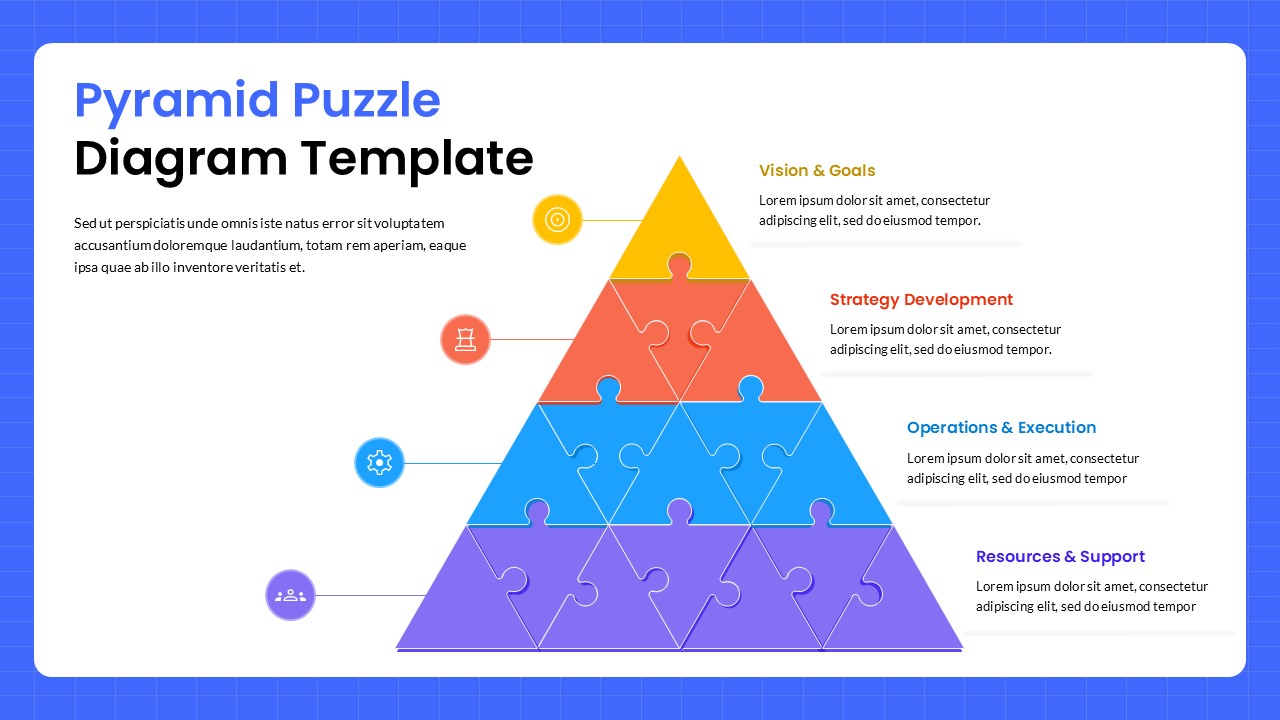
This pyramid puzzle diagram template helps you break down complex strategies and layered frameworks into a format that is easy to follow. It opens and edits natively in both Microsoft PowerPoint and Google Slides, with no formatting loss across either platform. The design uses a four-level pyramid where each tier carries puzzle piece outlines, reinforcing the idea that every layer connects to the ones above and below it. If you regularly present strategic plans, project phases, or organizational structures, this template gives you a solid visual starting point.
What This Pyramid Puzzle Diagram Template Includes
- Four-Tier Pyramid Structure: Each level represents a distinct layer of your framework, flowing from vision and goals at the top down through strategy, operations, and foundational resources
- Puzzle Piece Design Elements: Subtle puzzle outlines on each tier visually communicate how different components depend on and support each other
- Gradient Color Scheme: A deliberate color progression runs from bright yellow at the peak through coral-orange and blue to deep purple at the base, making each level instantly distinguishable
- Color-Coordinated Circular Icons: Each pyramid level connects to a circular icon with a clean white symbol, acting as a visual anchor for the corresponding text section
- Expandable Text Areas: Generous placeholders sit alongside each tier, giving you space to add detailed descriptions for each layer
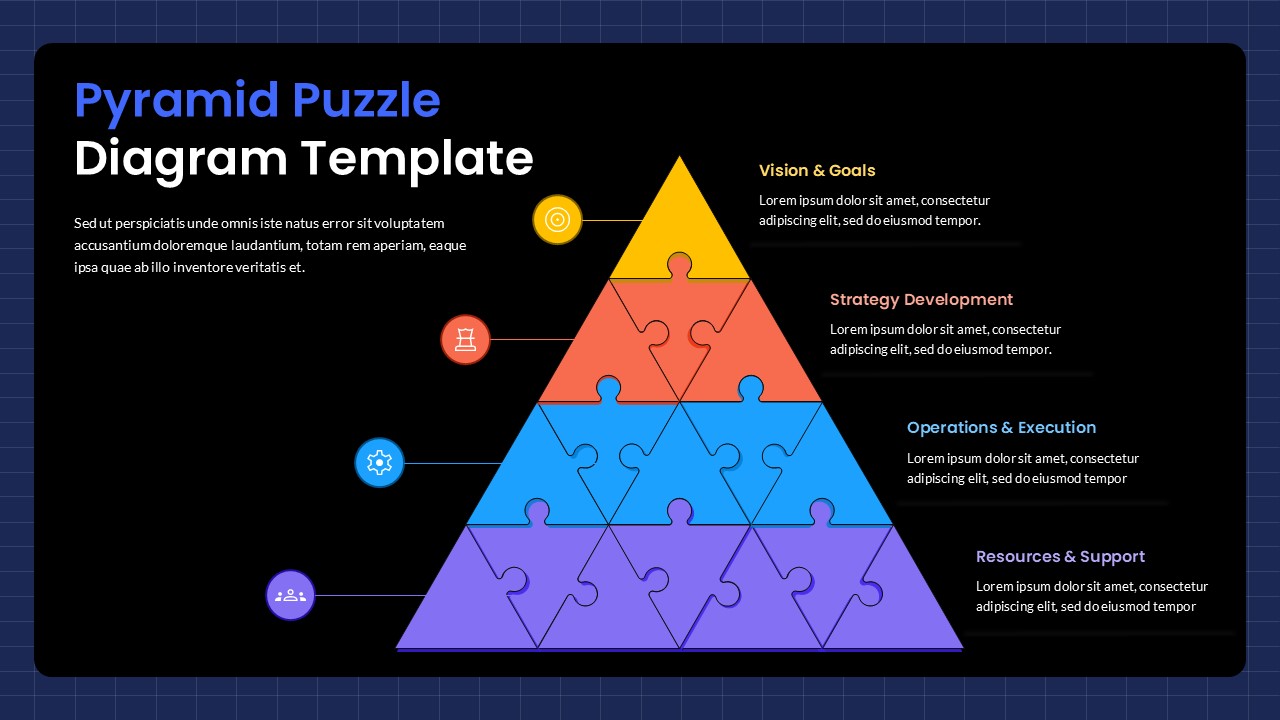
- Light and Dark Theme Variants: The light version uses a subtle blue grid background; the dark version uses a black background for higher contrast settings
Strategy Made Visual: Who This Template Is For
- Business strategists and management consultants
- Project managers documenting project phases or dependencies
- Executives presenting organizational restructuring proposals
- Team leads running strategic planning sessions
- Corporate trainers explaining layered frameworks or processes
Fully Editable for PowerPoint and Google Slides
All colors, fonts, icons, and text placeholders are fully editable. You can relabel each pyramid tier, adjust the color gradient to match your brand, or rewrite the placeholder text to reflect your own strategic content – no specialist software needed.
Download this pyramid puzzle diagram template now and walk into your next strategy presentation with a clear, structured visual ready to go.
Frequently Asked Questions
Can I customize the colors of each pyramid level independently?
Yes, absolutely! Each pyramid level uses separate color elements that can be customized individually. You can change the yellow, orange, blue, and purple gradient to match your brand colors or presentation theme while maintaining the professional puzzle piece design.
How do I add more content to each section of the pyramid diagram?
Each pyramid level connects to expandable text boxes on the right side. Simply click on any text area and replace the placeholder content with your own information. The text boxes can be resized and repositioned as needed to accommodate longer descriptions or additional details.
Is this template suitable for presenting organizational hierarchies?
Yes, this pyramid puzzle diagram is perfect for organizational presentations. The four-tier structure works well for showing leadership levels, department relationships, reporting structures, or any hierarchical business framework where you need to demonstrate how different levels support and connect to each other.
Login to download this file
What do you think of this template?
Category:
Diagrams
Aspect Ratio: 16:9
Item ID: SPT0627
Color


Related Templates
-
-
Puzzle Piece PowerPoint & Google Slides Template
Business Strategy
-
-
-
-
-
Jigsaw Puzzle Google Slides & PowerPoint Template
Infographics
-
-
-
MECE Principle Diagram Template for PowerPoint & Google Slides
Business Strategy
-
Organization Challenges Hub Diagram PowerPoint & Google Slides Template
Business Strategy
-



