
Editable Blank Lean Canvas PowerPoint & Google Slides Template
Product Description
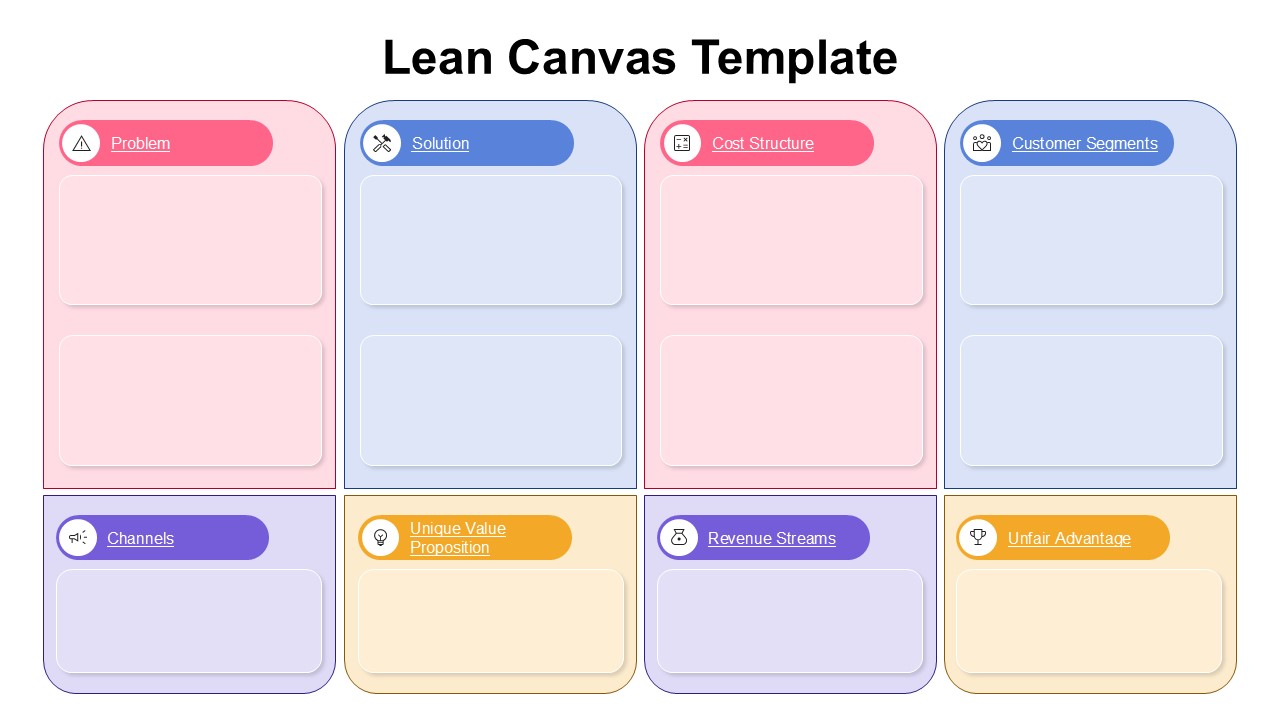
Mapping out a business model gets messy fast without the right structure. This template organizes the full Lean Canvas framework into a clean, color-coded grid that is easy to fill in and professional enough to present straight to investors or workshop participants. It opens and edits natively in both Microsoft PowerPoint and Google Slides, so your team can collaborate without any platform friction. Whether you are validating a new idea or walking stakeholders through a business strategy, the lean canvas template layout does the heavy lifting for you.
What This Lean Canvas Template Includes
- Eight-Section Framework: Covers all core Lean Canvas components including Problem, Solution, Unique Value Proposition, Unfair Advantage, Customer Segments, Channels, Revenue Streams, and Cost Structure
- Color-Coded Section Headers: Each block uses a distinct header color in pink, blue, purple, or orange, making it easy to navigate the canvas at a glance
- Spacious Content Areas: Every section has a clear text placeholder with enough room to enter detailed notes, suitable for both solo planning and group sessions
- 2×4 Grid Layout: A balanced arrangement that keeps all eight components visible on one slide without feeling crowded
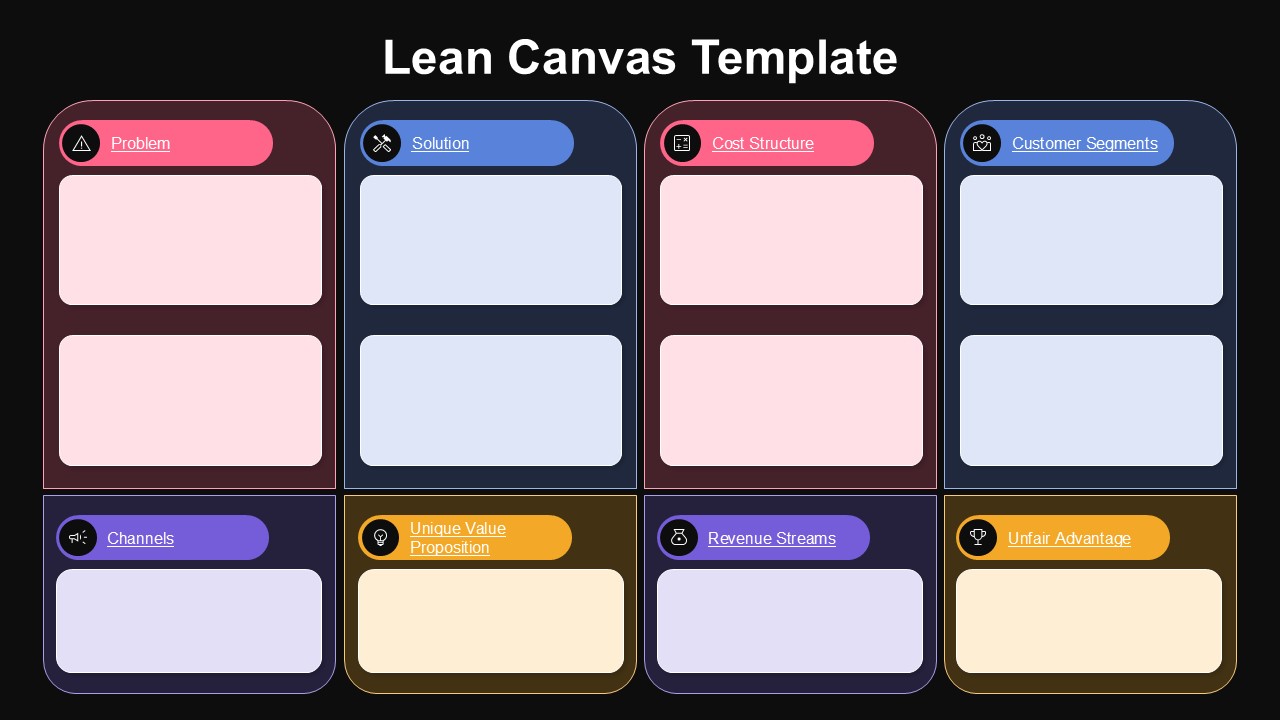
- Dual Theme Options: Includes both a light and dark background version to suit different presentation environments
- Icons Per Section: Each section header includes a relevant icon alongside the label for quicker visual recognition
Strategy Made Visual: Who This Template Is For
- Startup founders preparing for investor pitches or accelerator programmers
- Entrepreneurs working through early-stage business model validation
- Business consultants facilitating strategy workshops
- Innovation and product teams mapping out new ventures
- Business school educators and students working on case studies
Fully Editable for PowerPoint and Google Slides
All text placeholders, section colors, icons, and layout elements can be edited directly in PowerPoint or Google Slides. You can adjust the color scheme to match your brand, rewrite the section labels if needed, or scale the grid to fit additional content.
Download this Lean Canvas template now and walk into your next strategy session or investor meeting with a clean, complete business model framework ready to present.
Frequently Asked Questions
Can I customize the colors of each section in the Lean Canvas template?
Yes, all colors in the template are fully customizable. You can easily change the pink, blue, purple, and orange section headers to match your brand colors or personal preferences while maintaining the visual organization of the framework.
What's the difference between the light and dark theme slides included?
Both slides contain the same 8-section Lean Canvas framework with identical functionality. The light theme features a white background suitable for bright environments, while the dark theme offers a black background that's ideal for low-light presentations or users who prefer dark interfaces.
Is this template suitable for presenting to investors or stakeholders?
Absolutely. The Lean Canvas template is specifically designed for professional business presentations and is widely recognized in the startup and business community. Its clear, organized layout makes it perfect for communicating your business model to investors, stakeholders, or team members during strategic planning sessions.
Login to download this file
What do you think of this template?
Category:
Consulting
Aspect Ratio: 16:9
Item ID: SPT0605
Color


Related Templates
-
SOAR Analysis Google Slides & PowerPoint Template
Business Strategy
-
-
-
Stage Gate Process Google Slides & PowerPoint Template
Business Strategy
-
-
-
-
Design Process Timeline PowerPoint & Google Slides Presentation Template
Project Management
-
Roll Out Plan PowerPoint Template
Business Strategy
-
-
-



