
Training Agenda Template Editable in Microsoft PowerPoint & Google Slides
Product Description
Planning a multi-day training session and need a clean way to lay it all out? This training agenda template makes it simple to organize your program and present it in a way that is easy for everyone to follow. It opens and edits in both Microsoft PowerPoint and Google Slides, so your whole team can work on it no matter what platform they use.
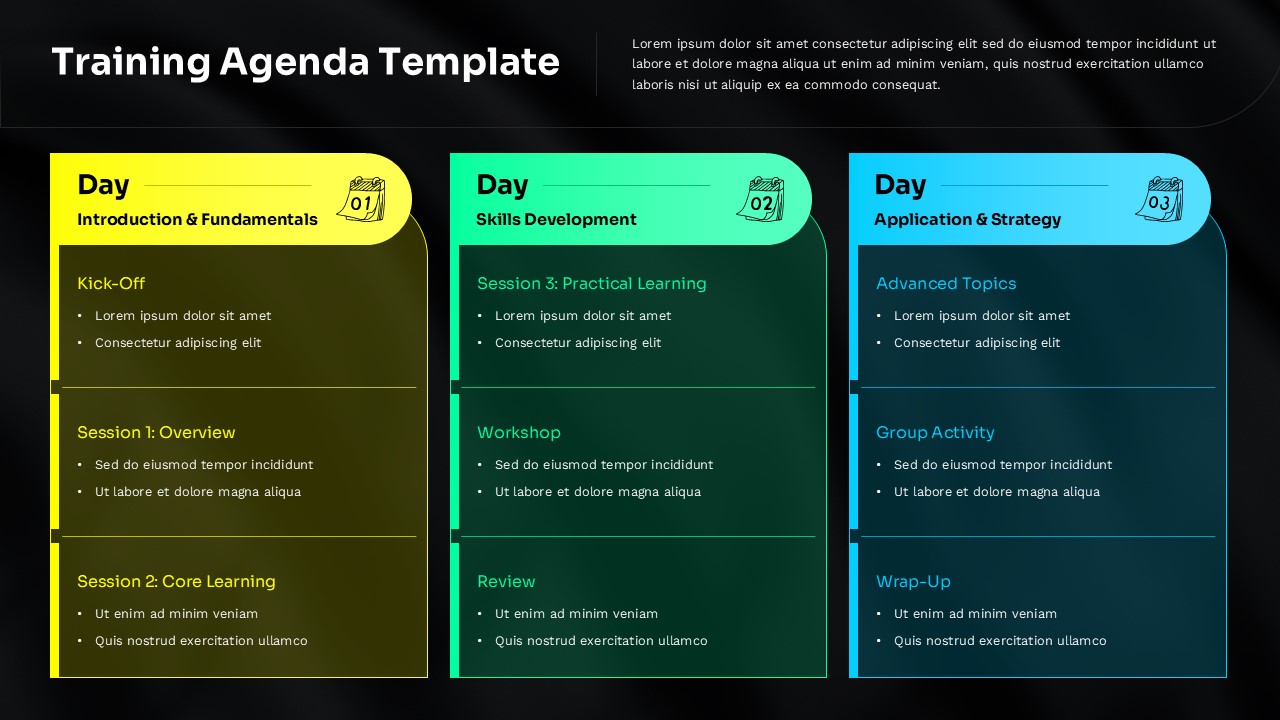
The slide is built around a three-column layout, one column for each day of training. Day 1 covers Introduction and Fundamentals, Day 2 focuses on Skills Development, and Day 3 wraps up with Application and Strategy. Each column is broken into sessions with space for bullet points under every section, so you can add as much or as little detail as needed. The dark background with yellow, green, and blue column headers gives the slide a bold and modern look that works well for corporate training programs, workshops, and employee onboarding sessions.
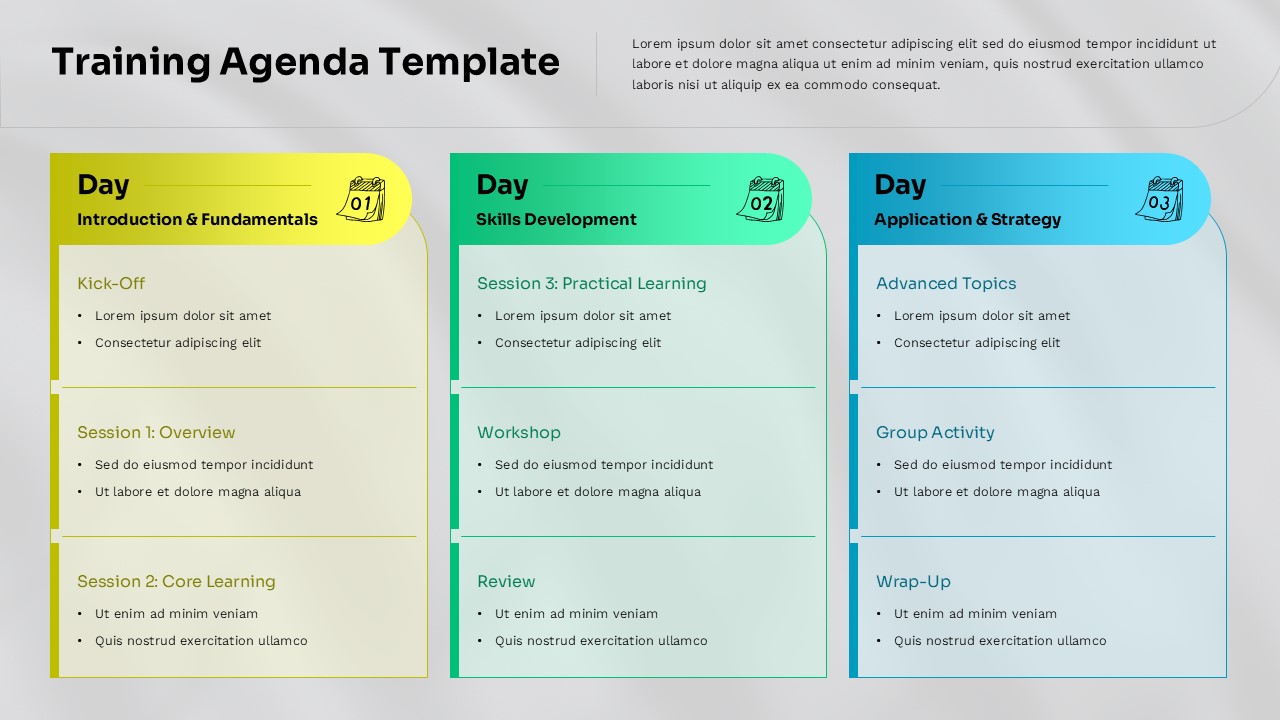
This workshop agenda template also comes with a light version, giving you two design options in a single download. Whether you are presenting on a big screen in a conference room or sharing a printed copy with attendees, you will have a version that fits the setting.
Here is what you get with this template:
- A three-day training schedule layout with pre-structured session sections
- Editable columns for kick-off, overview, core learning, practical sessions, group activities, and wrap-up
- Light and dark slide variations included in the same download
- Fully editable text, colors, and layout in PowerPoint and Google Slides
- A clean design that works for corporate training, team workshops, and onboarding programs
A lot of trainers and HR teams waste time trying to format agenda slides from scratch. This training program template takes that work off your plate. The structure is already there, the design looks professional, and the layout guides your audience through the full training plan without any confusion. You just fill in your session details and you are ready to present.
Download this training agenda template today and go into your next training session with a clear, well-organized plan that your participants will actually find easy to read. For similar structured layouts, you might also find our Agenda templates helpful.
Frequently Asked Questions
Can I customize the number of days in this training agenda template?
Yes, the template is fully editable in both PowerPoint and Google Slides. You can easily modify the three-day structure to accommodate shorter or longer training programs by duplicating columns, adjusting layouts, or removing sections as needed.
Are both the dark and light background versions included?
Yes, this template includes both dark and light background variations, giving you flexibility to choose the design that best fits your presentation environment, brand guidelines, or audience preferences.
How do I add more sessions to each training day?
You can easily add more sessions by duplicating the existing session blocks within each day column. Simply copy and paste the session elements, then customize the text and formatting to match your specific training curriculum requirements.
Login to download this file
What do you think of this template?
Category:
Business
Aspect Ratio: 16:9
Item ID: SPT0672
Color


Related Templates
-
-
IT Governance Framework Template Editable in PowerPoint & Google Slides
Business Strategy
-
Roll Out Plan PowerPoint Template
Business Strategy
-
SOAR Analysis Google Slides & PowerPoint Template
Business Strategy
-
Stage Gate Process Google Slides & PowerPoint Template
Business Strategy
-
-
-
-
-
Business Continuity Plan PowerPoint & Google Slides Template
Business Strategy
-
-



