
Blank Swot Analysis Template PowerPoint & Google Slides Template
Product Description
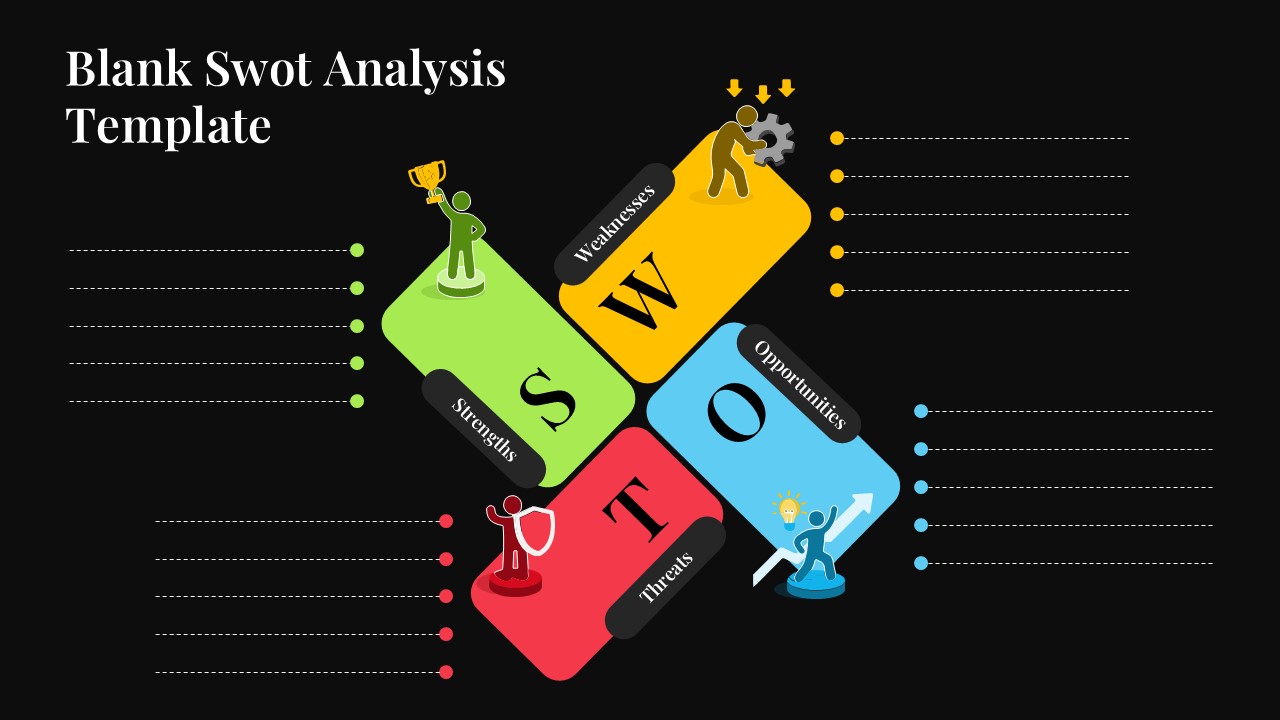
This blank SWOT analysis template is a straightforward, ready-to-fill slide that helps you map out strengths, weaknesses, opportunities, and threats without spending time on design. It works with both PowerPoint and Google Slides, making it easy to edit on any device and share with your team right away. Whether you are a business owner, student, or consultant, this template fits right into your workflow.
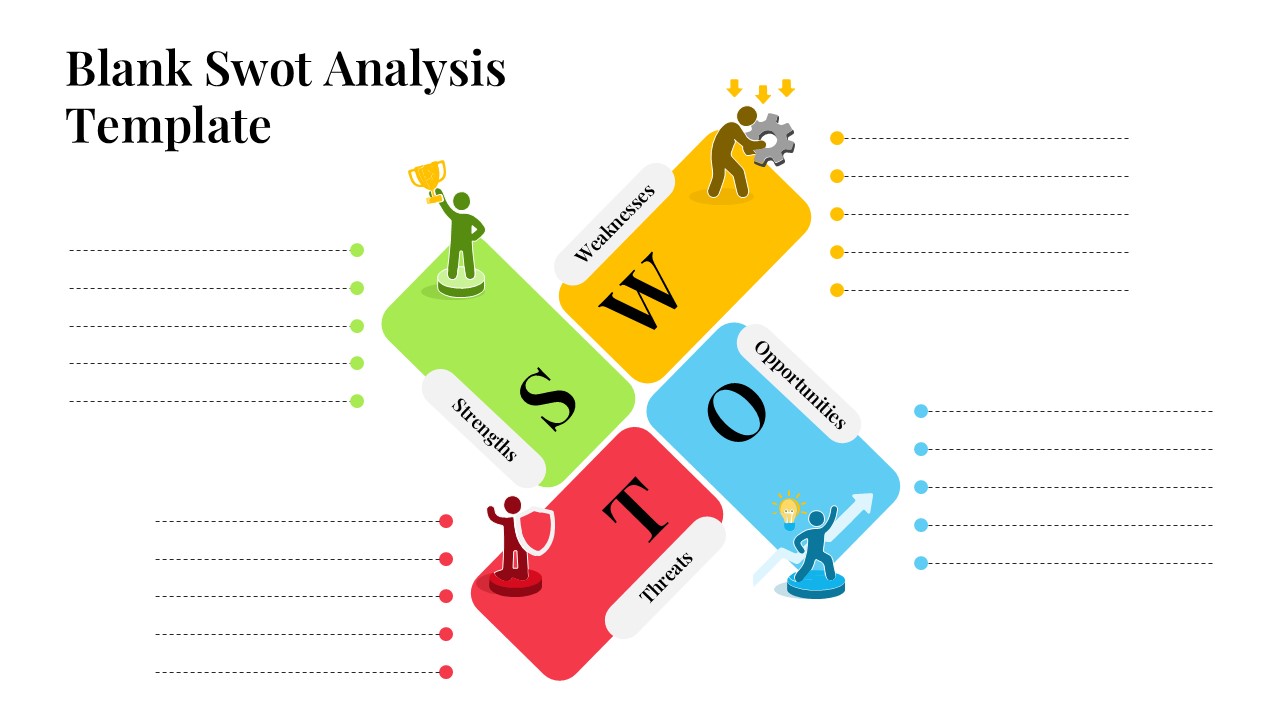
The slide uses a diagonal four-quadrant layout with color-coded sections, green for Strengths, yellow for Weaknesses, blue for Opportunities, and red for Threats. Each quadrant has a bold letter, a matching illustrated character, and a set of blank dotted lines on the sides where you can type in your points. The dark background gives the whole slide a sharp, professional look that holds up well in boardroom presentations and business strategy meetings. A light version is also included in the download, so you have a cleaner option for printed reports or brighter display settings.
Why Use a SWOT Analysis Slide Template
Instead of drawing out a SWOT matrix from scratch every time, having a pre-built strategic analysis template saves you a good chunk of prep time. The layout is already structured and visually balanced, so you can focus entirely on filling in your analysis rather than fiddling with boxes and alignment. It is a practical tool for quarterly reviews, project planning sessions, new product evaluations, and competitive analysis presentations.
What Is Included in This Template
- A blank SWOT framework slide with space for multiple points in each quadrant
- Color-coded sections for Strengths, Weaknesses, Opportunities, and Threats
- Illustrated character icons that add visual interest without distracting from the content
- Light and dark slide variations in one download
- Fully editable in PowerPoint and Google Slides, including colors, fonts, and layout
This empty SWOT template is built to be simple and functional. There are no extra graphics or complicated layouts to work around. You open it, type in your content, and your slide is ready to present. It is a good pick for anyone who regularly puts together business analysis or planning presentations and wants a dependable, good-looking format to reuse.
Download this blank SWOT analysis template today and spend less time formatting and more time on the actual analysis. If you need to present comparisons alongside your SWOT, our comparison templates can help structure that clearly.
Frequently Asked Questions
Can I customize the colors of each SWOT quadrant in this template?
Yes, all colors in the template are fully customizable. You can change the green, yellow, red, and blue quadrant colors to match your brand guidelines or presentation theme while maintaining the professional puzzle piece design structure.
How many analysis points can I add to each SWOT category?
The template provides 5 bullet point placeholders for each SWOT category (Strengths, Weaknesses, Opportunities, Threats), totaling 20 analysis points. You can easily add or remove bullet points as needed for your specific analysis requirements.
Are the icons in each quadrant editable or replaceable?
Yes, the human figure icons in each quadrant are fully editable elements. You can replace them with different icons, change their colors, or remove them entirely to customize the template according to your presentation needs and visual preferences.
Login to download this file
What do you think of this template?
Category:
Business Strategy
Aspect Ratio: 16:9
Item ID: SPT0645
Color


Related Templates
-
-
SOAR Analysis Google Slides & PowerPoint Template
Business Strategy
-
-
-
-
-
-
-
-
-
-
STEEPLE Analysis Framework Infographic for PowerPoint & Google Slides
Business Strategy



