
Editable Blank Timeline Template
Product Description
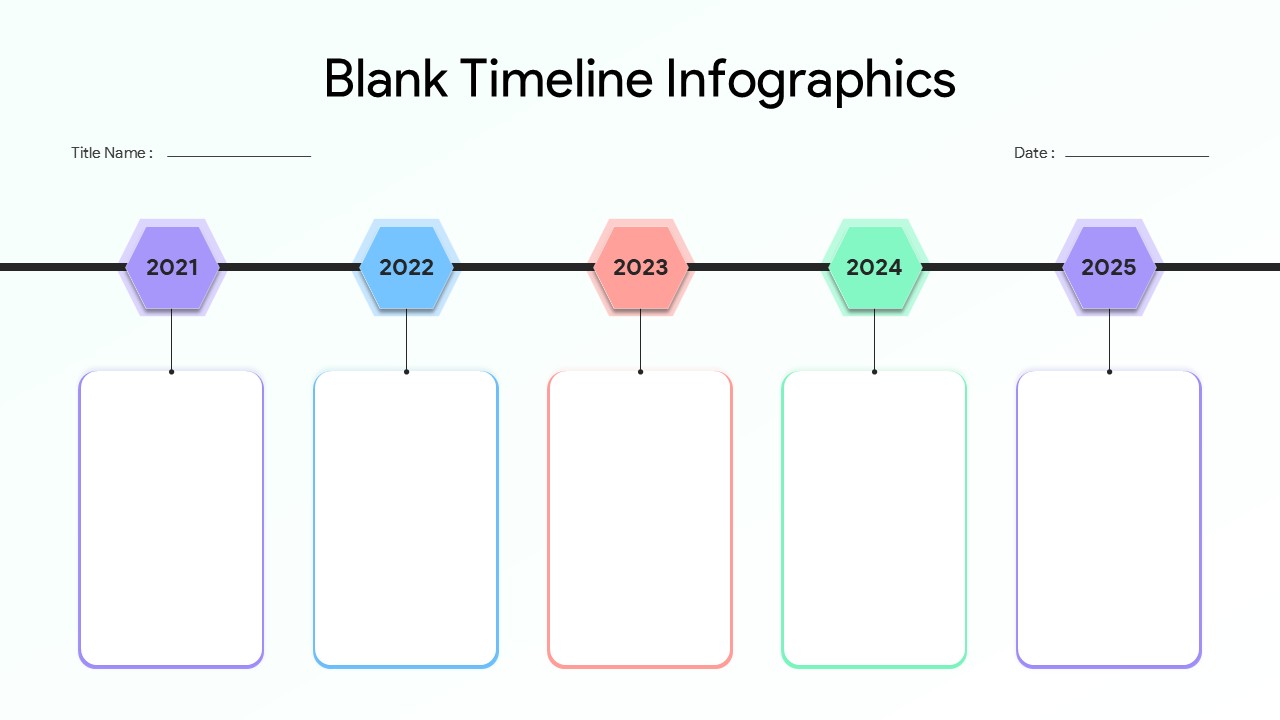
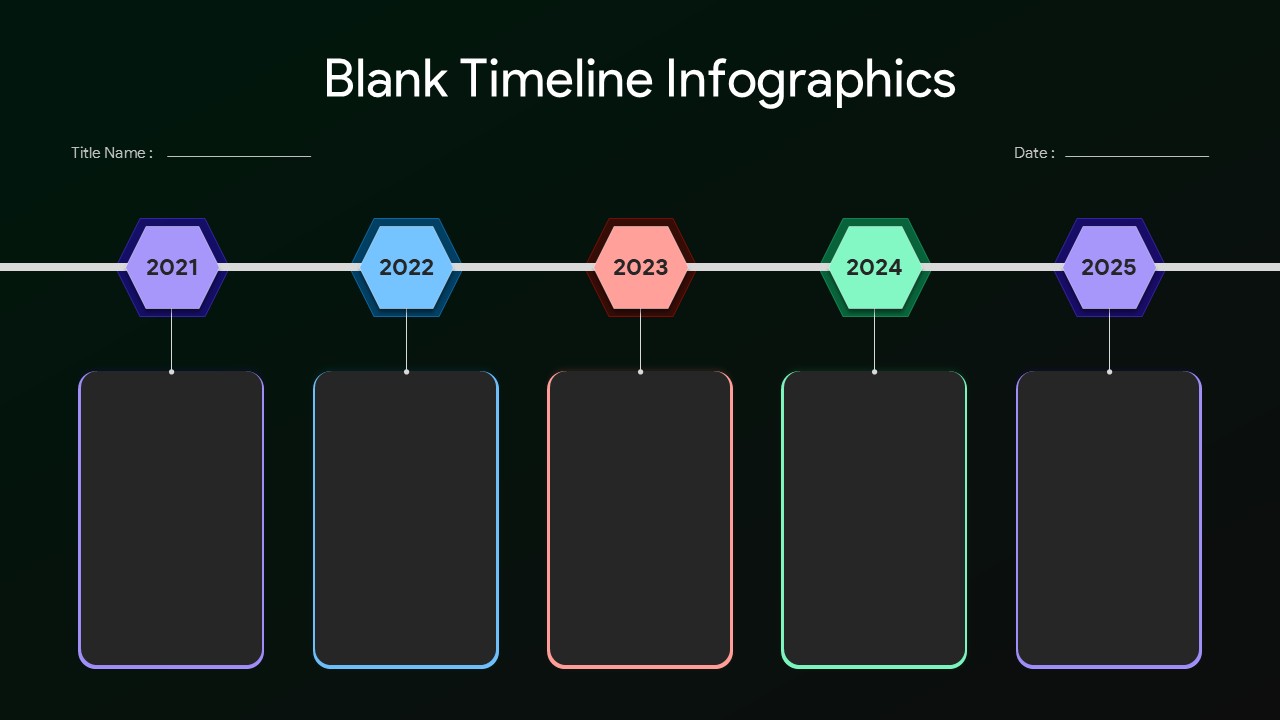
If you need a clean and ready-to-use timeline slide without spending hours on design, this blank timeline template gets straight to the point. Built for both PowerPoint and Google Slides, it gives you a structured layout where you can plug in your content and present it with clarity. The horizontal flow with clearly marked year points makes it easy to showcase progress, milestones, or future plans in a way that feels organized and professional.
This template is designed for practical use. You can map out project timelines, business growth stages, marketing plans, or product development cycles without adjusting complex elements. Each section provides enough space to add key details, short descriptions, or highlights that your audience can quickly understand. The visual hierarchy ensures your message stays clear even when presenting detailed information.
Customization is simple and quick. You can change colors, text, icons, or spacing to match your brand or presentation style. Whether you are preparing a client pitch, internal report, or academic presentation, this template adapts easily without breaking the design. It works well for both minimal content and more detailed storytelling, depending on how you choose to use it.
The layout is built to keep your audience focused. Instead of cluttered slides, you get a clean timeline that guides attention from one point to the next. This improves engagement and helps your presentation feel more structured and intentional.
If you want a timeline slide that saves time and still looks polished, this template delivers exactly that.
Download this blank timeline template now and create clear, professional presentations in minutes.
Frequently Asked Questions
Can I customize the years shown in this timeline template?
Yes, all text elements including the years (2021-2025) are fully editable. You can easily change the timeline to any date range that suits your project or presentation needs.
Does this template work with both PowerPoint and Google Slides?
Absolutely! This timeline template is designed to work seamlessly with both Microsoft PowerPoint and Google Slides, ensuring full editing capabilities across both platforms.
Can I change the colors of the hexagonal milestone markers?
Yes, all design elements including the hexagonal markers, text boxes, and color schemes are completely customizable. You can modify colors to match your brand or presentation theme.
Login to download this file
What do you think of this template?
Category:
Business
Aspect Ratio: 16:9
Item ID: SPT0662
Color


Related Templates
-
Product Roadmap Google Slides & PowerPoint Template
Business Strategy
-
-
-
Roll Out Plan PowerPoint Template
Business Strategy
-
-
Zig Zag Timeline PowerPoint & Google Slides Template
Business Strategy
-
-
-
-
-
Stage Gate Process Google Slides & PowerPoint Template
Business Strategy
-
Project Scope Overview Google Slides & PowerPoint Template
Project Overview



