
Side By Side Comparison Infographic PowerPoint Slide Template
Product Description
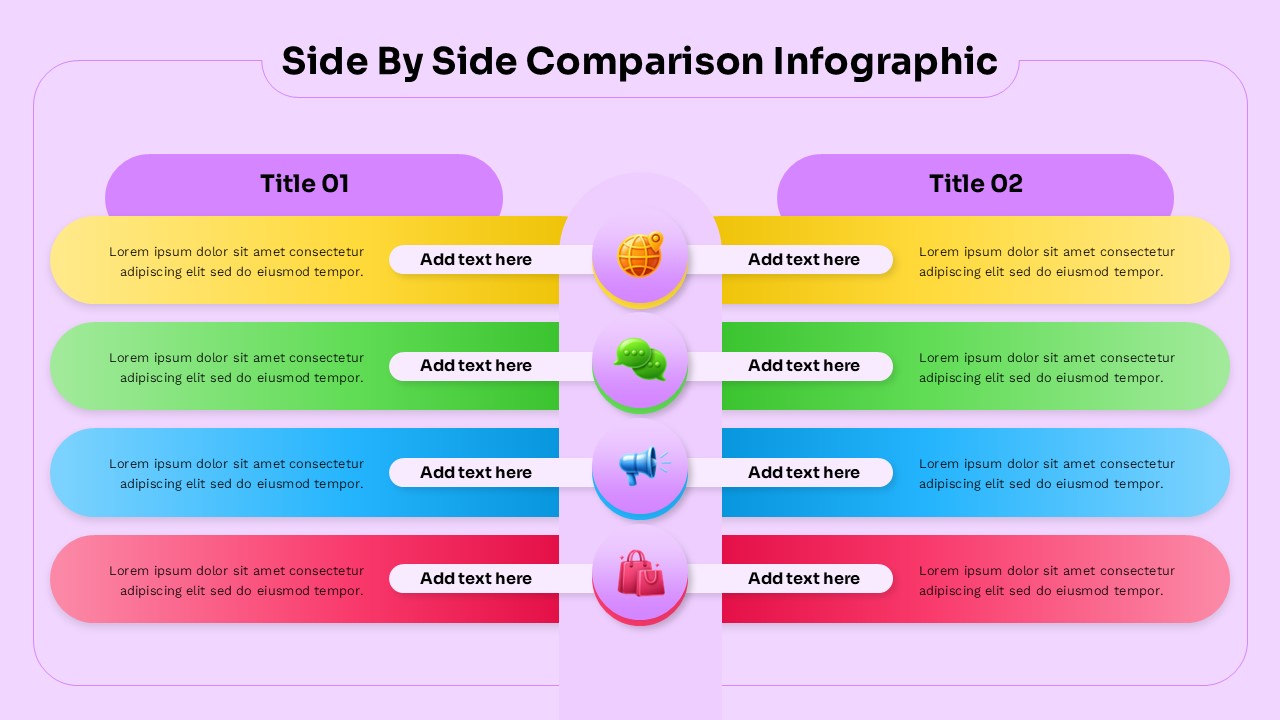
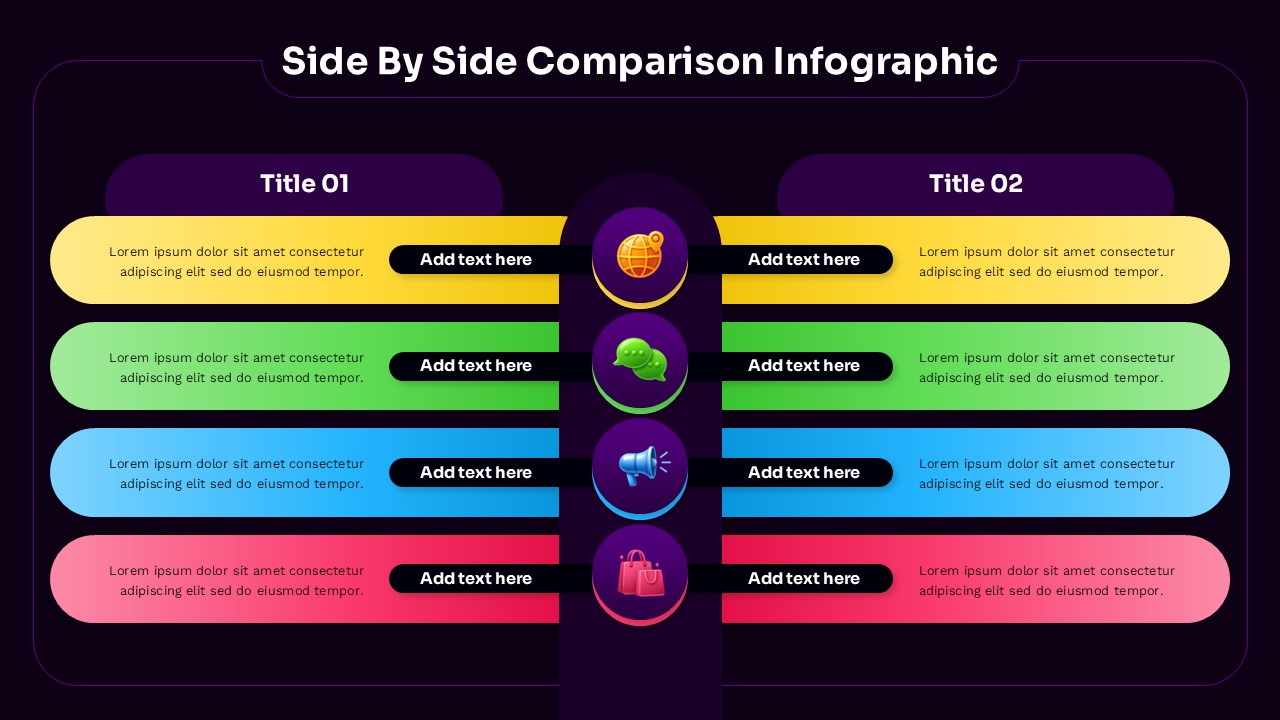
When you need to present comparisons that actually make sense to your audience, this side by side comparison infographic template does the job without overcomplicating things. Designed for PowerPoint and Google Slides, it helps you place two ideas, products, or strategies next to each other in a clean and structured layout that is easy to follow.
This template is built for clarity. Each row lets you break down key points into direct comparisons, making it perfect for product analysis, feature comparisons, pros and cons, or strategic decisions. Instead of forcing your audience to scan through dense content, the layout guides their attention naturally from left to right, helping them understand differences quickly.
Editing this template is straightforward. You can update text, colors, and icons in minutes to match your presentation style or brand identity. Whether you are preparing a business pitch, marketing report, sales presentation, or classroom discussion, the design adapts without requiring extra effort. The balanced structure keeps both sides equally visible, so your message stays neutral and professional.
The visual flow is what makes this template effective. With clearly separated sections and consistent spacing, your comparisons feel organized instead of cluttered. This improves engagement and makes your slides easier to present, especially when you need to communicate multiple points within a limited time.
If you are looking for a comparison slide that saves time and improves clarity, this template is a practical choice for everyday presentations.
Download this side by side comparison infographic template now and present your comparisons with confidence and clarity.
Frequently Asked Questions
Can I customize the colors and text in this side by side comparison template?
Yes, this template is completely editable in both PowerPoint and Google Slides. You can customize all colors, text, fonts, and design elements to match your brand or presentation needs while maintaining the professional layout structure.
What's the difference between the two slides included in this template?
The template includes two design variations - one with a dark purple background for a more formal, sophisticated look, and another with a light lavender background for a softer, more approachable presentation style. Both have identical functionality and layout.
How many comparison points can I include using this template?
Each slide includes four horizontal comparison rows by default, but since the template is fully editable, you can duplicate rows to add more comparison points or remove rows if you need fewer comparisons, maintaining the visual balance of the design.
Login to download this file
What do you think of this template?
Category:
Business
Aspect Ratio: 16:9
Item ID: SPT0711
Color


Related Templates
-
Harvey Balls Google Slides & PowerPoint Template
Business Strategy
-
-
-
-
SOAR Analysis Google Slides & PowerPoint Template
Business Strategy
-
Pain Points Google Slides & PowerPoint Template
Business Analysis
-
-
-
-
-
-



