How to Create a Pitch Deck in Google Slides: Step-by-Step Guide




If you’ve never created a presentation before, the idea of building a “pitch deck” can feel overwhelming. But here’s the truth: a pitch deck is just a short presentation that explains your idea clearly and quickly.
And Google Slides makes it surprisingly easy.
You don’t need design experience. You don’t need expensive software. You don’t even need to install anything. If you have a Google account and internet access, you can build a professional pitch deck in under a day.
This guide will walk you through everything — from opening Google Slides for the first time to exporting a finished deck you can confidently share. You’ll learn not just the steps to create a pitch deck in Google Slides, but how to structure it strategically, design it persuasively, and polish it professionally so it stands out in a crowded inbox. Let’s build a deck that doesn’t just look good — but gets meetings.
Why Use Google Slides to Create a Pitch Decks?
Google Slides gives you live collaboration, cloud autosave, easy sharing, and an expanding library of modern templates — plus AI helpers (for image generation and templates) that speed up visual work. Recent updates brought professionally designed templates directly into Slides, making it simpler to start with high-quality layouts.
How To Make a Pitch Deck in Google Slides
To create a pitch deck in Google Slides, open Google Slides, choose a simple template, add 10–12 slides (Problem, Solution, Market, Product, Traction, Business Model, Competition, Team, Financials, and Ask), keep each slide clean and visual, and download it as a PDF to share with investors.
That’s it in simple terms. Now let’s break it down step-by-step — even if you’ve never used Google Slides before.
Step-by-Step Guide To Create a Pitch Deck in Google Slides
Follow this simple step-by-step guide to learn how to create a pitch deck in Google Slides from scratch, even if you’ve never used the platform before.
Step 1: Open Google Slides
- Go to slides.google.com
- Click Blank presentation
You’re ready to start.

Step 2: Pick a Simple Design
- Click Theme
- Choose a clean, simple layout (white background is best)
Avoid bright colors or fancy designs.

Step 3: Add These 10 Slides
Click the + button to add new slides.
Keep each slide short and clear.
1. Cover
Company name, tagline, your name.
2. Problem
What problem are you solving?
3. Solution
How does your product solve it?
4. Product
Show screenshots or explain how it works.
5. Market
How big is the opportunity?
6. Traction
Users, revenue, growth — show real numbers.
7. Business Model
How do you make money?
8. Competition
Who else exists? Why are you better?
9. Team
Who is building this?
10. Funding Ask
How much money do you need and why?
That’s your full pitch deck.

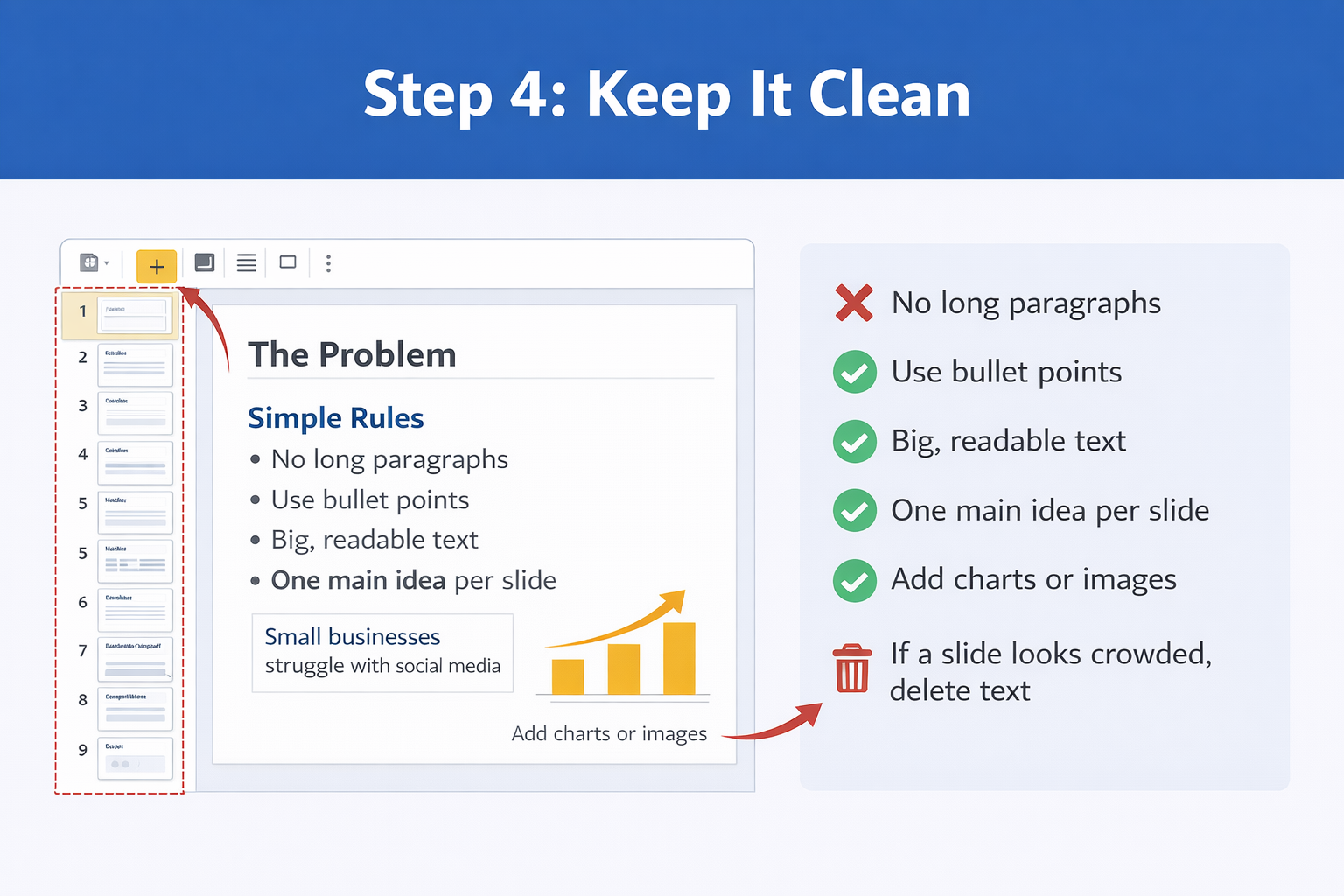
Step 4: Keep It Clean
Follow these simple rules:
- No long paragraphs
- Use bullet points
- Big, readable text
- One main idea per slide
- Add charts or images if helpful
If a slide looks crowded, delete text.
Step 5: Download and Share
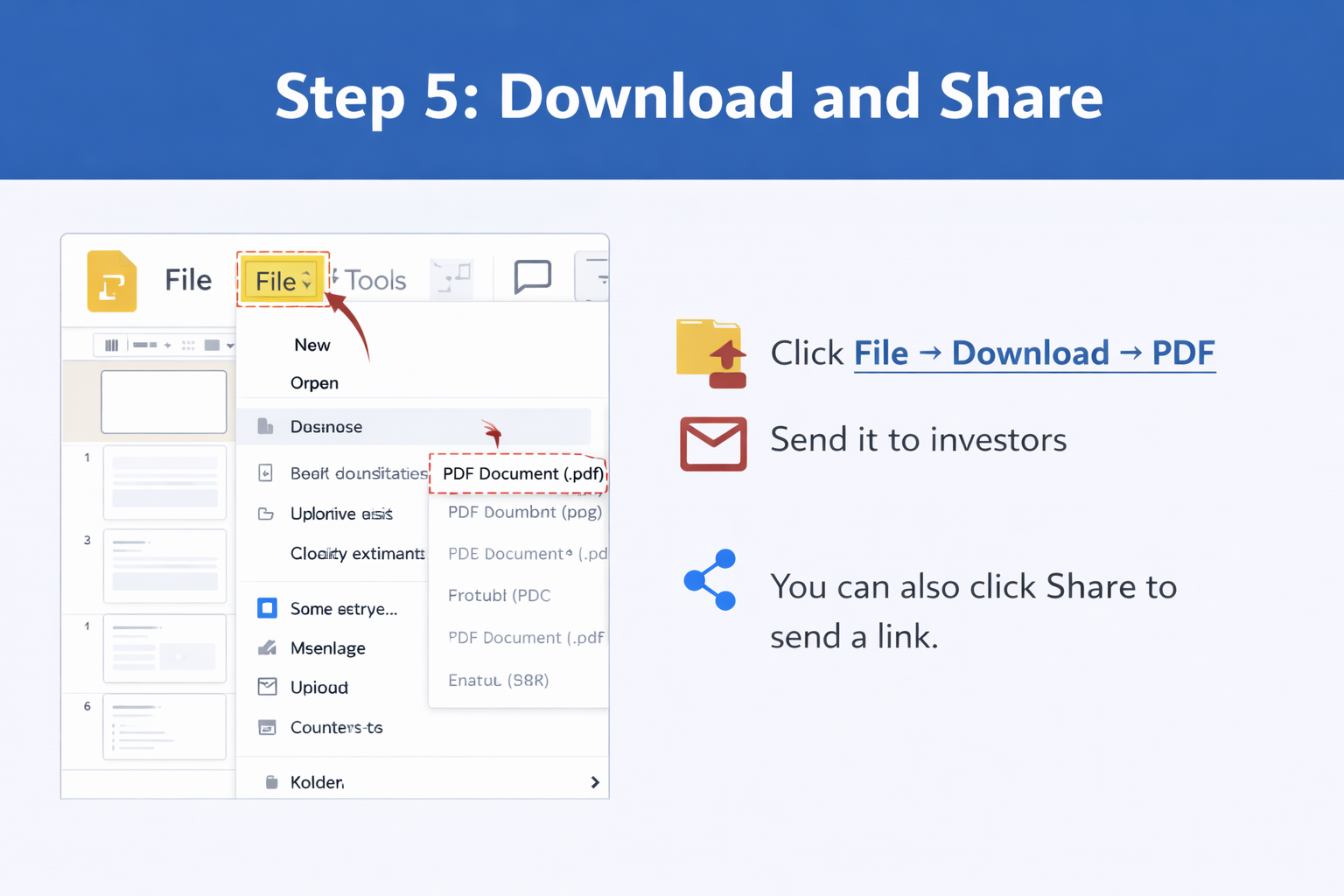
When done:
- Click File → Download → PDF
- Send it to investors
You can also click Share to send a link.
Common Mistakes to Avoid
- Too much text
- Fancy animations
- Unrealistic projections
- No traction slide
- No clear funding ask
- Cluttered design
Simple always wins.
Tips for Beginners To Make Pitch Deck in Slides
- Use bold headlines like: “The Problem” instead of long titles.
- Use numbers whenever possible.
- Show growth visually.
- If unsure about design, copy the structure of successful startup decks.
- Read your slides out loud — if it sounds confusing, simplify it.
Final Thoughts
Creating a pitch deck in Google Slides doesn’t have to be complicated. Even if you’re completely new to presentations, you can build a clear and professional deck by focusing on simplicity, structure, and storytelling. Remember, investors are not looking for fancy designs or complex animations — they want to quickly understand your idea, see proof that it works, and know how their money will help it grow. Keep your slides clean, limit text, highlight important numbers, and make sure each slide has one clear purpose. Most importantly, practice explaining your slides confidently. A well-structured, easy-to-understand pitch deck will always be more powerful than a visually crowded one.
Related Articles
 February 10th, 2026
How to Make Google Slides Vertical
Google Slides Tutorials- February 19th, 2026
How to Transfer Canva to Google Slides (Most Easy Methods)
Google Slides Tutorials - February 12th, 2026
How to Make Bullet Points in Google Slides (Step-by-Step Guide)
Google Slides Tutorials