
3 Circle Venn Diagram PowerPoint & Google Slides Template
Product Description
Venn Diagram Presentation Template With 3 Circles
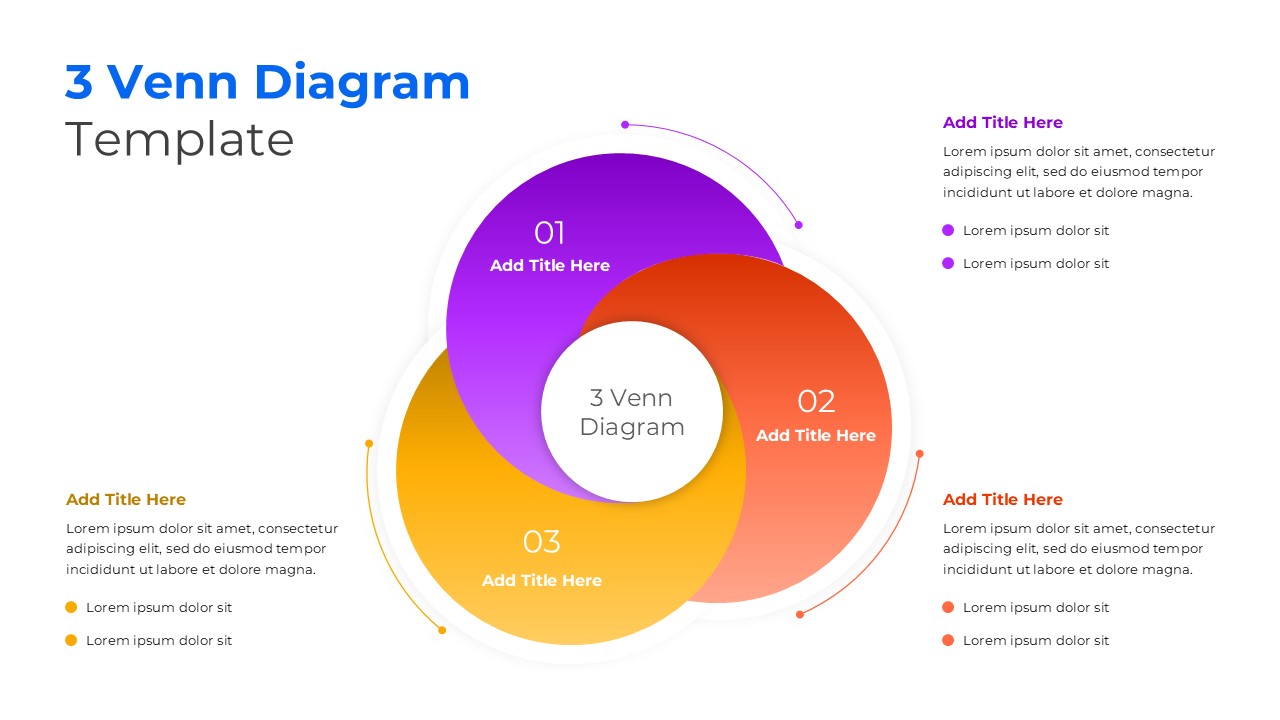
This professional 3 Venn diagram template offers a visually striking solution for presenting three-way comparisons and overlapping relationships in your presentations. The template is completely editable in both Microsoft PowerPoint and Google Slides, providing maximum flexibility for customization. Whether you’re analyzing market segments, comparing products, or illustrating strategic overlaps, this template transforms complex relationships into clear, engaging visuals that capture your audience’s attention and enhance understanding.
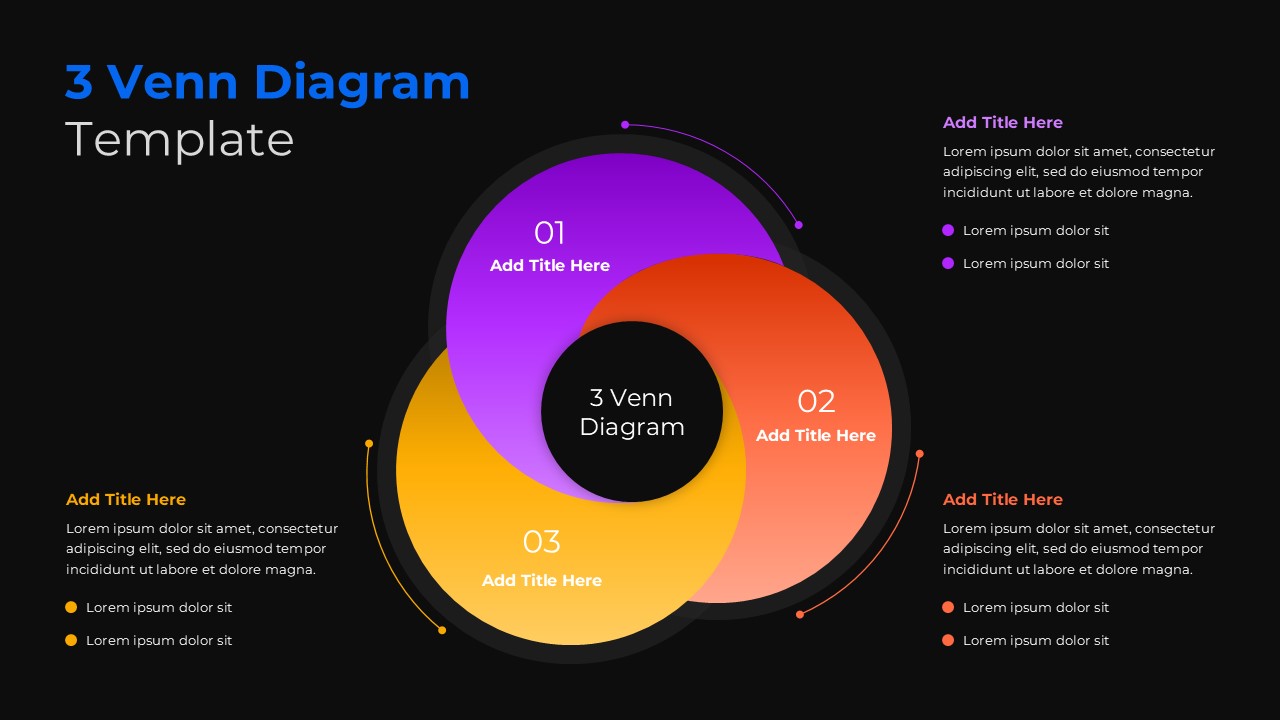
The template features a vibrant color palette combining purple, orange-red, and golden yellow circles that create visual distinction while maintaining professional appeal. Each circle is strategically positioned with clear intersection areas that highlight relationships and commonalities. The clean typography uses sans-serif fonts for optimal readability, while numbered sections (01, 02, 03) provide logical flow. Both light and dark background variants ensure versatility across different presentation environments and audience preferences.
What’s Inside Our 3 Circle Venn Diagram Template
This comprehensive template includes two professionally designed slides featuring identical structures with different background themes. Each slide contains three overlapping circles with dedicated text placeholders for titles and detailed descriptions. The layout incorporates bullet points for key features, strategic white space for visual balance, and connecting elements that guide the viewer’s eye through the relationships. The design supports extensive customization while maintaining the professional aesthetic that makes it perfect for business presentations requiring clear visual communication.
Key Features of This 3 Circle Venn Diagram Slide
- Two slide variants with light and dark background themes for presentation flexibility
- Vibrant three-color scheme using purple, orange-red, and golden yellow for visual distinction
- Numbered sections with structured text placeholders for organized content delivery
- Fully editable circles, text, and color elements for complete customization
- Clean, modern design with optimal spacing and professional typography
- Clear intersection areas that effectively demonstrate overlapping relationships
- 16:9 aspect ratio optimized for modern presentation displays
- Compatible with both PowerPoint and Google Slides platforms
Ideal For
This template serves business professionals, consultants, educators, and strategists who need to present complex relationships in an accessible format. It’s particularly valuable for market analysts conducting competitive comparisons, project managers illustrating departmental overlaps, and consultants presenting strategic frameworks. The versatile design works excellently for comparison presentations, educational content, research findings, and business development proposals where three distinct elements share common characteristics or intersecting qualities.
Compatibility & Formats
Fully compatible with Microsoft PowerPoint and Google Slides, this template ensures seamless editing across platforms. All elements including colors, text, shapes, and positioning are completely customizable, allowing you to adapt the design to match your brand guidelines or presentation requirements while maintaining the professional quality and visual impact.
Frequently Asked Questions
Can I change the colors of the three circles in this Venn diagram template?
Yes, all colors in this template are fully customizable. You can easily modify the purple, orange-red, and golden yellow circles to match your brand colors or presentation theme in both PowerPoint and Google Slides.
What's the difference between the two slides included in this template?
The template includes two identical Venn diagram layouts - one with a light/white background and another with a dark/black background. This gives you flexibility to choose the variant that best fits your presentation style or audience preferences.
How do I customize the text placeholders in each circle section?
Simply click on any text placeholder to replace it with your content. Each circle has dedicated areas for titles and detailed descriptions, plus bullet points for key features. All text formatting, font styles, and sizes can be modified to suit your needs.
Login to download this file
What do you think of this template?
Category:
Business
Aspect Ratio: 16:9
Item ID: SPT0687
Color


Related Templates
-
-
-
-
-
Balanced Scorecard Circle Template for PowerPoint & Google Slides
Business Strategy
-
-
MECE Principle Diagram Template for PowerPoint & Google Slides
Business Strategy
-
-
Pareto 80/20 Rule Chart PowerPoint & Google Slides Template
Charts & Graphs
-
-
Puzzle Piece PowerPoint & Google Slides Template
Business Strategy
-



