
30 60 90 Day Plan Strategy Template for PowerPoint & Google Slides
Product Description
Description
This 30 60 90 day plan template is designed to structure short term objectives, priorities, and measurable outcomes across a clear three phase timeline. It is a fully editable presentation template, compatible with PowerPoint and Google Slides, created to help professionals plan onboarding, role transitions, or execution roadmaps with clarity. The layout supports strategic thinking by aligning goals with time bound actions. It is a fully editable presentation template, compatible with PowerPoint and Google Slides, ensuring easy customization for different roles and industries.
What’s Inside the Template
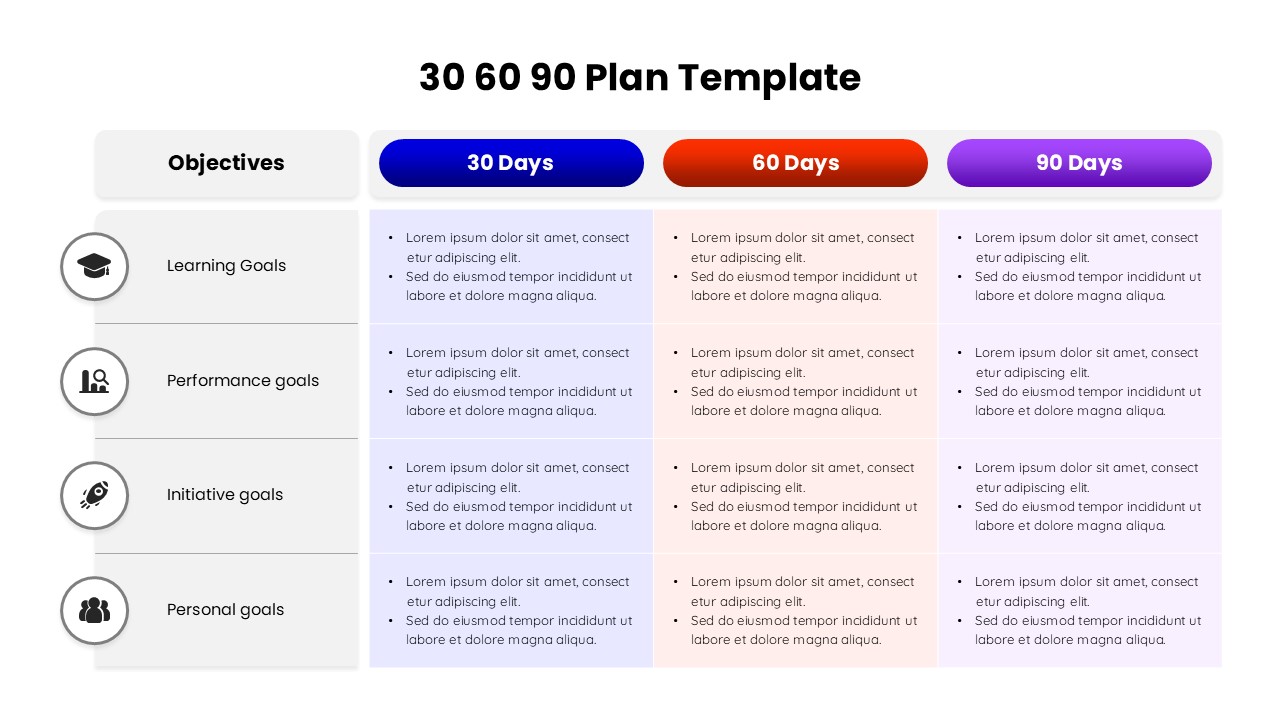
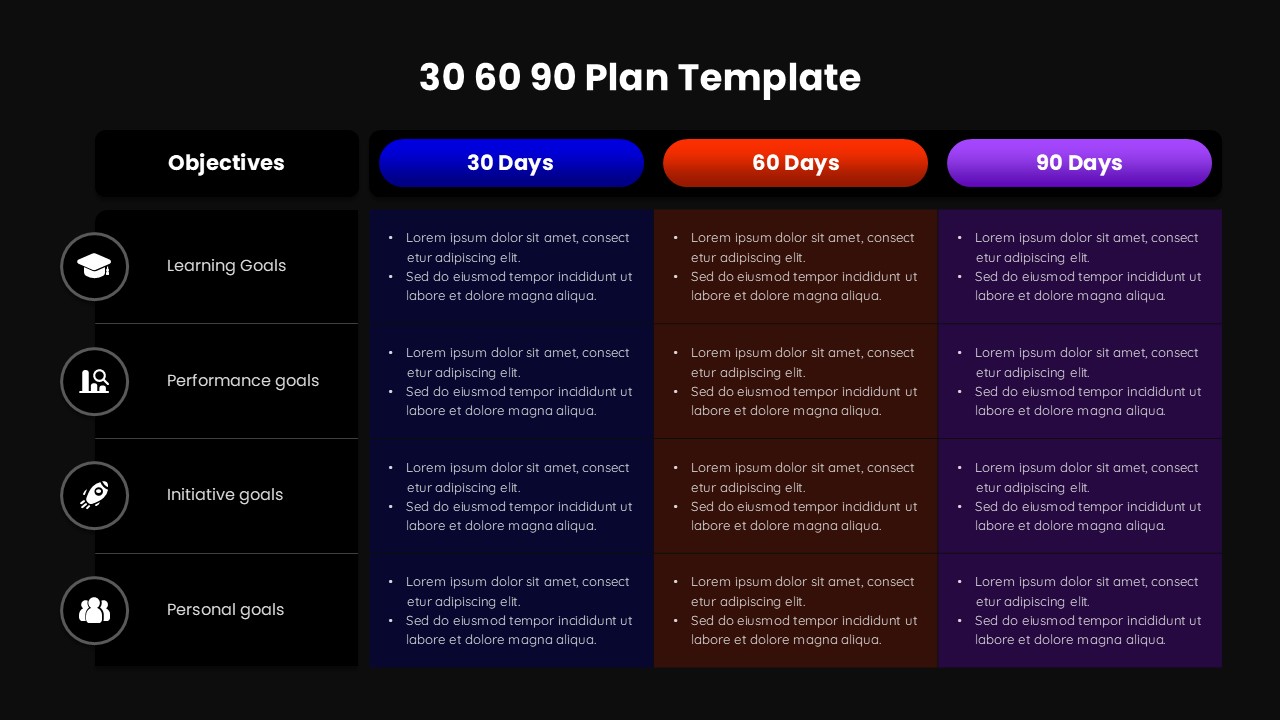
The template features a structured table layout divided into 30 day, 60 day, and 90 day columns, each aligned against a dedicated objectives column. Rows are organized by goal categories such as learning, performance, initiatives, and personal development, allowing users to clearly map expectations over time. Each section provides space for concise bullet style entries, enabling teams or individuals to outline responsibilities, milestones, and focus areas without overcrowding the slide. The visual hierarchy ensures immediate readability during presentations or reviews.
Key Features
- Clear three phase timeline covering 30, 60, and 90 day periods
- Objective based row structure for focused planning
- Fully editable text, colors, and layouts
- Professional design suitable for business and corporate use
- Single slide framework that summarizes short term strategy effectively
Ideal For
This template is ideal for managers onboarding new hires, employees planning their first months in a new role, and leaders defining execution priorities. It also suits consultants, HR teams, and project leads who need a concise way to present expectations, progress checkpoints, or transition plans. The format works equally well for individual goal setting and team level planning discussions.
Slide Highlights
The slide highlights a balanced combination of timeline and objective driven planning. Distinct color coding for each time period improves visual separation, while the left aligned objective icons guide attention across rows. The clean grid layout makes it easy to compare progress stages and communicate priorities in a single glance, making it effective for reviews, check ins, and strategic presentations.
Compatibility & Formats
This presentation template is fully compatible with Microsoft PowerPoint and Google Slides. All elements are editable without additional fonts or plugins, ensuring smooth use across devices and platforms.
Login to download this file
What do you think of this template?
Category:
Business
Aspect Ratio: 16:9
Item ID: SPT0214
Color



