Animated Pros and Cons Presentation Slide

Animated Pros and Cons Presentation Slide For Google Slides

This template is part of a deck featuring multiple slides. To check out all slides.

See All round right arrow
Animated Pros and Cons Slide Template for PPT

Product Description

Overview

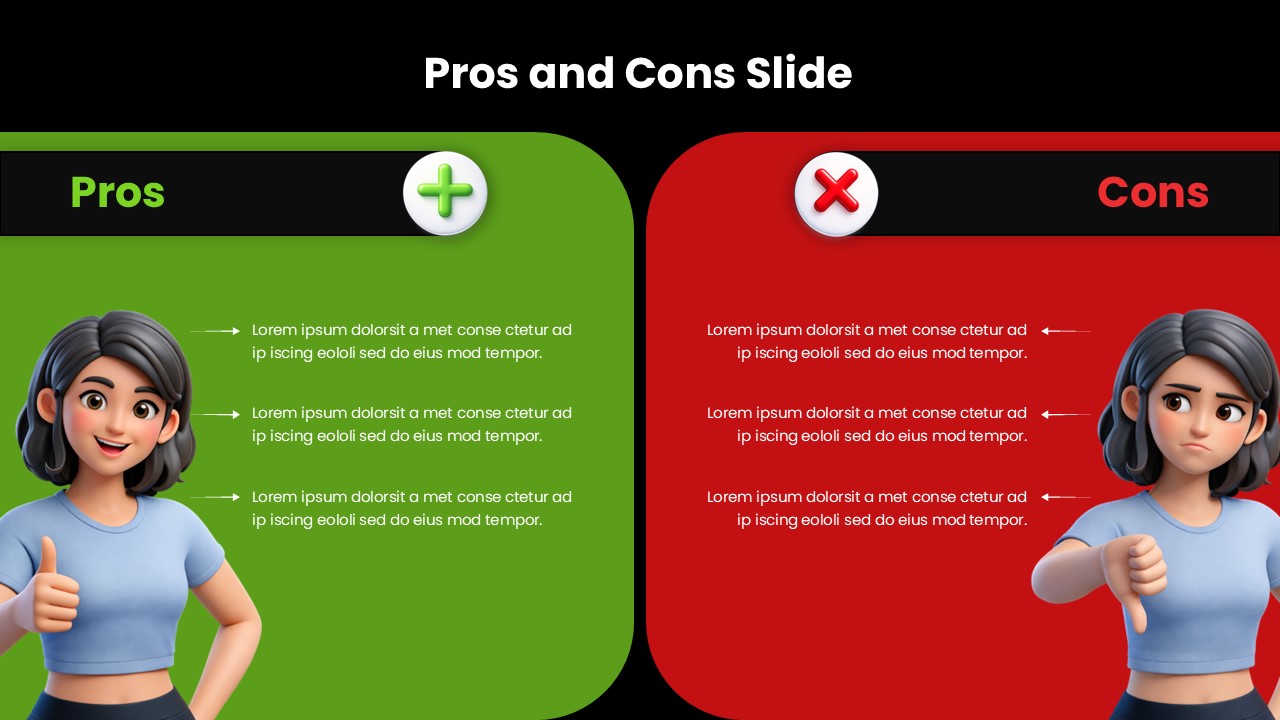
This Pros and Cons Comparison template is designed to help presenters communicate advantages and disadvantages in a clear and visually engaging manner. It is a fully editable presentation template, compatible with PowerPoint and Google Slides. Users can modify text, colors, and illustrations to fit project, business, or educational contexts. The slide uses a split layout that highlights both sides equally, making it easier for audiences to compare information at a glance. The design incorporates expressive character illustrations and bold color blocks to create an approachable yet professional look. This template is ideal for decision making presentations, product evaluations, and strategic assessments.

What’s Inside the Template

The template features a two column structure with a green panel for pros and a red panel for cons. Each panel includes a bold header, a rounded shape background, and a corresponding icon that reinforces positive or negative cues. The left side includes a cheerful character illustration paired with multiple pros listed vertically. The right side mirrors this format with a concerned character illustration for the cons section. The arrangement supports logical storytelling while maintaining visual symmetry and clarity.

Key Features

  • Balanced side by side comparison layout
  • Editable text fields for listing pros and cons
  • Distinct color coding for quick interpretation
  • Character illustrations that enhance engagement
  • Clean modern styling suitable for business or academic use
  • Fully customizable design elements

Ideal For

This template is ideal for product evaluations, project proposals, decision making sessions, business case development, and classroom presentations. It is especially helpful when presenters need to simplify complex considerations into a straightforward visual comparison.

Slide Highlights

The slide stands out through its contrasting color blocks that clearly separate positive and negative points. Rounded shapes soften the design, while expressive illustrations add personality and relatability. The structured list format ensures that each point remains readable and visually aligned for smooth audience comprehension.

Compatibility & Formats

This template is compatible with PowerPoint and Google Slides. All graphical elements, icons, text placements, and colors can be adjusted without losing visual quality. It is optimized for widescreen displays, ensuring clarity on monitors and projection screens.

Login to download this file

What do you think of this template?

Rating

0.0

(0 reviews)