
6 Stage Big Data Template Editable in Microsoft PowerPoint & Google Slides
Product Description
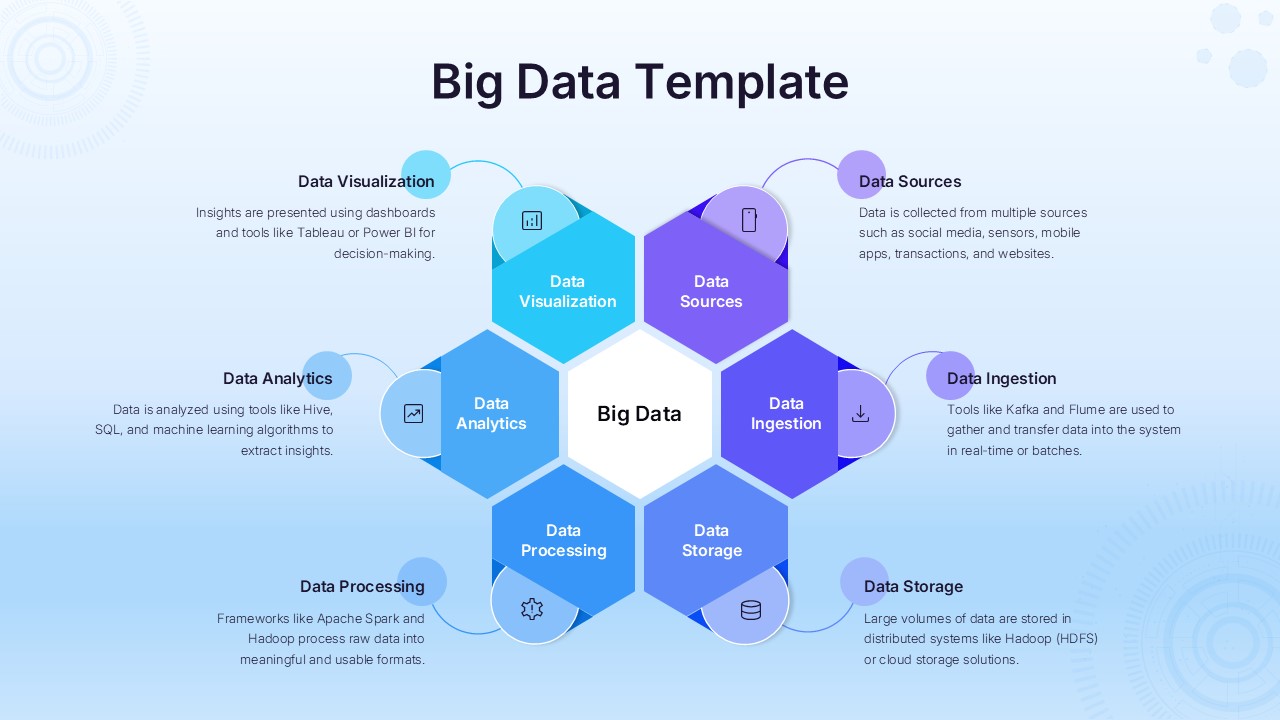
Working with complex data is hard enough. Explaining it clearly is where most presentations fail. This Big Data template is built to simplify that process. Designed for PowerPoint and Google Slides, it helps you present data workflows, systems, and insights in a structured visual format that your audience can actually follow.
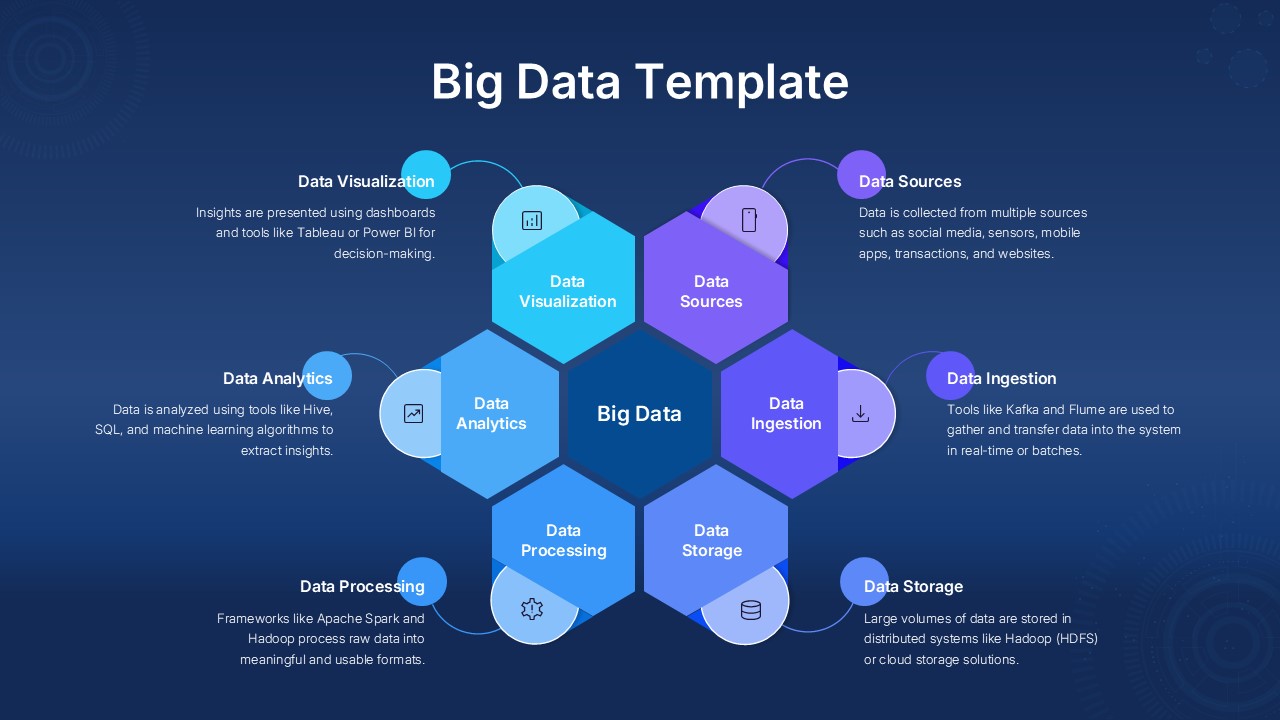
The layout focuses on the key stages of big data. From data sources and ingestion to processing, storage, analytics, and visualization, every section is arranged to show how information flows across your system. This makes it a strong fit for tech presentations, business strategy meetings, product demos, or data reporting sessions. Instead of scattered slides, you get a connected story that explains how your data works.
Customization is quick and practical. You can edit text, adjust colors, and replace icons without breaking the structure. Whether you are presenting to stakeholders, clients, or internal teams, the design adapts to your context without needing extra design work. The balanced layout keeps each component visible while maintaining a clean and professional look.
This template is also useful when you need to simplify technical concepts. It turns complex processes into a visual explanation that is easier to understand, even for non-technical audiences. That alone makes it a strong asset for anyone working in data, analytics, or digital transformation.
If your goal is to present data clearly without wasting time on slide design, this template gives you a reliable starting point.
Download this Big Data template now and turn complex data into clear, structured presentations.
Frequently Asked Questions
Can I customize the hexagonal components to show different big data technologies?
Yes, all hexagonal components and text placeholders are fully editable. You can easily modify the technology names, descriptions, and even replace the icons to reflect your specific big data stack and tools.
Are both background color options included in the template?
Absolutely! The template includes both the light blue/white background version and the darker navy blue background option, giving you flexibility to choose the best style for your presentation context.
Can I add more components to the hub-and-spoke design?
Yes, the hexagonal design elements are fully customizable. You can duplicate and modify existing hexagons to add additional components or create variations that better represent your specific big data architecture.
Login to download this file
What do you think of this template?
Category:
Business Strategy
Aspect Ratio: 16:9
Item ID: SPT0678
Color


Related Templates
-
-
-
IT Governance Framework Template Editable in PowerPoint & Google Slides
Business Strategy
-
Stage Gate Process Google Slides & PowerPoint Template
Business Strategy
-
-
-
-
Organization Challenges Hub Diagram PowerPoint & Google Slides Template
Business Strategy
-
-
Puzzle Piece PowerPoint & Google Slides Template
Business Strategy
-
-



