
Monthly Calendar Timeline Planner Template for PowerPoint & Google Slides
Product Description
Description
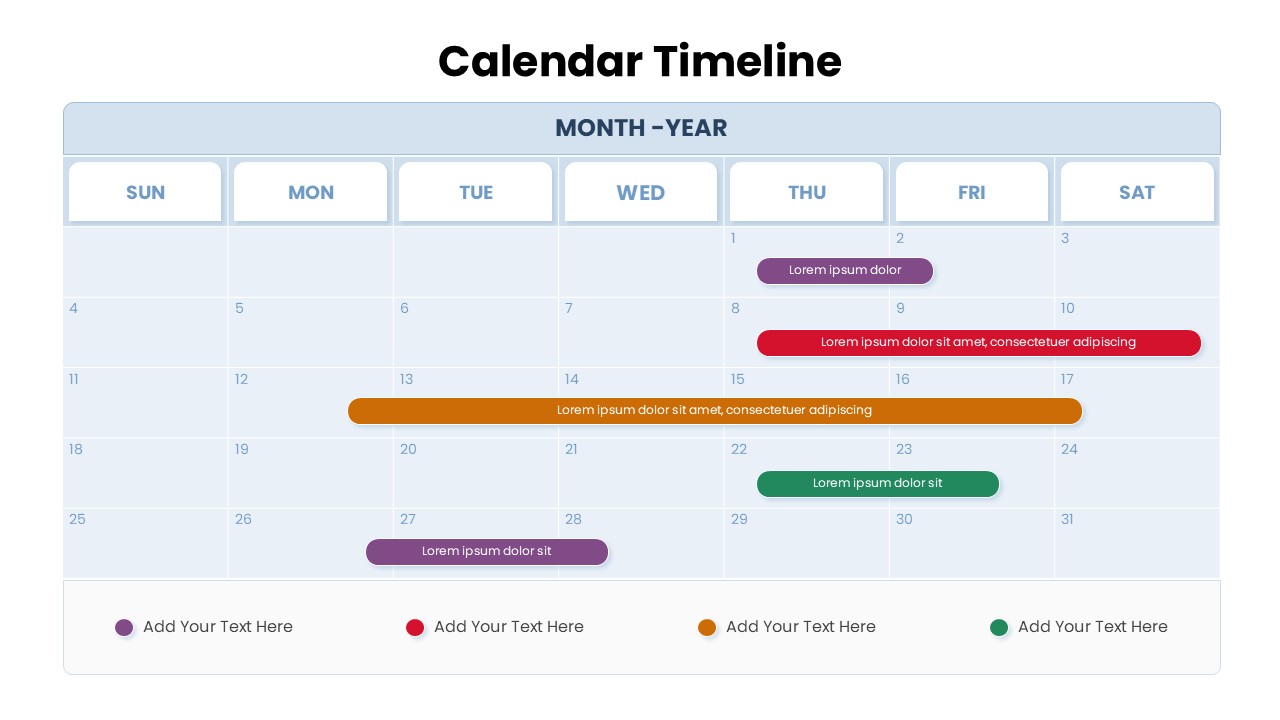
This Monthly Calendar Timeline Planner offers a clean and visually structured way to map events, deadlines, and milestones across a full month. Designed with clarity and workflow efficiency in mind, it enables teams and individuals to visualize multi-day activities, highlight key tasks, and coordinate schedules at a glance. Its balanced layout and color-coded bars make it easy to interpret timelines without clutter, supporting both high-level planning and detailed progress tracking.
What’s Inside the Template
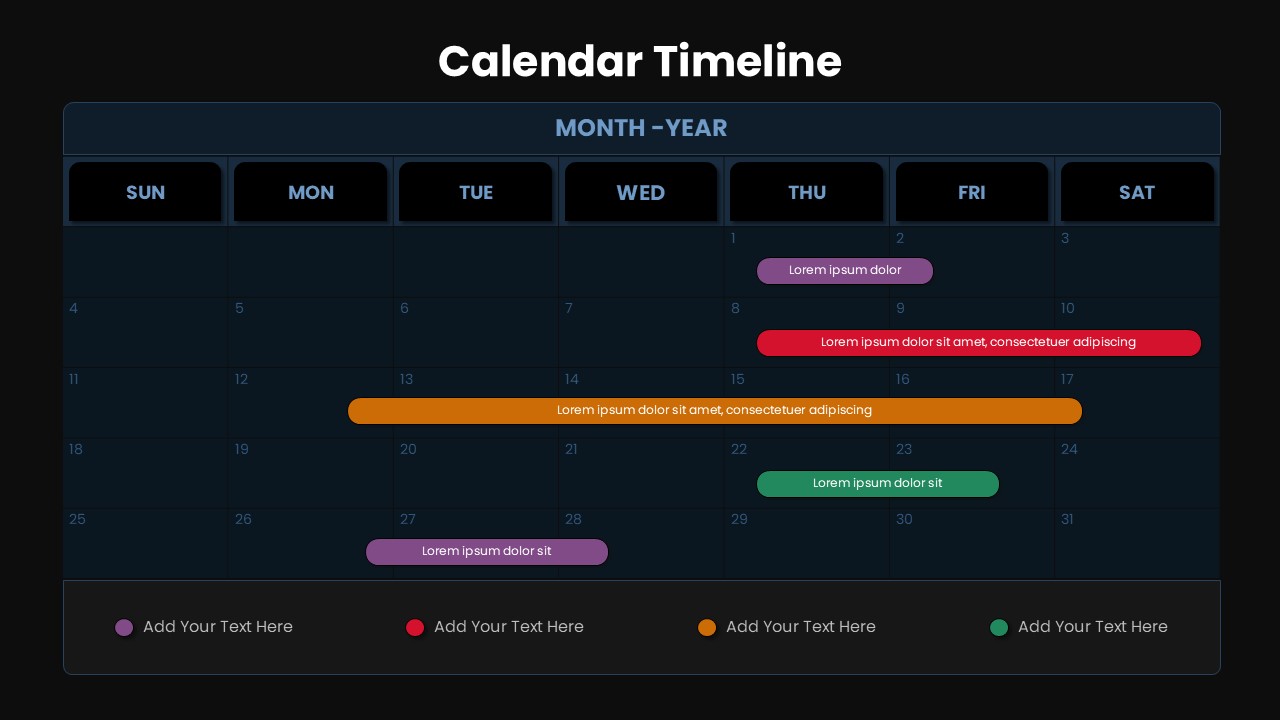
The template features a full monthly grid, displayed from Sunday to Saturday, allowing you to assign tasks, events, or work phases directly to specific days. Horizontal timeline bars in multiple colors help represent overlapping activities or initiatives of varying durations. A legend at the bottom provides space for customizable labels, enhancing readability and ensuring that stakeholders can quickly understand what each color signifies. The structured top section includes a Month–Year header for quick contextual reference.
Key Features
- Clear month-long layout ideal for planning and scheduling
- Color-coded horizontal timelines for easy visual distinction
- Flexible labeling to match project phases, team tasks, or event categories
- Minimal, user-friendly design suitable for presentations and reports
- Fully editable elements to adjust colors, durations, and text
- Suitable for project timelines, marketing calendars, event planning, or operations tracking
Ideal For
This template is well-suited for project managers coordinating deliverables, marketing teams organizing campaign timelines, HR teams planning internal activities, educators outlining academic schedules, and business leaders presenting monthly plans. It is also useful for personal productivity or team-wide visibility sessions.
Slide Highlights
The central calendar grid remains the focal point, offering clean segmentation of days and weeks. The colored horizontal bars—purple, red, orange, and green—clearly visualize timelines that span multiple days, making it easy to assess overlaps or workload intensity. The bottom legend enhances interpretation by linking each color to a customizable label, improving communication during meetings or stakeholder updates.
Compatibility & Formats
The template is fully compatible with PowerPoint and Google Slides, ensuring smooth editing, sharing, and presenting across teams and devices. All shapes and text fields are fully customizable.
Login to download this file
What do you think of this template?
Category:
Infographics
Aspect Ratio: 16:9
Item ID: SPT0090
Color



