
Concentric Circle Diagram Template for PowerPoint & Google Slides
Product Description
Description
This concentric circle diagram is designed to visualize layered relationships, hierarchical structures, or levels of importance within a unified framework. It is a fully editable presentation template, compatible with PowerPoint and Google Slides, allowing users to clearly communicate complex ideas through a structured circular layout. The design emphasizes progression from the center outward, making it ideal for conceptual and analytical presentations.
This template helps transform multi level information into a clean, visually engaging diagram that is easy to understand.
What’s Inside the Template
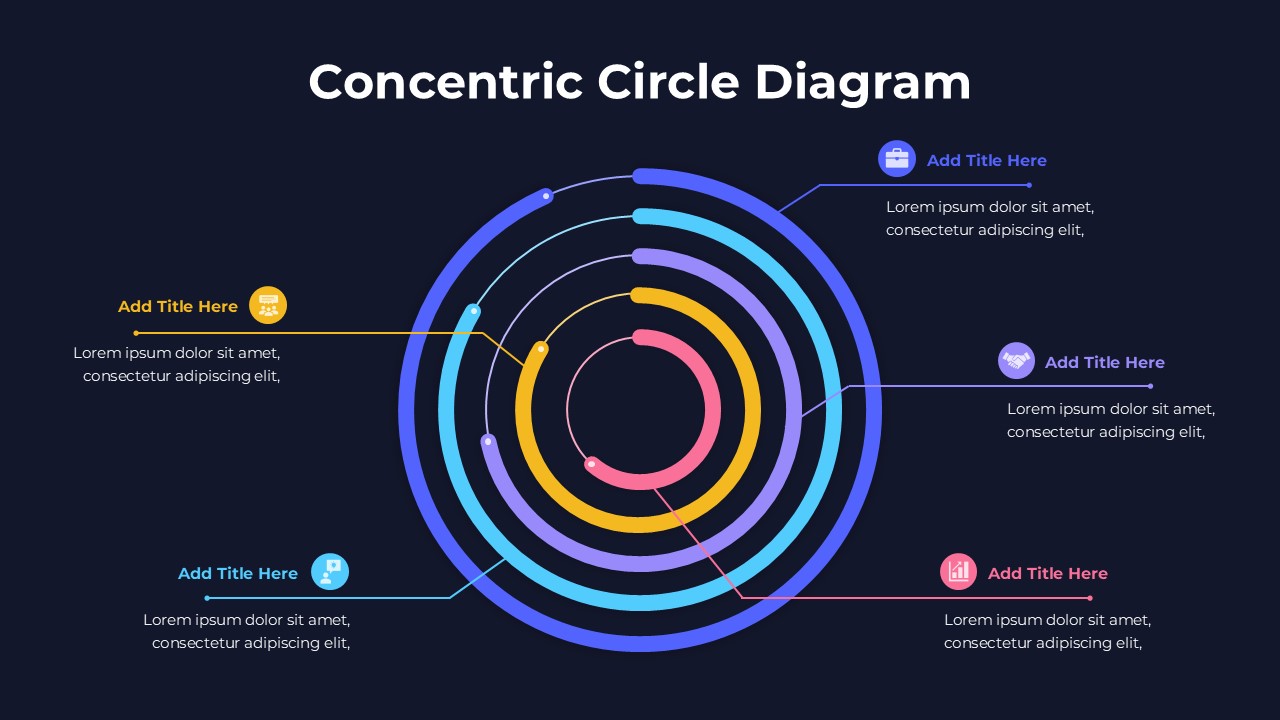
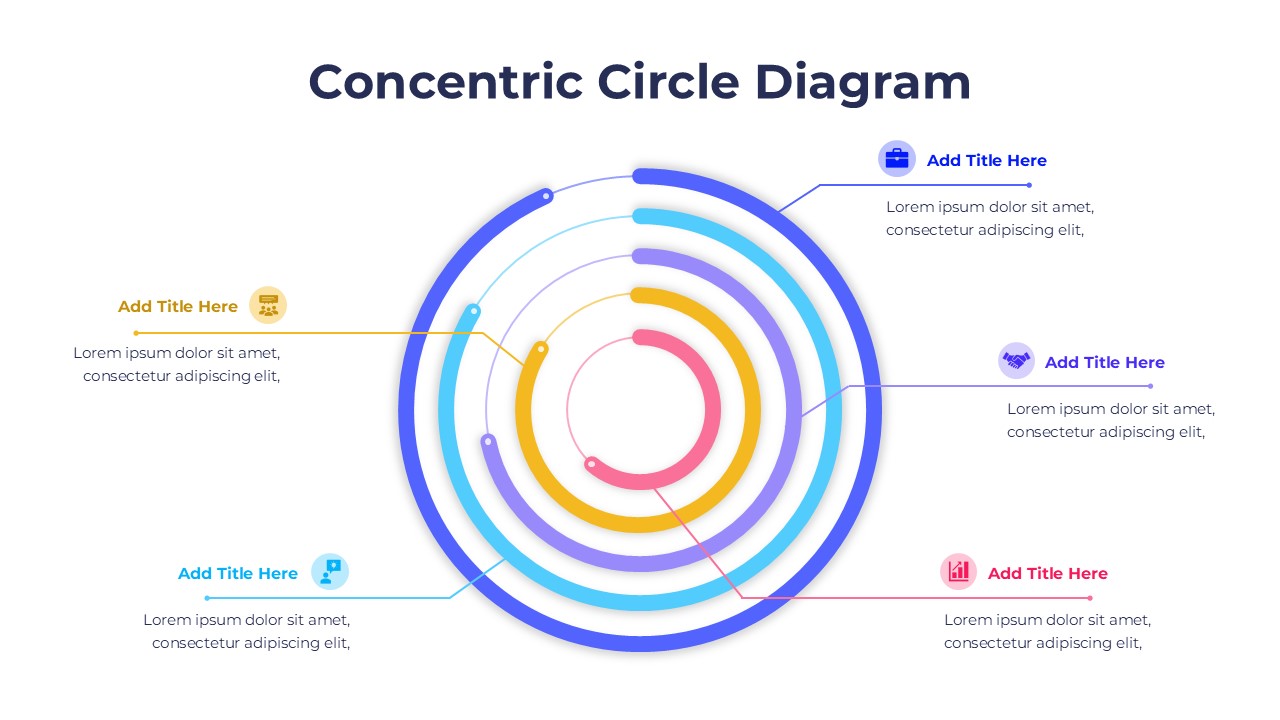
The template features multiple concentric rings arranged around a central core. Each ring represents a distinct layer, category, or dimension, with callout lines connecting to external text areas for titles and descriptions. Icon placeholders accompany each label to reinforce meaning and improve visual clarity. The balanced spacing between rings ensures readability while maintaining a modern, professional appearance. All elements including colors, text, icons, and ring sizes are fully editable to fit different presentation goals.
Key Features
- Concentric circle layout for layered or hierarchical concepts
- Multiple rings with external callouts and icon support
- Clear visual separation between levels or categories
- Fully editable colors, text, and diagram elements
- Clean and modern design for professional presentations
Ideal For
This template is ideal for business strategists, consultants, educators, and analysts who need to present frameworks, models, or priority layers. It works well for market segmentation, capability models, organizational structures, value frameworks, and conceptual analysis. Marketing teams and students can also use it for presentations that require structured visual explanations.
Slide Highlights
The slide highlights a strong central focus supported by evenly spaced circular layers. Color coding helps distinguish each level while maintaining visual harmony. Connector lines and icons guide attention from the diagram to explanatory text, making the slide effective for both detailed walkthroughs and executive level summaries.
Compatibility & Formats
This template is fully compatible with Microsoft PowerPoint and Google Slides. All components are editable without additional fonts or plugins, ensuring smooth customization and consistent results across platforms.
Login to download this file
What do you think of this template?
Category:
Business
Aspect Ratio: 16:9
Item ID: SPT0268
Color



