
Current State Vs Future State PowerPoint & Google Slides Template
Product Description
Current State Vs Future State Presentation Template
This professional Current State Vs Future State template helps organizations visualize transformation journeys with clarity and impact. The template is completely editable in both Microsoft PowerPoint & Google Slides, offering dual-theme flexibility for any presentation environment. Perfect for change management initiatives, strategic planning sessions, and process improvement proposals, this template transforms complex comparative analysis into clear, engaging visual narratives that stakeholders can easily understand and act upon.
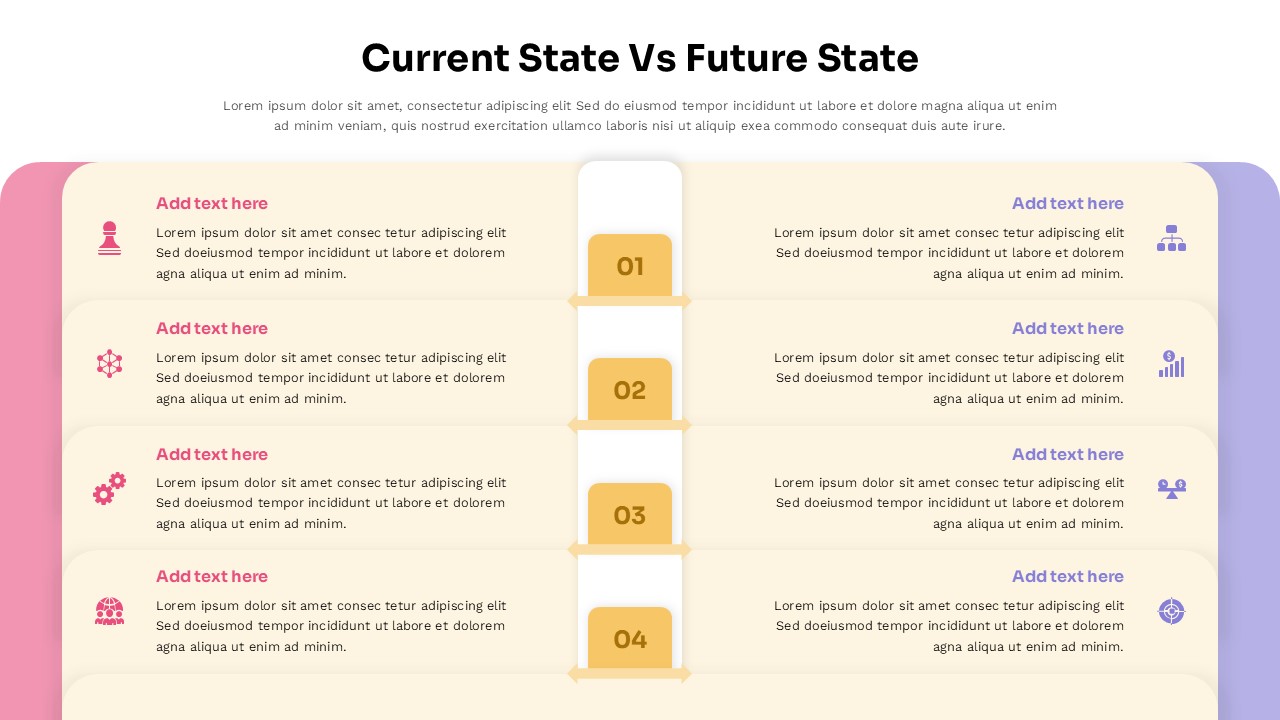
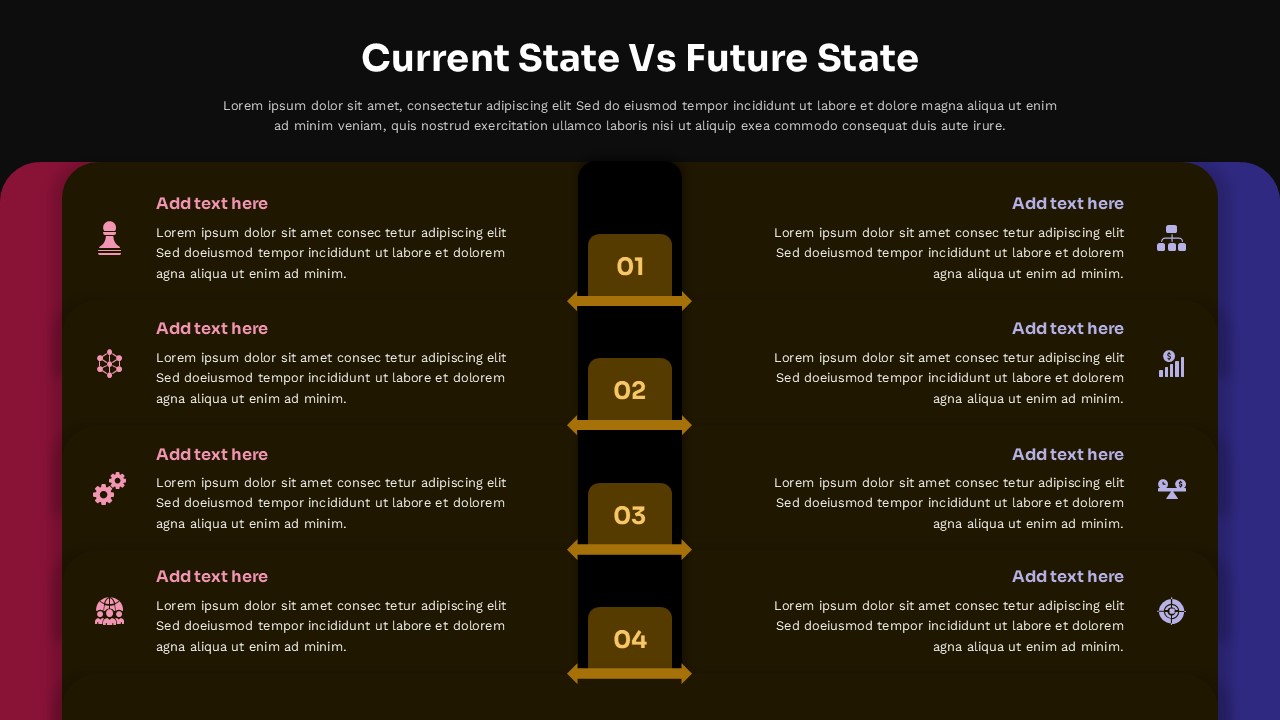
The template features a sophisticated dual-column layout with cream and charcoal background options to match your brand preferences. Pink-to-purple gradient accents create visual separation between current and future states, while golden numbered badges (01-04) establish clear progression hierarchy. Clean typography and rounded design elements maintain professional aesthetics, with dynamic connecting arrows in the dark version adding visual flow that guides viewers through the transformation process seamlessly.
What’s Inside Our Current State Vs Future State Template
This comprehensive template includes two professionally designed slides featuring symmetrical four-section layouts with central connecting elements. Each section contains customizable icon placeholders, editable text areas, and descriptive content blocks. The light version offers cream backgrounds with soft gradients, while the dark version provides high-contrast charcoal themes with golden directional arrows. Both layouts include main title areas, subtitle sections, and multiple “Add text here” placeholders that accommodate various content lengths and organizational messaging requirements.
Key Features of This Current State Vs Future State Template
- Dual-theme design with light and dark layout options
- Four-section numbered progression framework
- Symmetrical two-column comparative structure
- Pink-to-purple gradient accents for visual distinction
- Golden numbered badges with clear hierarchy
- Customizable icon and text placeholder areas
- Professional typography with rounded design elements
- Dynamic connecting arrows for transformation flow
Ideal For
This template serves change management consultants, business analysts, project managers, and organizational development professionals who need to present transformation initiatives effectively. Perfect for business strategy presentation slides that require clear before-and-after comparisons, strategic planning workshops, process improvement proposals, and stakeholder alignment meetings. Executive teams, consultants, and project leaders will find this template invaluable for communicating complex organizational changes in digestible, visually compelling formats that drive decision-making and buy-in.
Compatibility & Formats
Fully compatible with Microsoft PowerPoint and Google Slides, this template ensures seamless editing across platforms. All elements including gradients, text placeholders, icons, and color schemes are completely customizable, allowing you to maintain brand consistency while leveraging professional comparison diagram design principles for maximum presentation impact.
Frequently Asked Questions
Can I customize the colors and gradients in this Current State Vs Future State template?
Yes, all design elements including the pink-to-purple gradients, golden numbered badges, and background colors are fully customizable in both PowerPoint and Google Slides to match your brand requirements.
How many sections can I add to compare current and future states?
The template includes four numbered sections (01-04) by design, but you can easily duplicate sections or modify the layout to accommodate more comparison points while maintaining the professional visual structure.
Is this template suitable for both internal team meetings and client presentations?
Absolutely! The template includes both light and dark theme options, making it perfect for various presentation environments from boardroom meetings to client pitches and stakeholder alignment sessions.
Login to download this file
What do you think of this template?
Category:
Business Strategy
Aspect Ratio: 16:9
Item ID: SPT0675
Color


Related Templates
-
-
-
-
-
-
Market Gap Analysis Presentation Template for PowerPoint & Google Slides
Business Strategy
-
-
-
-
Harvey Balls Google Slides & PowerPoint Template
Business Strategy
-
Puzzle Piece PowerPoint & Google Slides Template
Business Strategy
-
Dupont Bradley Curve PowerPoint & Google Slides Template
Business Strategy



