
Free Curved Arrow Template for PowerPoint & Google Slides

Product Description
Description
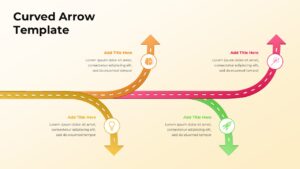
This curved arrow process diagram is designed to visually represent directional flows, branching paths, and progressive movement within a single framework. It is a fully editable presentation template, compatible with PowerPoint and Google Slides, making it easy to adapt for business, strategy, or planning use cases. The curved arrow design helps illustrate growth, transitions, or alternative paths in a visually engaging way.
As a free template, it provides a high quality visual solution for explaining complex ideas without added cost.
What’s Inside the Template
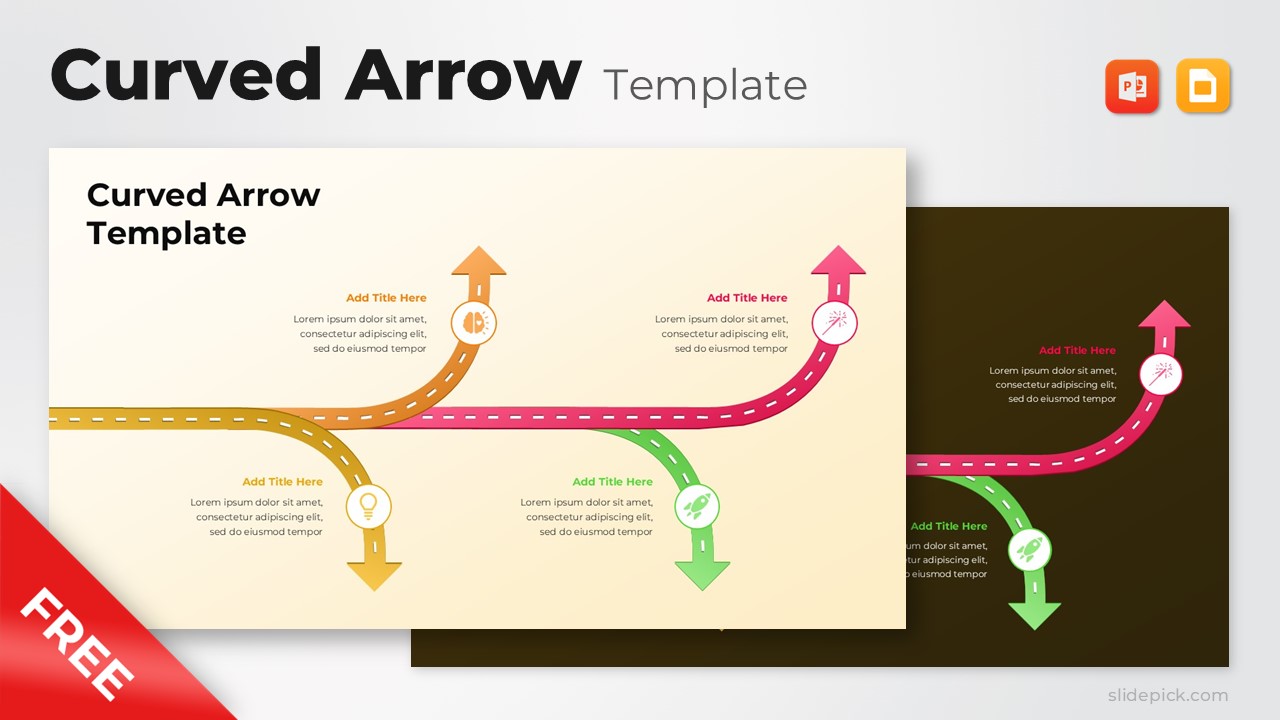
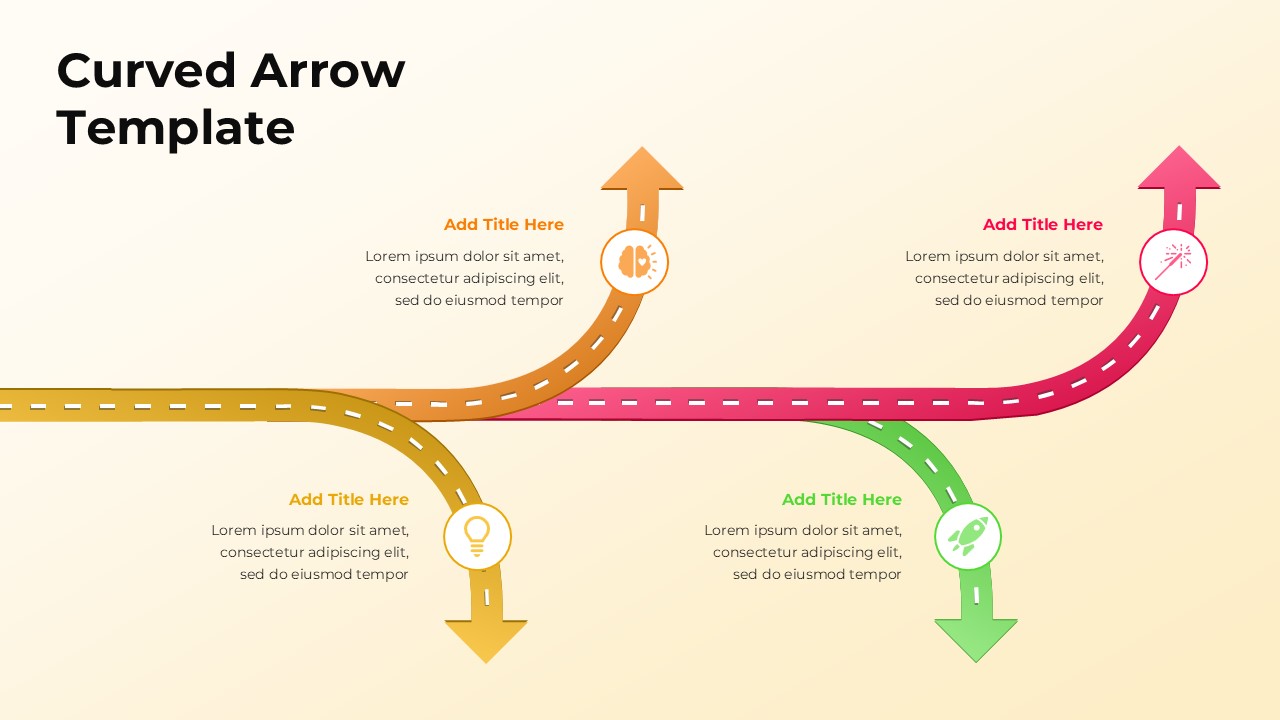
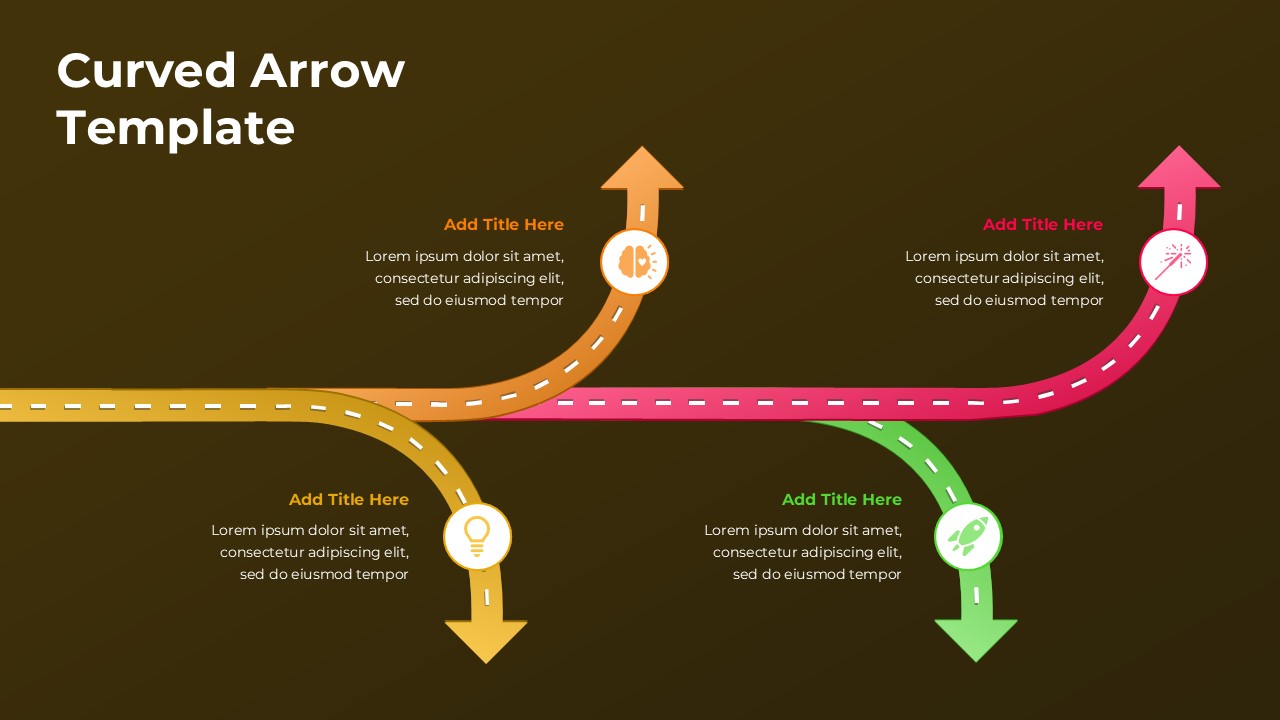
The template features a central horizontal path with multiple curved arrows branching upward and downward. Each arrow includes a title placeholder, icon space, and supporting text area to explain individual steps, options, or outcomes. The road style arrow design reinforces progression and direction, while distinct colors help differentiate each path clearly. The layout is balanced to maintain readability even when presenting multiple ideas or directions simultaneously. All elements are fully editable, allowing users to customize text, colors, and icons easily.
Key Features
- Curved arrow diagram illustrating multiple paths or flows
- Central process line with branching directional arrows
- Editable titles, icons, and descriptive text areas
- Strong visual storytelling for progression and decision paths
- Free to use and fully customizable
Ideal For
This template is ideal for strategy presentations, process mapping, and concept explanations. It works well for business planning, growth strategies, decision frameworks, and innovation discussions. Consultants, project managers, educators, and startup teams can use it to clearly communicate movement, options, or outcomes in a single visual.
Slide Highlights
The slide highlights smooth curved arrows that guide attention naturally across the layout. Color coded paths improve clarity and help distinguish between different ideas or directions. The combination of icons and concise text supports quick understanding while maintaining a professional and modern appearance.
Compatibility & Formats
This free template is fully compatible with Microsoft PowerPoint and Google Slides. All components are editable without additional fonts or plugins, ensuring seamless customization and easy collaboration across platforms.
Login to download this file
What do you think of this template?
Category:
Business
Aspect Ratio: 16:9
Item ID: SPT0269
Color



