
Downward Arrow Process Flow Template for PowerPoint & Google Slides

Product Description
Description
This downward arrow process flow design is created to present step by step progression in a clear vertical direction. It is a fully editable presentation template compatible with PowerPoint and Google Slides. The layout visually guides the audience through sequential stages from top to bottom.
Designed for clarity and structure, this template is ideal for explaining workflows, phased processes, or logical breakdowns. The downward arrow format reinforces flow, order, and continuity, making complex information easier to follow.
What’s Inside the Template
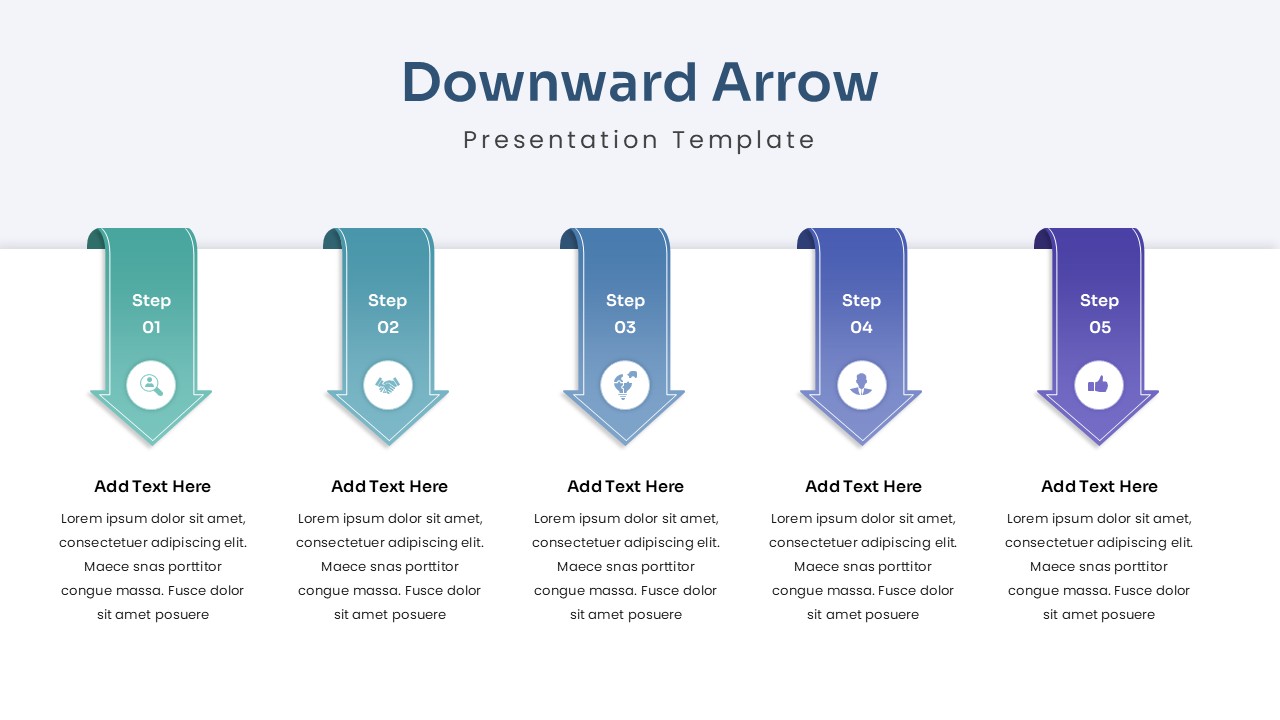
The template includes a single slide featuring five vertically aligned downward arrows. Each arrow represents a distinct step in a process and includes space for a step number, icon, title, and short description. The arrows are evenly spaced to maintain visual balance and ensure readability. Text placeholders are positioned below each arrow, allowing users to add concise explanations without crowding the design.
Key Features
- Five step downward arrow process layout
- Clear visual flow from start to finish
- Icon supported step markers for clarity
- Fully editable text, colors, and icons
- Clean and professional slide structure
Ideal For
This template is ideal for business professionals, project managers, consultants, educators, and students. It works well for explaining workflows, procedures, onboarding steps, decision paths, implementation phases, and instructional content. The simple structure makes it suitable for both executive presentations and training materials.
Slide Highlights
The slide highlights include a bold title area, modern gradient arrows, and consistent spacing across all steps. Each arrow draws attention downward, naturally guiding the viewer through the process. The use of icons enhances comprehension while keeping the slide visually engaging and professional.
Compatibility & Formats
This presentation template is fully compatible with Microsoft PowerPoint and Google Slides. All elements are editable without additional plugins or fonts. The layout remains consistent across platforms, enabling easy customization, collaboration, and reuse.
Login to download this file
What do you think of this template?
Category:
Business
Aspect Ratio: 16:9
Item ID: SPT0260
Color



