
Event Planning Timeline PowerPoint & Google Slides Template
Product Description
Event Planning Timeline PPT Slide
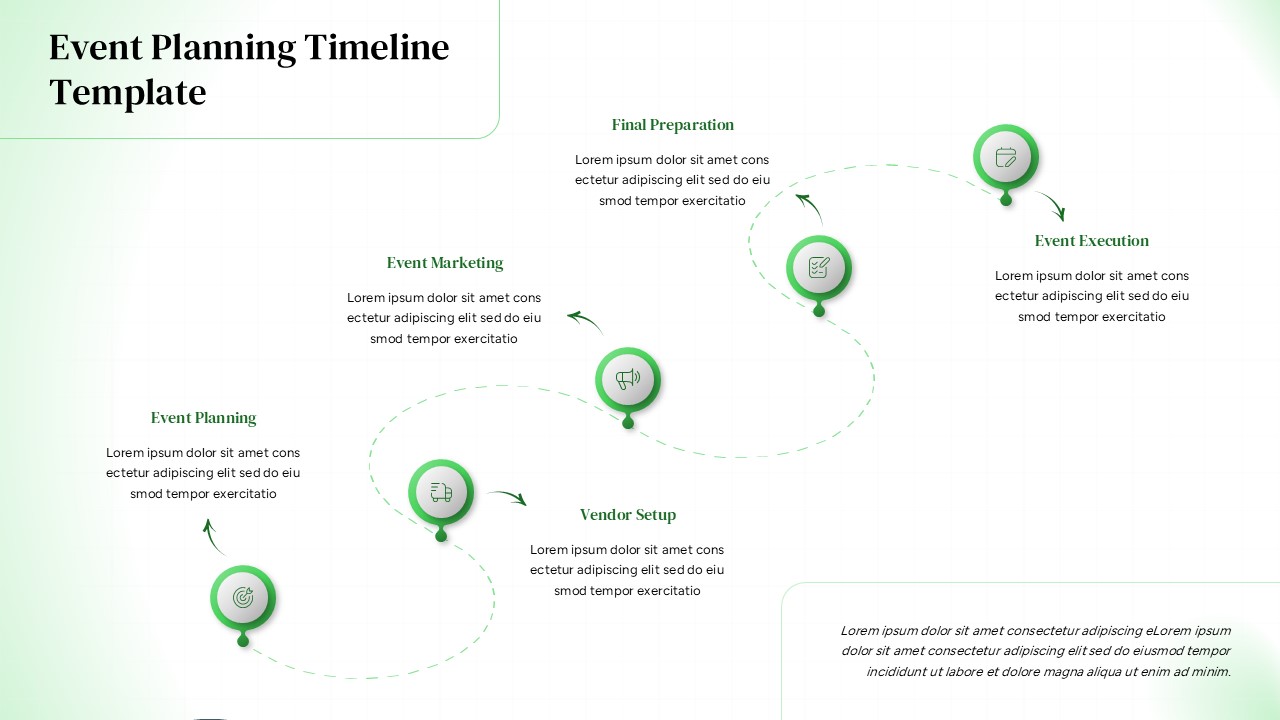
This professional event planning timeline template features a sleek curved design that transforms complex project workflows into visually compelling presentations. The template showcases five sequential stages of event management, from initial planning through final execution, using an innovative winding path design with distinctive circular nodes. Completely editable in both Microsoft PowerPoint and Google Slides, this template enables event professionals to present their methodologies with clarity and visual impact. The dual color scheme options provide versatility for different presentation environments and brand requirements.
What’s Inside the Event Planning Timeline Template
The template contains two professionally designed slides featuring an identical curved timeline structure with five interconnected stages. Each stage includes custom icons within green circular borders, connected by elegant dashed curved lines that guide the viewer’s eye through the process flow. The design incorporates strategic text placeholders around each node, allowing for detailed descriptions of each planning phase. One slide features a sophisticated dark background for dramatic presentations, while the second offers a light mint green background for softer, more approachable contexts. The vibrant green accent color creates consistent visual cohesion across both versions.
Key Features of Event Planning Timeline Template
- Curved timeline design with five sequential planning stages
- Dual color scheme options – dark and light backgrounds
- Custom icons for each stage with consistent green branding
- Strategic text placement with ample white space
- Fully editable elements including colors, text, and icons
- Professional typography optimized for readability
- 16:9 aspect ratio perfect for modern presentations
- Clean, minimalist aesthetic suitable for corporate environments
Ideal For
This template is perfect for event planning professionals, project managers, marketing coordinators, and business consultants who need to communicate complex planning processes clearly. Wedding planners can use it to outline their comprehensive planning approach, while corporate event managers can present their systematic methodology to clients and stakeholders. The template serves consulting professionals who need to demonstrate structured approaches to event management, and training managers who want to educate teams on proper event planning procedures.
Slide Highlights
The visual design features a striking curved path that creates natural flow and movement across the slide, making even complex timelines easy to follow. The vibrant green accent color provides excellent contrast against both the dark and light backgrounds, ensuring maximum readability in any presentation setting. Each circular node contains carefully selected icons that represent different aspects of event planning, while the dashed connecting lines add subtle sophistication. The strategic use of white space prevents visual clutter, and the modern typography maintains professional standards throughout. This thoughtful design approach makes the template suitable for timeline presentations across various industries and contexts.
Compatibility & Formats
This event planning timeline template is fully compatible with both Microsoft PowerPoint and Google Slides, ensuring seamless editing regardless of your preferred platform. All elements including text, colors, icons, and shapes are completely customizable to match your brand guidelines or presentation requirements. The professional design maintains its quality and visual impact across different devices and screen sizes.
Frequently Asked Questions
Can I modify the timeline stages to fit my specific event planning process?
Yes, absolutely! All elements in this template are fully editable. You can easily change the stage names, descriptions, icons, and even add or remove timeline nodes to match your specific event planning methodology.
Which background version should I choose for my presentation?
The template includes both dark and light background options. Choose the dark version for dramatic, high-impact presentations or evening events, and the light version for daytime meetings, client consultations, or when you need a softer, more approachable aesthetic.
Is this template suitable for different types of events beyond corporate planning?
Yes, this versatile timeline template works perfectly for all event types including weddings, conferences, product launches, fundraisers, and social events. Simply customize the stage descriptions and icons to match your specific event planning requirements.
Login to download this file
What do you think of this template?
Category:
Business
Aspect Ratio: 16:9
Item ID: SPT0667
Color


Related Templates
-
-
-
-
Product Roadmap Google Slides & PowerPoint Template
Business Strategy
-
-
-
Simple Gantt Chart Planning Template for PowerPoint & Google Slides
Project Overview
-
-
Migration Plan Process Presentation Template for PowerPoint & Google Slides
Project Management
-
Business Process Mapping Template for PowerPoint & Google Slides
Project Management
-
-
Project Scope Overview Google Slides & PowerPoint Template
Project Overview



