
Five Step Process Flow Slide Template for PowerPoint & Google Slides
Product Description
Description
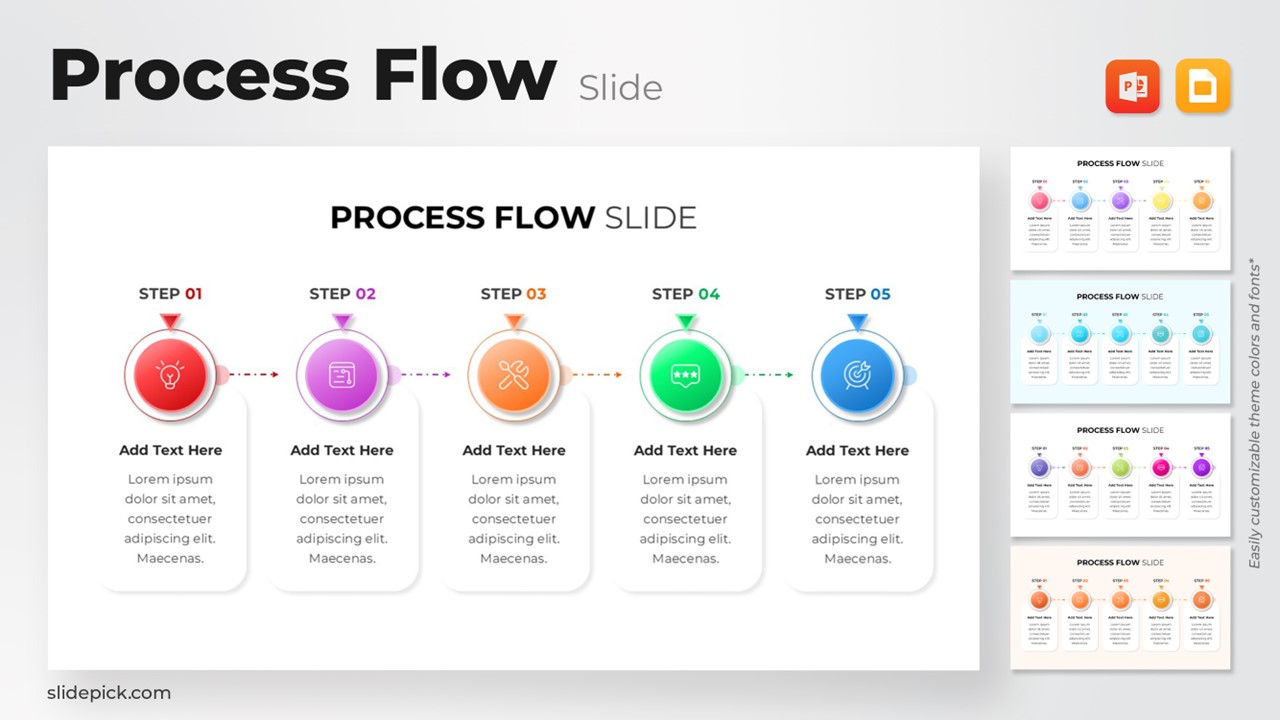
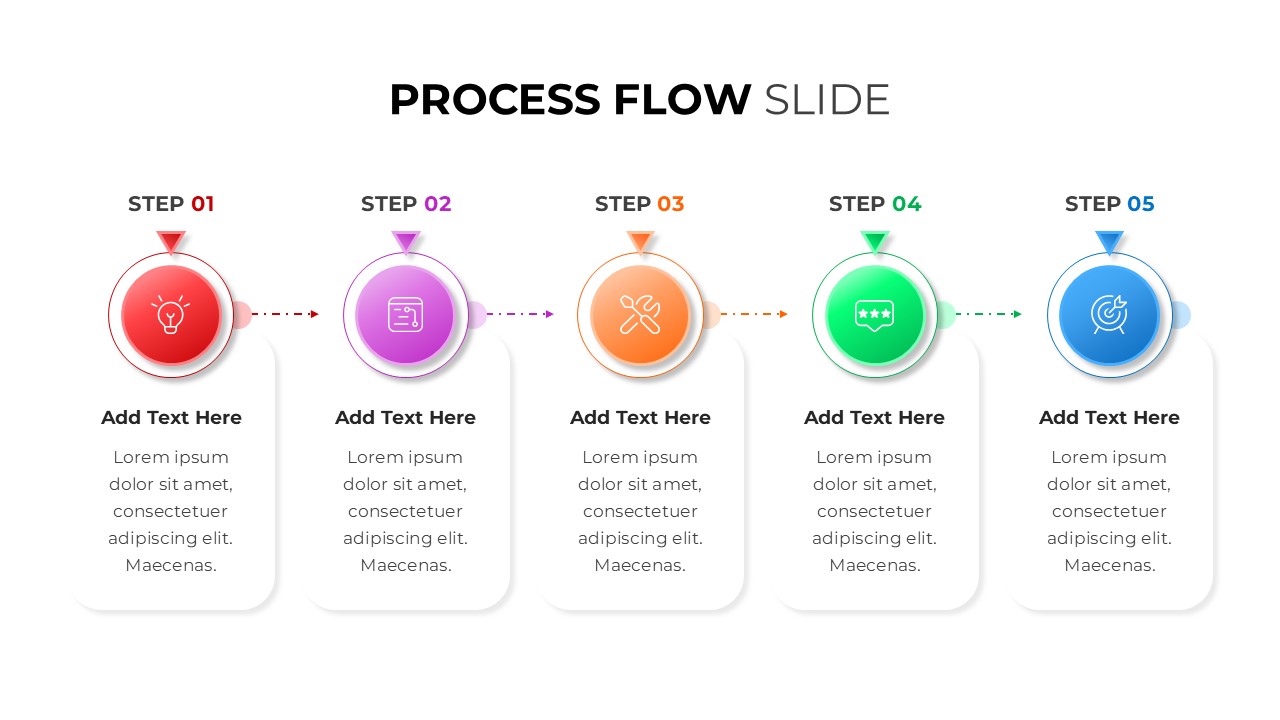
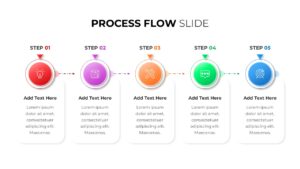
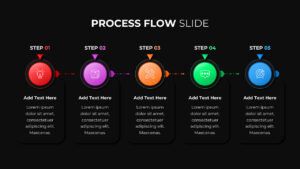
This five-step process flow template offers a clean, modern structure designed to help presenters communicate sequential workflows with clarity and visual impact. Each step is represented by a circular icon in a distinct color, making it easy for audiences to follow stages from initiation to completion. The linear arrangement enhances narrative flow, supporting use cases where order, progression, and milestones need to be highlighted. With its balanced spacing, subtle shadows, and contemporary gradient accents, the template adapts well to business, project, and operational presentations seeking a polished, professional look.
What’s Inside the Template
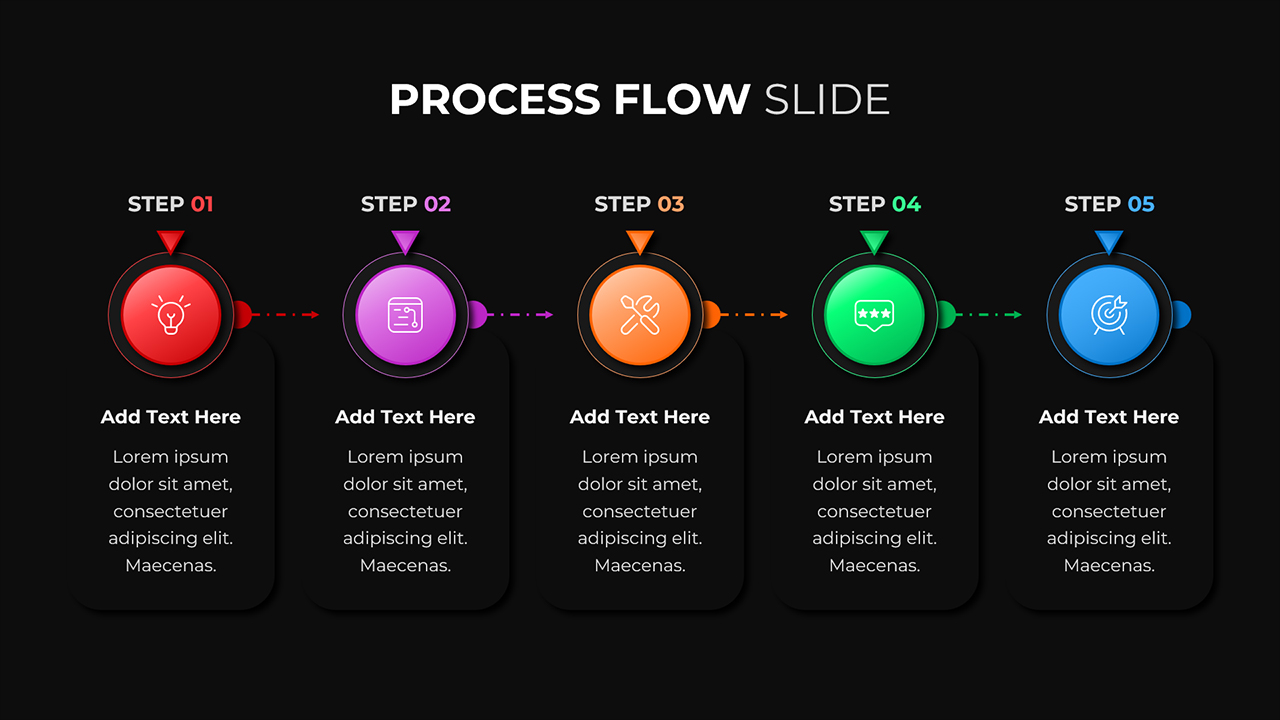
The slide features five vertically stacked content blocks aligned in a horizontal sequence. Each block contains a labeled step number, a color-coded circular icon, a headline placeholder, and descriptive text space. Icons include a lightbulb, document, tools, rating badge, and target—each reinforcing the theme of structured progression. A soft background card under each step offers ample room to elaborate on actions, responsibilities, or related insights. The dotted arrows add directional continuity, visually guiding the viewer through the entire workflow.
Key Features
- Five-step visual process layout with gradient icon markers
- Distinct color coding for easy differentiation between stages
- Clean typography and minimalist composition for enhanced readability
- Icon-centric design for intuitive interpretation
- Spacious text areas suitable for instructions, explanations, or KPIs
- Fully editable shapes, colors, and text in both PowerPoint and Google Slides
Ideal For
This template is well-suited for project managers, business strategists, consultants, educators, and team leads needing to break down a procedure into clear, actionable steps. It works effectively for onboarding journeys, service pipelines, improvement cycles, product development stages, and operational flows across corporate, academic, and technical environments.
Slide Highlights
- Step-by-step gradient circular icons that establish a vivid visual hierarchy
- Soft drop-shadow cards that maintain focus on key content without overcrowding
- Arrows that create continuity and reinforce the directional movement of the process
- A balanced design that accommodates both short and detailed annotations
Compatibility & Formats
The template is fully compatible with PowerPoint and Google Slides. All elements—including icons, gradients, arrows, and text fields—are customizable to match your brand guidelines or presentation theme.
Login to download this file
What do you think of this template?
Category:
Business
Aspect Ratio: 16:9
Item ID: SPT0008
Color



