
Editable Frayer Model Template for PowerPoint & Google Slides
Product Description
Frayer Model Model Presentation Template
This professional Frayer Model template brings structure and clarity to vocabulary development and concept analysis presentations. Featuring a sophisticated four-quadrant design with a central circular focus, this template is completely editable in both Microsoft PowerPoint and Google Slides. The dual-theme approach offers both light and dark variations, making it adaptable to any presentation environment while maintaining visual consistency and educational effectiveness.
What’s Inside the Frayer Model Template
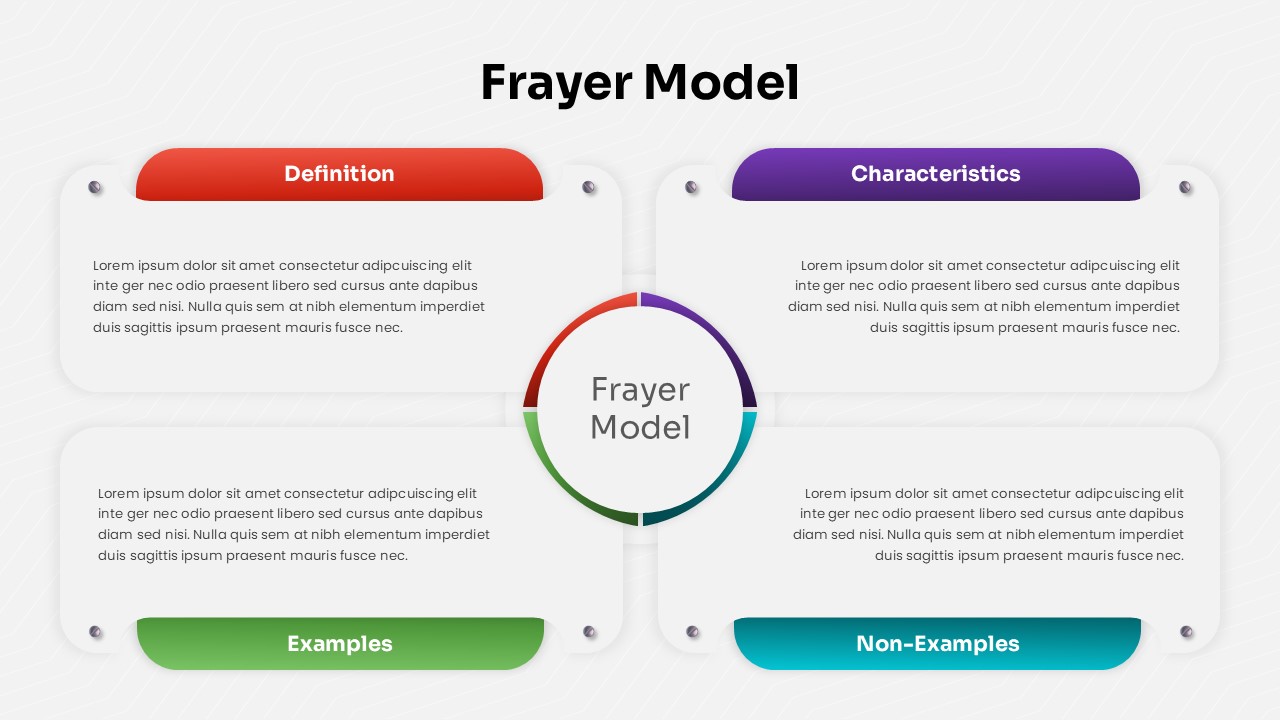
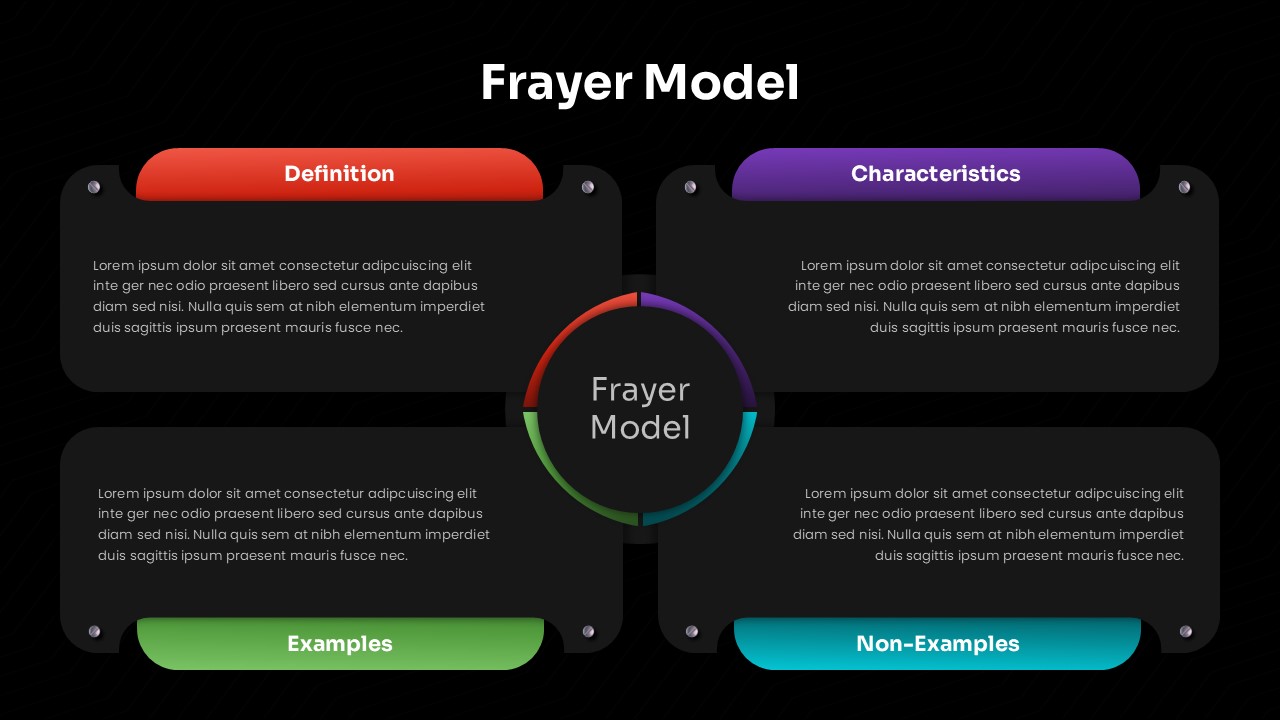
The template includes two comprehensive slides featuring identical layouts with contrasting themes. Each slide presents four distinct sections – Definition, Characteristics, Examples, and Non-Examples – arranged symmetrically around a central Frayer Model identifier. The design incorporates four vibrant accent colors (red, purple, green, and teal) for easy section identification, rounded corner elements for modern appeal, and ample text placeholders with Lorem ipsum content to guide your customization process.
Key Features of Frayer Model Template
- Dual-theme design with light and dark background options
- Four color-coded quadrants for systematic concept organization
- Central circular element for clear focal point identification
- Professional rounded corner design elements throughout
- Fully customizable text placeholders in all sections
- Symmetrical layout ensuring balanced visual presentation
- Compatible with both PowerPoint and Google Slides platforms
- High-contrast color combinations for excellent readability
Ideal For
This template serves educators, trainers, students, and instructional designers who need to break down complex concepts into manageable components. Teachers will find it invaluable for vocabulary lessons and concept mapping exercises, while corporate trainers can use it for skill development workshops. Students benefit from its organized approach to educational presentations, and curriculum developers appreciate its systematic framework for creating comprehensive learning materials across various subjects and grade levels.
Slide Highlights
The template showcases a clean, modern aesthetic with carefully selected typography and strategic use of white space. The light theme features an off-white background that enhances readability, while the dark theme provides a sleek black backdrop for dramatic impact. Four distinct header colors create clear section boundaries, and the connecting elements between quadrants and the central circle establish visual flow. The diagram structure ensures that complex information remains accessible and visually appealing to audiences of all backgrounds.
Compatibility & Formats
This template delivers full compatibility with Microsoft PowerPoint and Google Slides, ensuring seamless editing capabilities across both platforms. All design elements, including colors, fonts, shapes, and text placeholders, are completely customizable to match your specific branding or educational requirements while maintaining professional presentation standards.
Frequently Asked Questions
How do I customize the text in each quadrant of the Frayer Model template?
Simply click on any text placeholder within the Definition, Characteristics, Examples, or Non-Examples sections and replace the Lorem ipsum content with your specific information. All text elements are fully editable in both PowerPoint and Google Slides.
Can I change the colors of the section headers to match my branding?
Yes, all color elements including the red, purple, green, and teal section headers can be easily modified. Select any colored element and use your presentation software's color picker to choose custom colors that align with your brand or preferences.
Which theme should I choose for my presentation - light or dark?
Choose based on your presentation environment and audience preference. The light theme works well for traditional classroom settings and printed materials, while the dark theme is ideal for digital presentations, reducing eye strain in dimly lit rooms, or creating a more modern, professional appearance.
Login to download this file
What do you think of this template?
Category:
Diagrams
Aspect Ratio: 16:9
Item ID: SPT0596
Color



