
Monthly Planner Calendar Template for PowerPoint & Google Slides
Product Description
Description
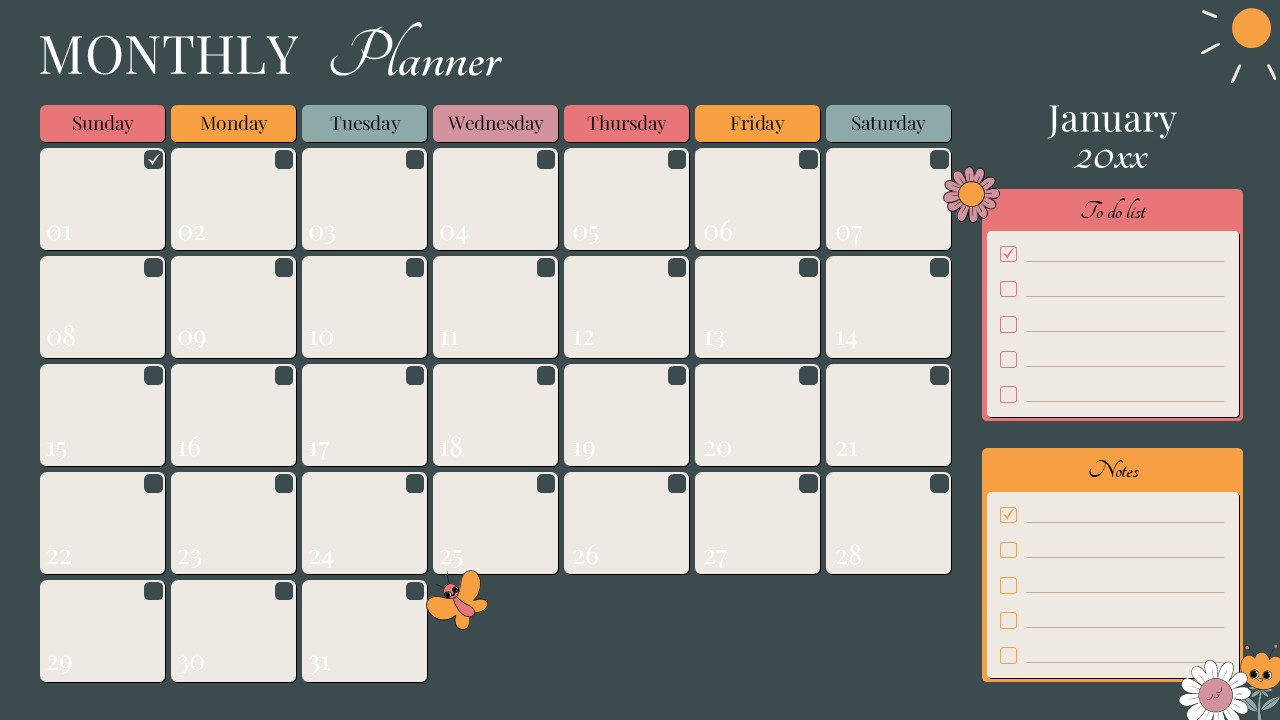
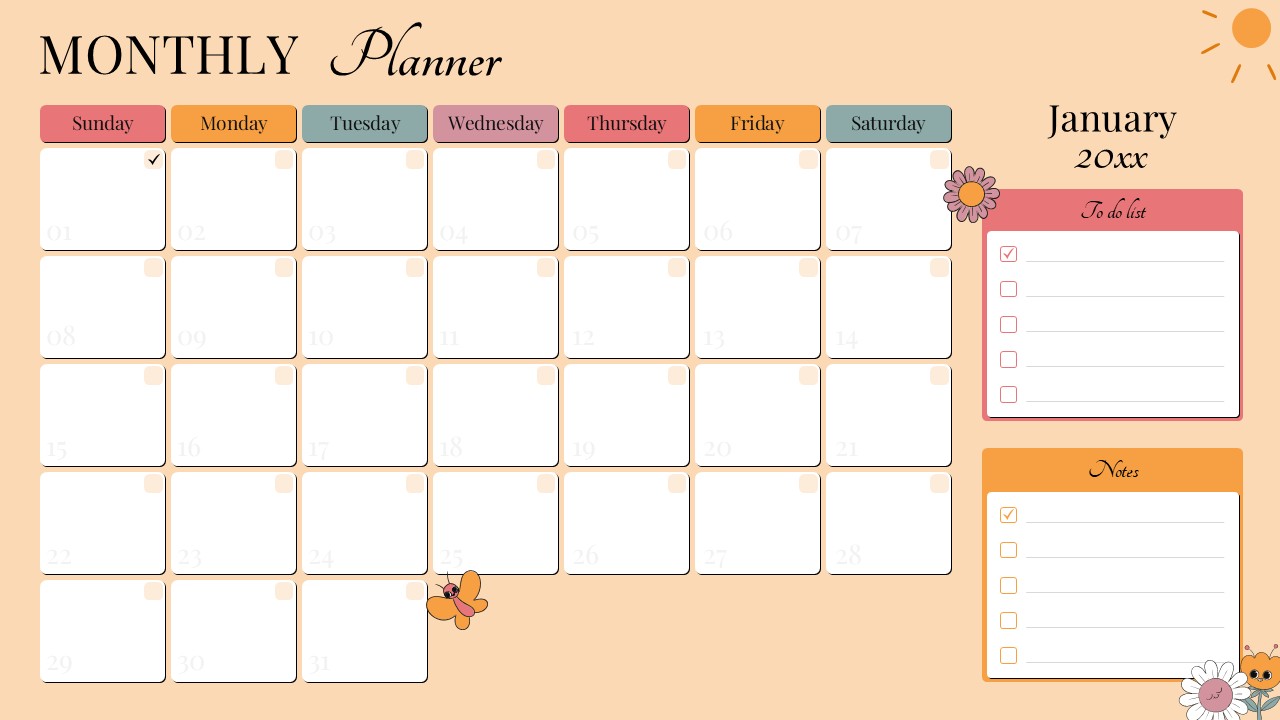
This Monthly Planner presentation is designed to help organize tasks, schedules, and priorities across an entire month in a clear visual format. It is a fully editable presentation template compatible with PowerPoint and Google Slides. The layout combines a full monthly calendar view with dedicated sections for notes and to do lists. It supports personal planning, academic organization, and professional scheduling needs.
The design uses soft colors and balanced spacing to create a calm and readable planning experience. Each date block provides ample space for daily entries, making it suitable for structured planning without visual clutter.
What’s Inside the Template
The template features a complete monthly calendar layout starting from Sunday through Saturday with clearly labeled date boxes. Each day includes space for short notes, reminders, or task markers. A dedicated to do list panel allows users to track priorities for the month, while a separate notes section supports additional planning details or reflections. Month and year text placeholders are fully editable, allowing reuse across different months and years.
Key Features
- Full monthly calendar layout with editable dates
- Integrated to do list and notes sections
- Clean and soft color palette for easy readability
- Fully customizable text, colors, and layout elements
- Suitable for personal, academic, and professional planning
Ideal For
This template is ideal for students, teachers, professionals, and individuals who want a visual monthly planning system. It works well for productivity tracking, academic schedules, content planning, and personal goal management. Teams can also use it for light project planning or monthly activity overviews.
Slide Highlights
The calendar grid provides a structured overview of the entire month at a glance. Clearly separated weekdays improve organization and reduce confusion. The side panels enhance usability by keeping tasks and notes visible without overcrowding the calendar. Decorative elements add warmth while preserving a professional and organized look.
Compatibility & Formats
This presentation template is fully compatible with Microsoft PowerPoint and Google Slides. All elements retain their layout and formatting across platforms, ensuring smooth editing and presentation without additional tools.
Login to download this file
What do you think of this template?
Category:
Business
Aspect Ratio: 16:9
Item ID: SPT0285
Color



