
Pie Chart PowerPoint Template

Pie Chart PowerPoint Template
This template is part of a deck featuring multiple slides. To check out all slides.

See All round right arrow
Pie Chart Template

Product Description

Description

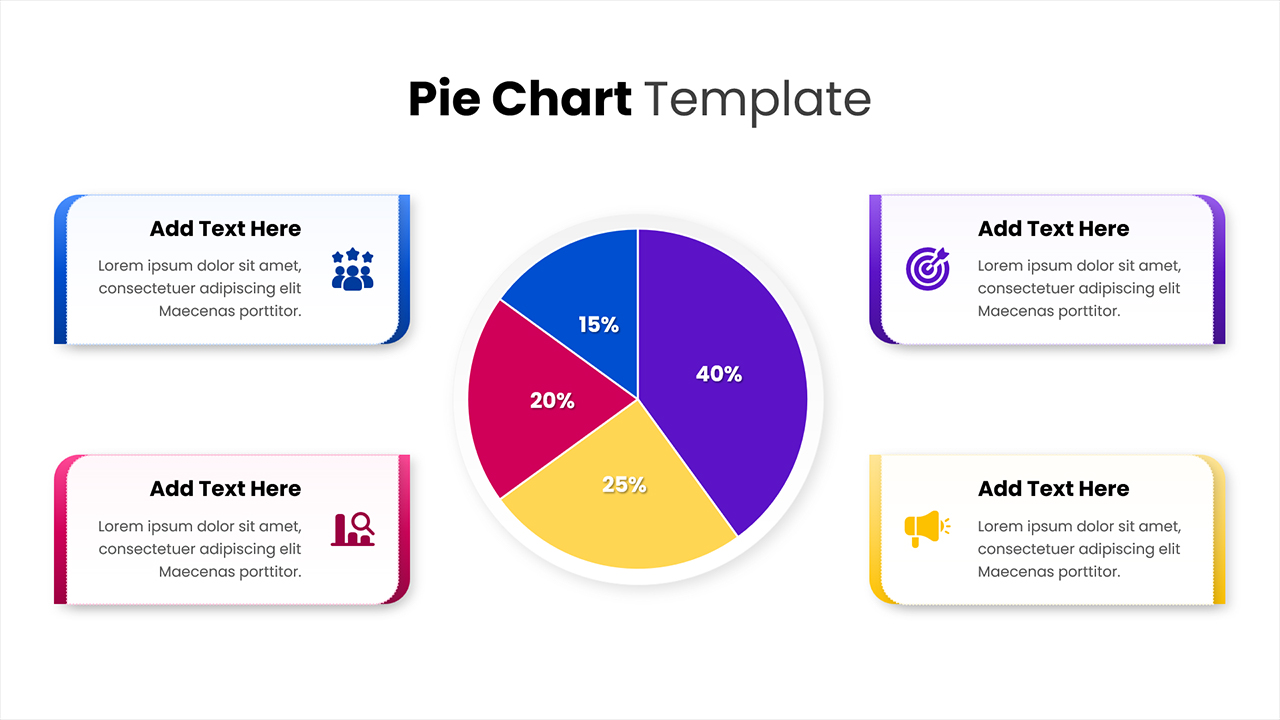
This colorful Pie Chart presentation template offers a visually engaging way to communicate proportional data, highlight key performance metrics, or compare categorical values. Its balanced layout—featuring a central pie chart surrounded by four descriptive text cards—ensures clarity and focus while enabling audiences to quickly interpret insights. Designed with clean typography, smooth rounded shapes, and bright contrasting colors, the template supports both analytical accuracy and strong visual appeal, making it suitable for business reports, project updates, and marketing presentations.

What’s Inside the Template

The template includes a prominent multi-segment pie chart at the center, displaying four distinct percentage values. Surrounding it are four feature blocks arranged symmetrically on each side. Each block contains a title placeholder, a descriptive paragraph, and a themed icon for added contextual meaning. These elements provide space to elaborate on each data segment, summarize findings, or outline key takeaways.

Key Features

  • Central pie chart with four labeled segments
  • Four customizable text cards with icons
  • Clean, modern spacing for easy readability
  • Consistent color palette supporting quick visual differentiation
  • Fully editable shapes, text fields, and color segments
  • Adaptable for reporting, comparisons, KPI reviews, and insights summaries

Ideal For

This template is ideal for analysts, marketers, educators, project managers, and business professionals who need to present segmented data or illustrate proportional relationships. It works equally well for performance dashboards, survey results, distribution breakdowns, and category-based reporting.

Slide Highlights

  • Four-segment pie chart: Each slice clearly labeled with percentages and color-coded for instant recognition.
  • Content blocks for explanation: Dedicated panels allow you to expand on each segment without overcrowding the main chart.
  • Iconography for clarity: Icons reinforce meaning—ideal for storytelling, categorization, and thematic interpretation.

Compatibility & Formats

This template is fully compatible with PowerPoint and Google Slides, ensuring smooth editing, easy customization, and seamless integration into any presentation workflow.

Login to download this file

What do you think of this template?

Rating

0.0

(0 reviews)

