Pie chart Powerpoint

This template is part of a deck featuring multiple slides. To check out all slides.

See All round right arrow

Product Description

Description

This Pie Chart Infographic template offers a polished and visually engaging way to present proportional data with clarity. Designed with clean shapes, balanced spacing, and vibrant color segmentation, it helps transform raw numbers into an instantly understandable visual narrative. Whether used for business reporting, performance reviews, survey summaries, or market segmentation, the layout supports confident communication of insights in both professional and educational settings.

What’s Inside the Template

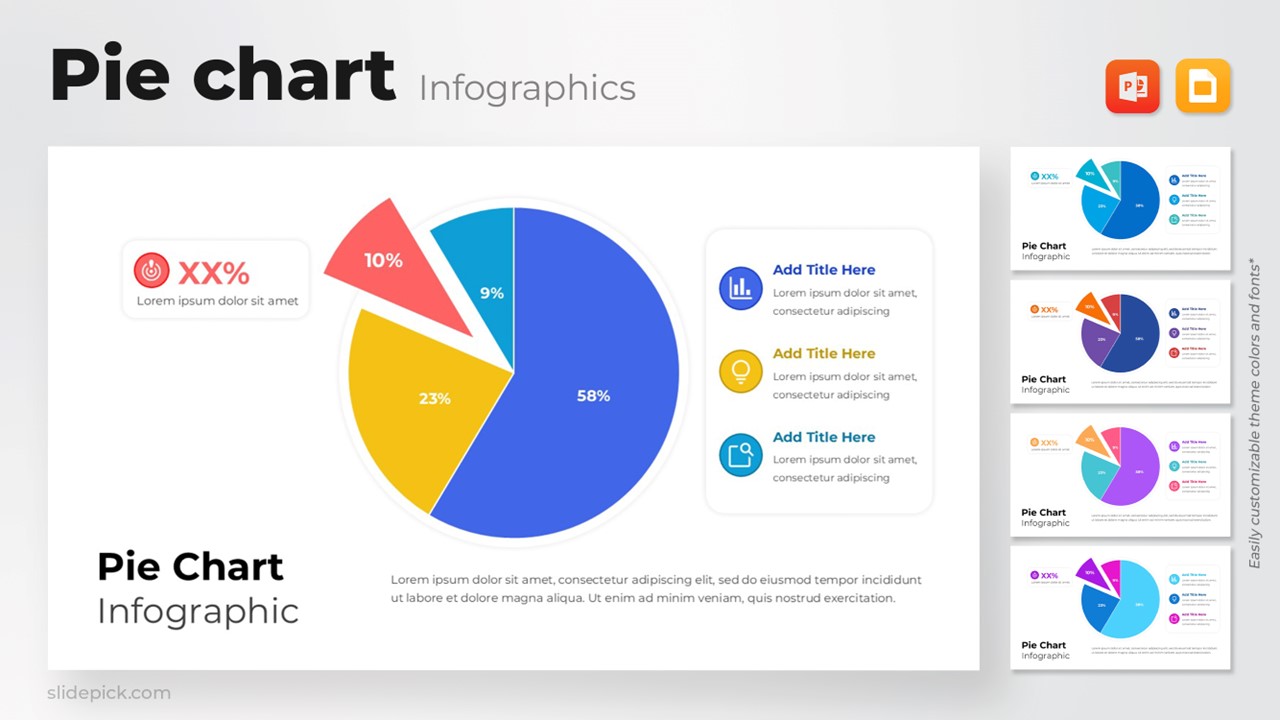
The template features a central multi-segment pie chart with four distinct percentage slices, each represented through bold contrasting colors for easy comparison. Accompanying the chart are structured text placeholders positioned on both sides, allowing presenters to add descriptive points, annotations, or category explanations. Icon-enhanced callouts offer additional space to emphasize key findings, while the slide includes a headline and paragraph area for contextual details or summary commentary.

Key Features

  • Clear, data-forward design suitable for analytics, reporting, or executive summaries
  • Distinct color-coded sections to support quick interpretation of proportions
  • Editable text blocks and icons for customizable labeling
  • Clean, modern layout optimized for readability in presentations
  • Fully customizable in both PowerPoint and Google Slides

Ideal For

This template is particularly suitable for analysts, marketing teams, educators, consultants, sales professionals, and presenters who need to communicate data-driven insights efficiently. It works well for market share breakdowns, departmental comparisons, budget distributions, performance indicators, and survey result overviews.

Slide Highlights

  • A large, central pie chart visually emphasizing four key data categories
  • Pull-out slice for highlighting a notable percentage or priority section
  • Side-by-side icon-based explanation panels to reinforce supporting insights
  • Minimal yet modern typography that keeps the audience focused on the message

Compatibility & Formats

The template is fully compatible with both Microsoft PowerPoint and Google Slides. All elements—including colors, fonts, shapes, and icons—are fully editable to match brand guidelines or presentation themes.

Login to download this file

What do you think of this template?

Rating

0.0

(0 reviews)