
Process Flow Chart Presentation Template for PowerPoint & Google Slides
Product Description
Description
This Process Flow Chart presentation template provides a clean, structured way to illustrate sequential steps, decision points, and interconnected workflows. Its modern blue color palette and streamlined layout make it suitable for both technical and business-driven presentations. Whether you need to document a procedure, visualize internal operations, or clarify a complex process for stakeholders, this template offers a visually coherent framework that enhances understanding and engagement.
What’s Inside the Template
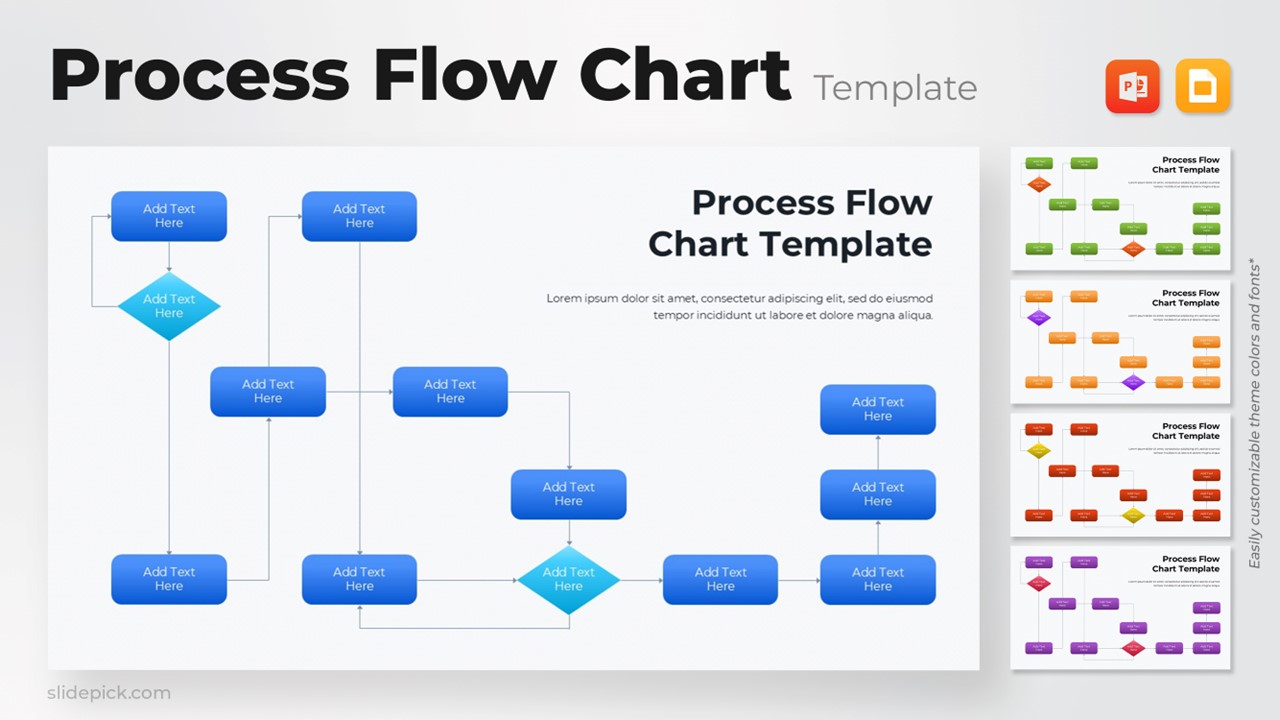
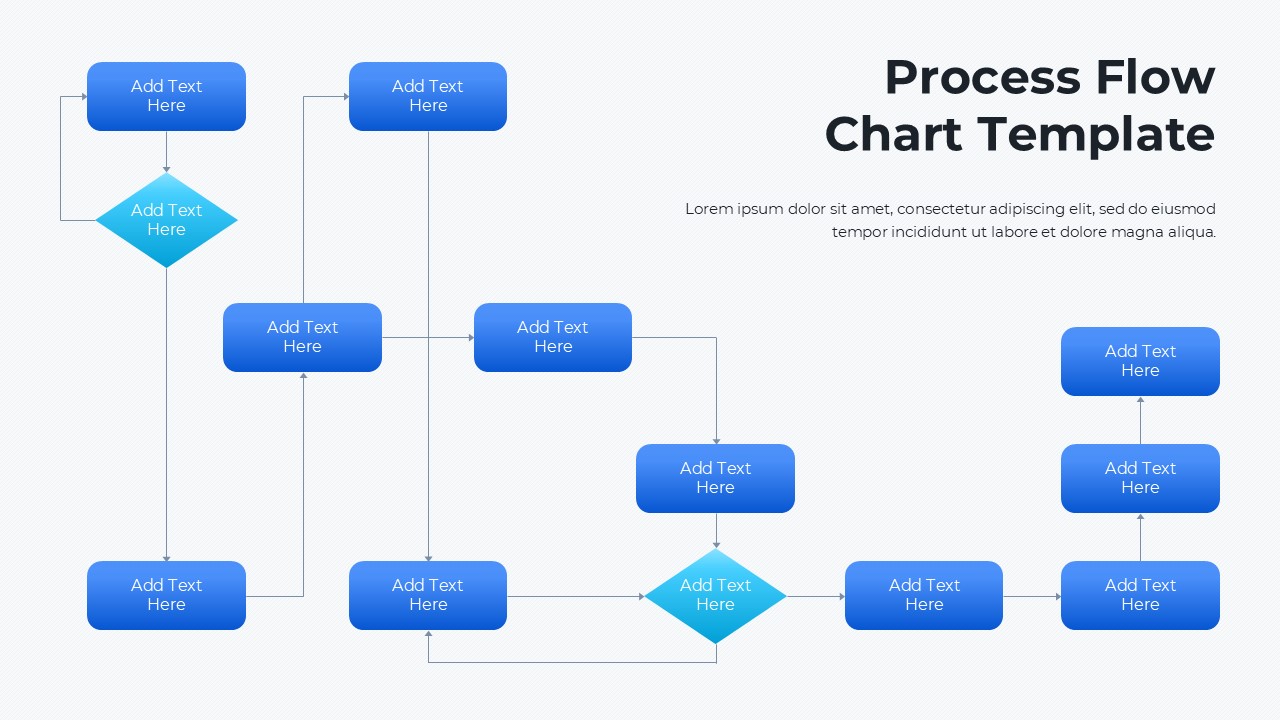
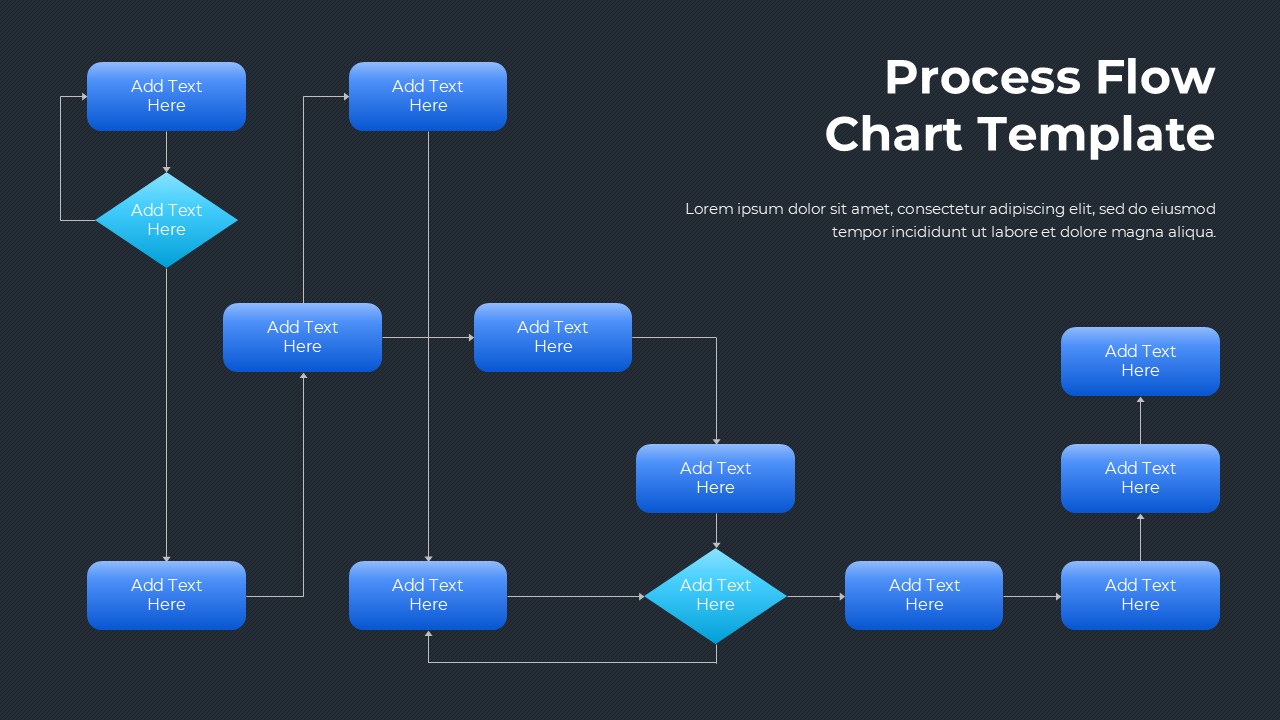
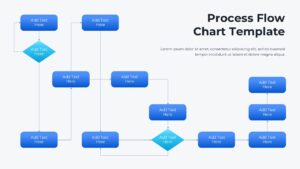
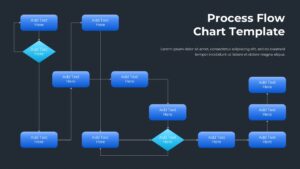
The slide includes a series of rectangular process blocks, directional arrows, and multiple decision diamonds that help map out multi-step workflows. The arrangement follows a logical left-to-right and top-to-bottom flow, allowing users to present linear, branching, or cyclical processes. Each shape provides ample space for labeling steps, decisions, and transitions, making it easy to tailor the diagram to any organizational need. The balanced distribution of elements ensures clarity even when presenting complex sequences.
Key Features
- Fully editable shapes, text placeholders, and connectors
- Clear differentiation between action steps and decision nodes
- Intuitive hierarchy and spacing for easy customization
- Visually consistent color theme that supports professional presentations
- Designed to simplify complex processes into easy-to-follow visuals
Ideal For
This template is ideal for professionals working in operations, business analysis, project management, training, compliance, IT workflow documentation, and team alignment sessions. It also supports educators and consultants who regularly explain structured procedures or system paths.
Slide Highlights
The slide layout features multiple interconnected steps arranged in a visually appealing flow. Blue rectangular nodes represent standard tasks, while teal diamond shapes highlight decision points. Long vertical and horizontal connectors guide viewers seamlessly through the process, ensuring the narrative remains clear. The open layout on the right provides dedicated space for introductory text, explanations, or contextual notes.
Compatibility & Formats
This template is fully compatible with both PowerPoint and Google Slides. All elements adjust smoothly across devices and software versions, allowing for quick editing and reliable presentation performance.
Login to download this file
What do you think of this template?
Category:
Charts & Graphs
Aspect Ratio: 16:9
Item ID: SPT0073
Color


Related Templates
-
-
-
-
-
Pie Chart Data Breakdown Template for PowerPoint & Google Slides
Charts & Graphs
-
-
-
-
-
-
Area Chart Presentation Template for PowerPoint & Google Slides
Charts & Graphs
-
Pie Chart Presentation Template for PowerPoint & Google Slides
Charts & Graphs



