Free Process Flow Chart Slide

Free Process Flow Chart Slide

This template is part of a deck featuring multiple slides. To check out all slides.

See All round right arrow
Free Process Flow Chart Template

Product Description

Description

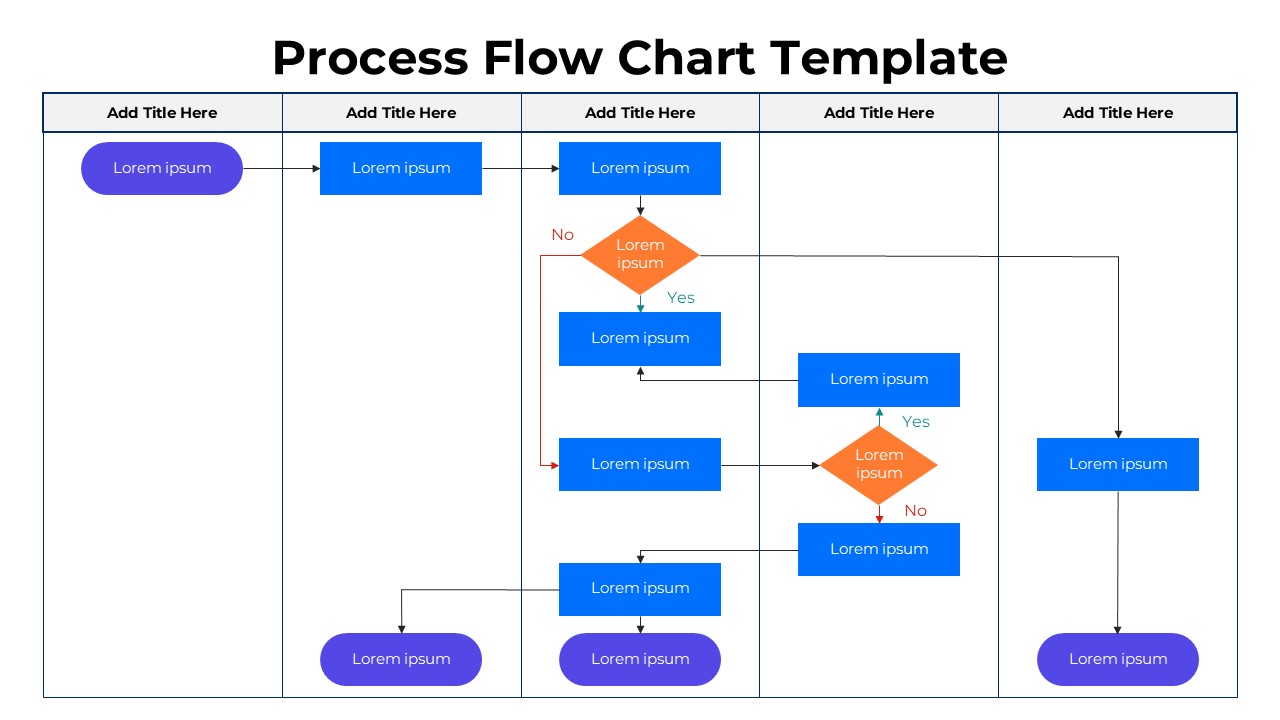
This free Process Flow Chart template provides a clean and structured layout for visualizing sequential steps, decision pathways, and cross-functional processes. Designed with a modern aesthetic, the template uses clear swimlanes and color-coded shapes to simplify even the most complex workflows. Whether you’re presenting operational procedures, business processes, or system logic, this template helps you communicate with clarity and precision.

What’s Inside the Template

The design features multiple vertical lanes that separate departments, stages, or team responsibilities. Within each lane, process blocks, connectors, and decision diamonds guide the viewer from one step to the next. The template also includes labeled input/output nodes, directional arrows, Yes/No logic paths, and terminal shapes for easy start-to-finish mapping. Every element is fully editable, allowing you to modify text, shapes, colors, and structure to match your workflow requirements.

Key Features

  • Multi-lane flowchart layout for organizing cross-department processes
  • Clearly marked decision points with Yes/No branching
  • Color-coded process boxes for improved visual contrast
  • Simple connectors and arrows for intuitive progression
  • Flexible design for business, technical, or project workflows
  • 100% editable shapes, fonts, and color schemes
  • Suitable for presenting high-level processes or detailed operational steps

Ideal For

This template is well-suited for business analysts, project managers, operations teams, educators, and consultants who need to illustrate workflows, decision logic, or multi-step procedures. It’s equally effective in process training, SOP presentations, project planning, and system design discussions.

Slide Highlights

  • Cross-functional swimlanes that segment responsibilities
  • Orange decision diamonds guiding branching logic
  • Blue process rectangles for key operational steps
  • Purple terminal shapes marking starting and ending points
  • Clear Yes/No directional arrows that simplify complex pathways

Compatibility & Formats

This free template works seamlessly with both PowerPoint and Google Slides. All shapes, icons, and connectors can be edited natively without the need for additional plugins.

Login to download this file

What do you think of this template?

Rating

0.0

(0 reviews)