
Project Budget PowerPoint & Google Slides Presentation Template
Product Description
Project Budget Presentation Template
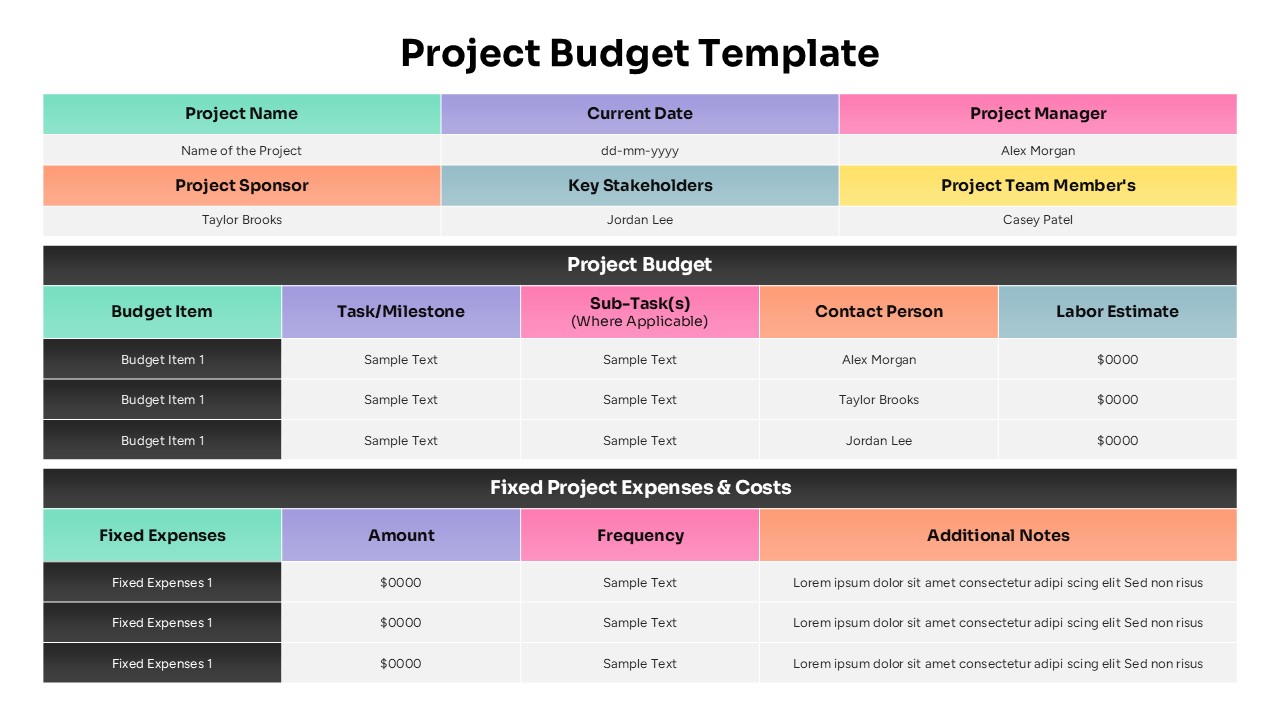
This comprehensive project budget template provides a professional framework for tracking and presenting project finances with precision and clarity. The template is completely editable in both Microsoft PowerPoint and Google Slides, allowing you to customize every element to match your project requirements. With its structured tabular design and vibrant color coding, this template transforms complex financial data into easily digestible visual presentations that stakeholders can quickly understand and approve.
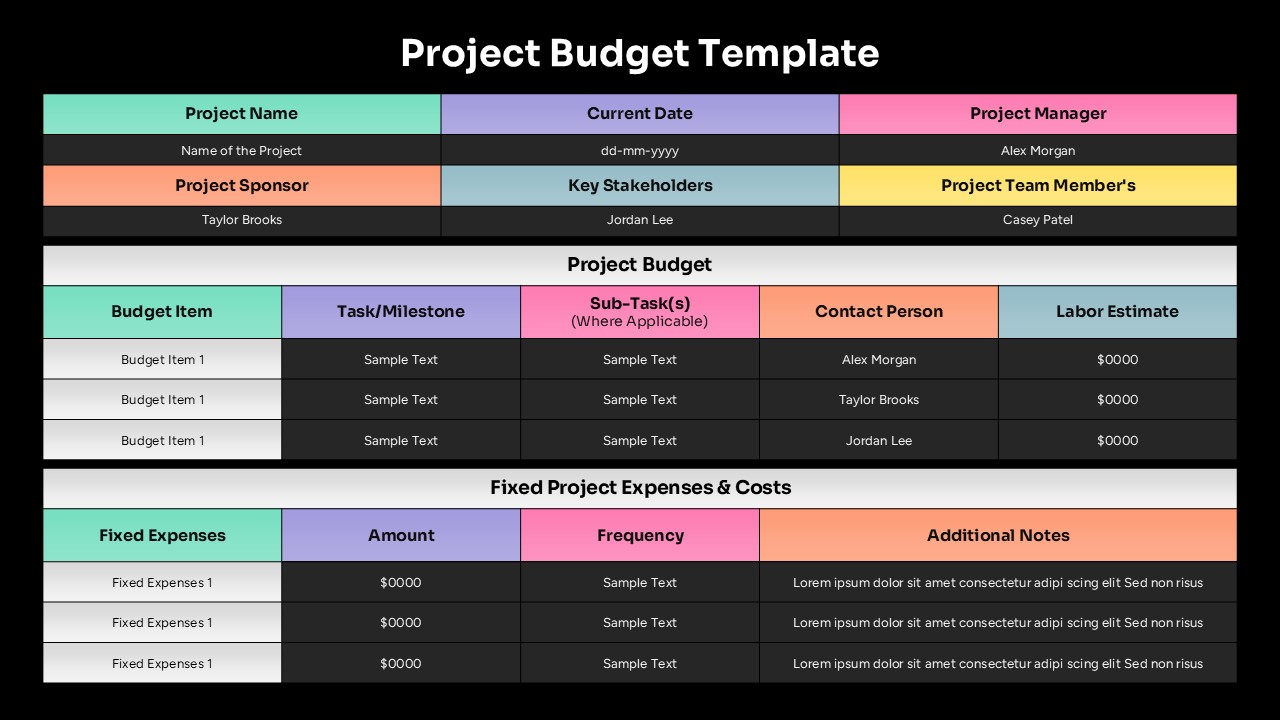
The template features a modern multi-color design that uses mint green for primary headers, purple for task columns, pink for sub-tasks, and orange for contact information. Each section maintains high contrast with dark gray backgrounds, ensuring excellent readability during presentations. The clean lines and professional aesthetic create a polished appearance that commands attention in boardrooms and client meetings.
What’s Inside Our Project Budget Template
This 2-slide template includes comprehensive project identification headers with fields for project names, dates, and key personnel. The main content area features two detailed budget tracking tables – a primary project budget table with 5 columns and a fixed project expenses table with 4 columns. Yellow accents highlight team member information while light blue sections organize stakeholder details. Every text placeholder, financial field, and contact person entry can be fully customized to reflect your specific project needs.
Key Features of This Project Budget Template
- Dual-table structure for comprehensive budget tracking and fixed expense management
- Multi-color coding system for easy identification of different budget categories
- Integrated project metadata fields for names, dates, and key personnel
- Contact person assignments for each budget line item ensuring accountability
- Professional tabular layout that maintains clarity with complex financial data
- Fully editable financial fields with consistent formatting throughout
- High-contrast design elements optimized for presentation visibility
- Milestone-based budgeting structure supporting task-specific cost allocation
Ideal For
This template is perfect for project managers creating detailed budget proposals, finance teams presenting cost breakdowns to executives, and consultants delivering business strategy presentations to clients. It’s equally valuable for startup founders seeking funding approval, department heads requesting budget allocations, and team leaders managing cross-functional projects that require transparent financial tracking and stakeholder communication.
Compatibility & Formats
Designed for seamless compatibility with both Microsoft PowerPoint and Google Slides, this template ensures all design elements, colors, and formatting remain intact across platforms. Every component is fully editable, allowing you to modify text, adjust colors, and customize layouts while maintaining the professional quality that makes your project planning template stand out to decision-makers.
Frequently Asked Questions
Can I modify the budget categories and expense types in this template?
Yes, all budget items, expense categories, and financial fields are completely editable. You can customize the budget line items, change expense types, and modify all text placeholders to match your specific project requirements.
Does this template work for both small and large project budgets?
Absolutely. The template's flexible structure accommodates projects of any size. You can add or remove budget line items, adjust the number of expense categories, and scale the financial tracking elements to suit both simple and complex project budgets.
Are the contact person and stakeholder fields customizable?
Yes, all personnel fields including project manager, sponsor, stakeholders, and team members are fully editable. You can replace the placeholder names with your actual project team members and adjust the roles to match your organizational structure.
Login to download this file
What do you think of this template?
Category:
Finance
Aspect Ratio: 16:9
Item ID: SPT0600
Color


Related Templates
-
-
-
Project Risk Assessment Matrix PowerPoint & Google Slides Template
Project Management
-
-
Project Scope Overview Google Slides & PowerPoint Template
Project Overview
-
Project Workflow PowerPoint & Google Slides Template
Project Management
-
-
-
-
-
Project Kickoff Phases Roadmap PowerPoint & Google Slides Template
Project Management
-



