
Free Q&A Presentation Slide Template for PowerPoint & Google Slides
Product Description
Description
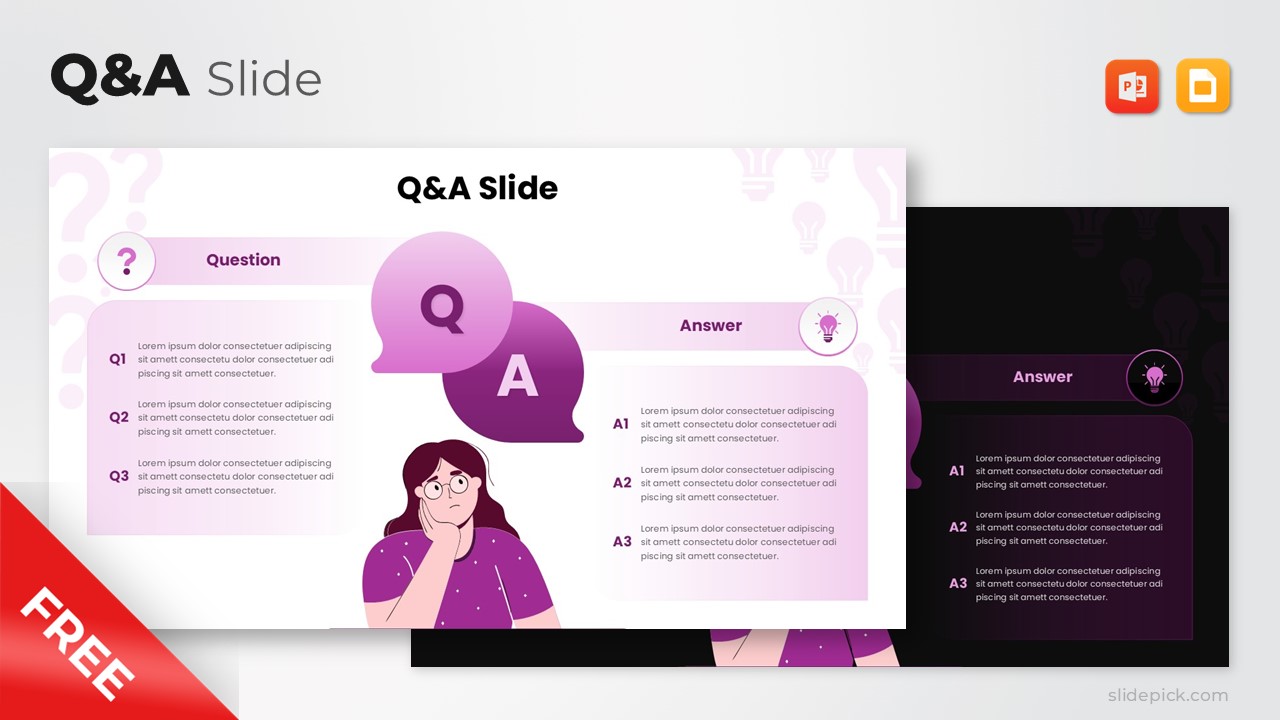
This Q&A presentation slide is designed to clearly structure questions and answers during presentations, discussions, or closing sessions. It is a fully editable presentation template, compatible with PowerPoint and Google Slides, making it easy to adapt for different audiences and topics. The layout visually separates questions from answers to support clarity and audience engagement.
As a free template, it provides a professional and visually appealing solution for interactive presentation moments.
What’s Inside the Template
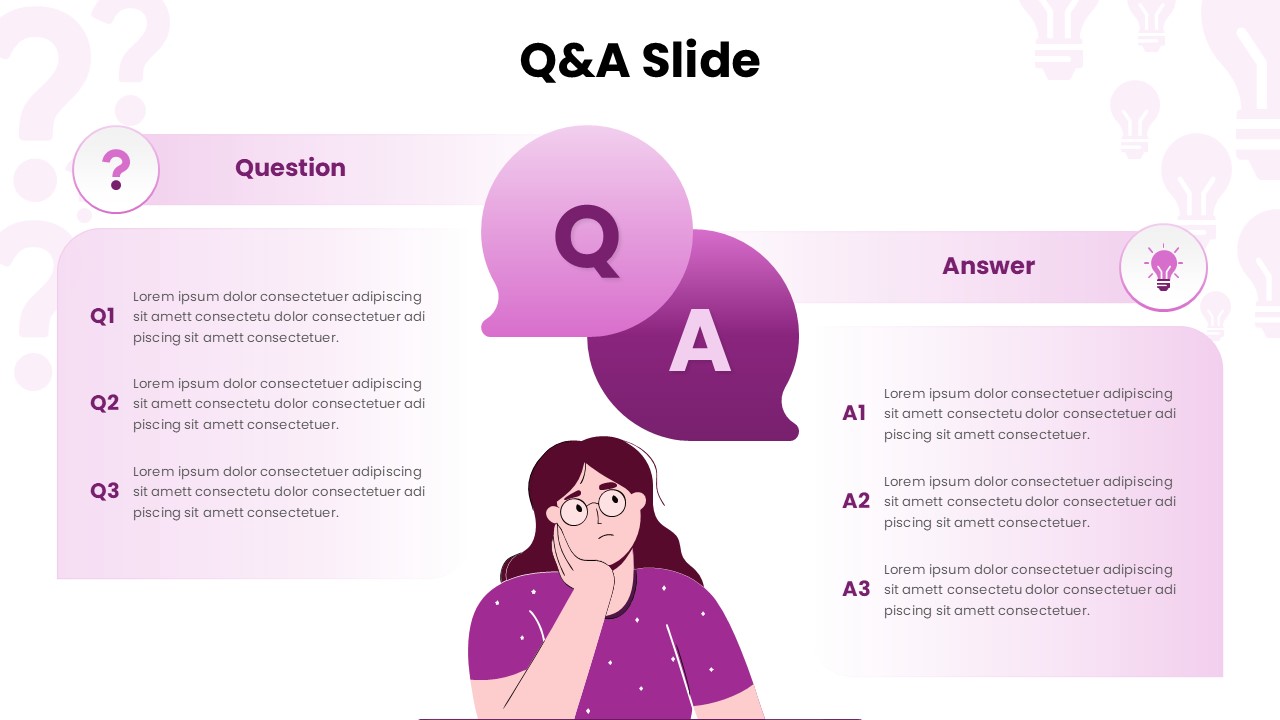
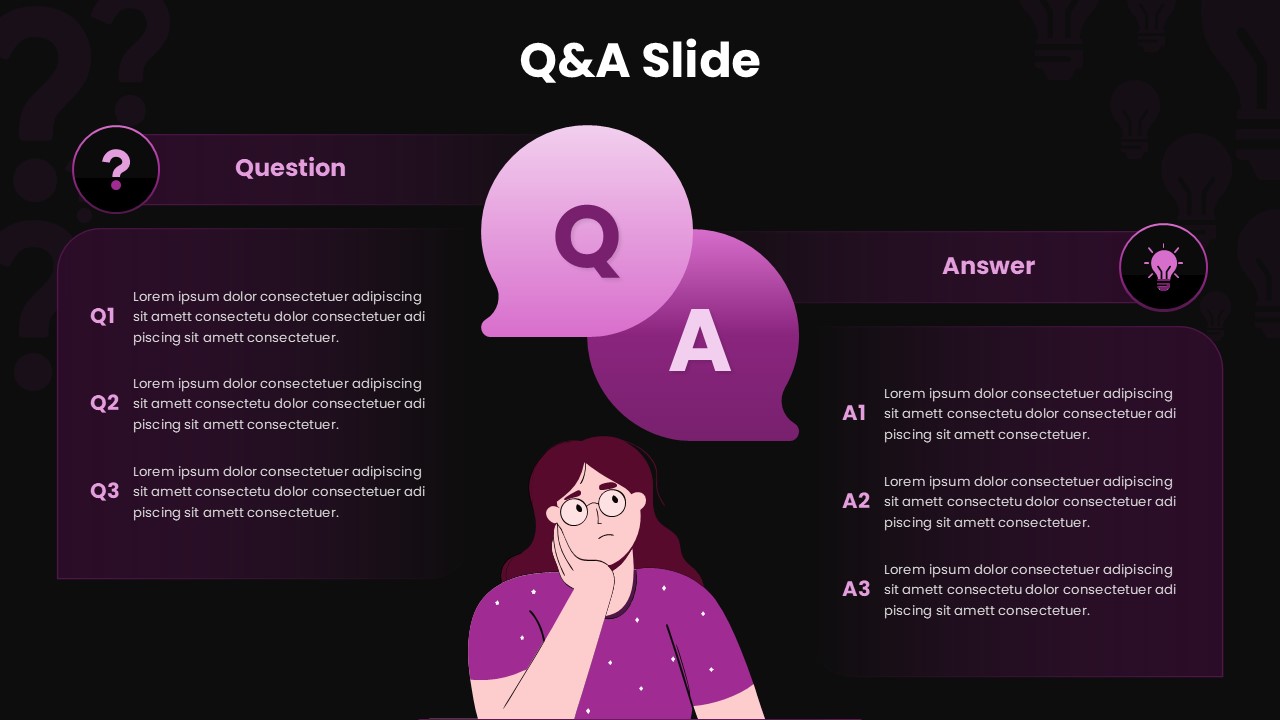
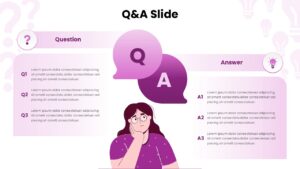
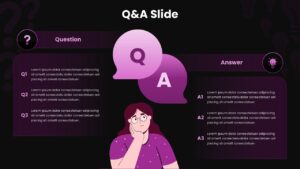
The template features a single slide divided into two main sections labeled Question and Answer. The left side includes multiple question placeholders, while the right side provides corresponding answer blocks. A central illustration and speech bubble elements visually reinforce the Q&A concept, helping the slide feel engaging rather than text heavy. Soft gradient backgrounds, icons, and rounded shapes create a friendly and modern aesthetic while keeping the focus on content. All text, colors, icons, and illustrations are fully editable.
Key Features
- Clear question and answer split layout
- Multiple Q and A placeholders on a single slide
- Visual elements that enhance audience engagement
- Clean and modern design style
- Free to use and fully customizable
Ideal For
This template is ideal for business presentations, webinars, workshops, training sessions, and academic lectures. It works well for product demos, stakeholder meetings, classroom discussions, and conference presentations. Educators, consultants, speakers, and corporate teams can use it to manage audience questions in a structured and professional way.
Slide Highlights
The slide highlights a balanced composition that keeps questions and answers easy to follow. Visual cues such as icons and speech bubbles guide attention naturally across the slide. The friendly illustration helps reduce formality while maintaining professionalism, making the slide suitable for both formal and informal presentation settings.
Compatibility & Formats
This free template is fully compatible with Microsoft PowerPoint and Google Slides. All elements are editable without additional fonts or plugins, ensuring seamless customization and easy collaboration across platforms.
Login to download this file
What do you think of this template?
Category:
Business
Aspect Ratio: 16:9
Item ID: SPT0252
Color



