
Risk Management Process Diagram for PowerPoint & Google Slides
Product Description
Risk Management Process Template
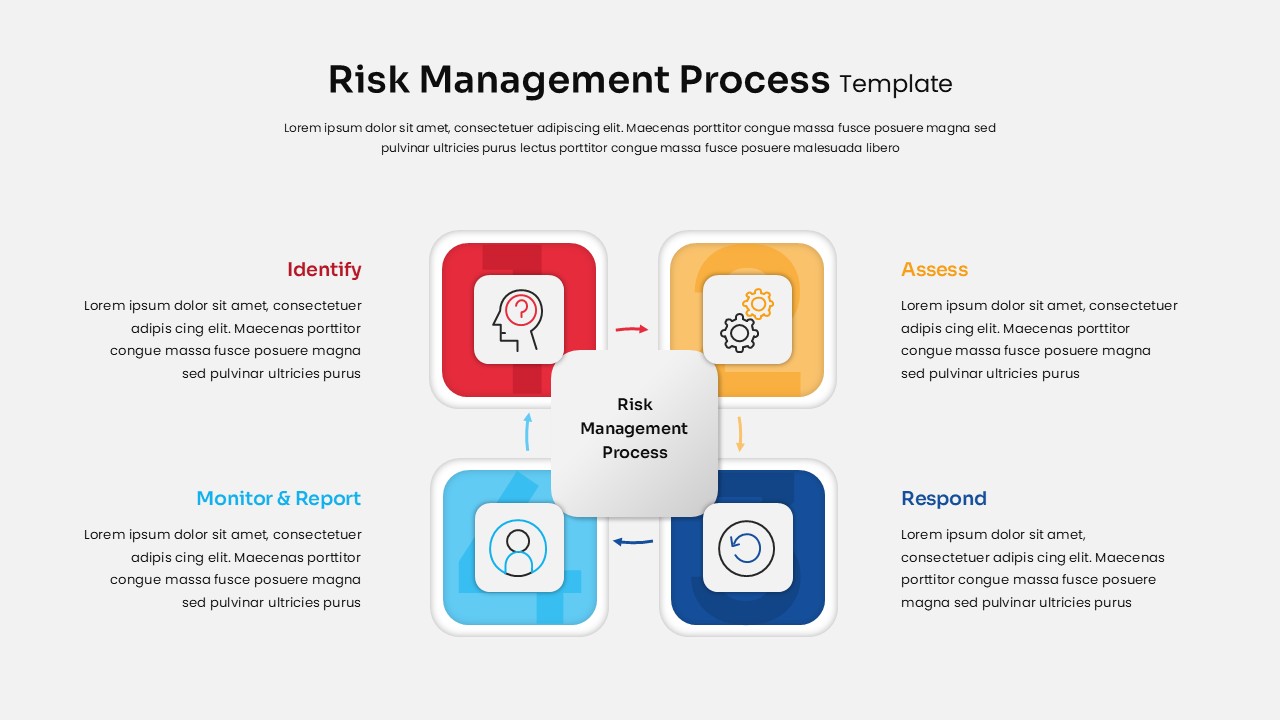
This Risk Management Process presentation template provides a clear visual framework for illustrating how organizations identify, assess, respond to, and monitor risks. It is a fully editable presentation template designed for both PowerPoint and Google Slides, allowing users to tailor colors, text, and layout to fit their workflow needs. The layout supports structured communication and helps teams present risk procedures with accuracy and clarity.
The template’s design uses a four-quadrant structure that highlights each stage of the process while keeping the central concept visible. It is suitable for business teams, consultants, project managers, and risk management professionals seeking a clean and modern visual tool for strategic discussions.
What’s Inside the Risk Management Process Template
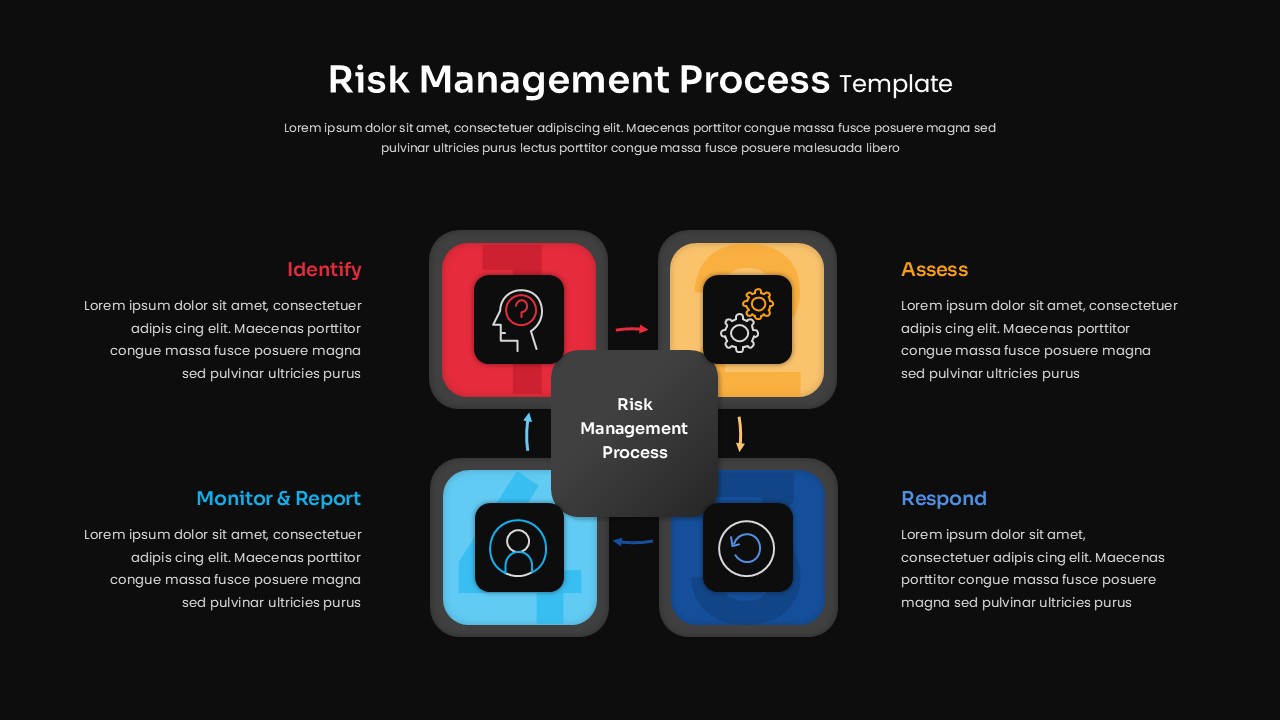
The template features a central risk management process hub surrounded by four distinct colored sections that represent Identify, Assess, Respond, and Monitor and Report. Each section includes a unique icon that reinforces its purpose and provides an intuitive way to guide the audience through the sequence. The layout offers balanced spacing and descriptive text areas for explaining each stage in detail without clutter. Its color coding supports quick comprehension, enabling presenters to emphasize relationships between process steps while maintaining a cohesive visual flow.
Key Features of Risk Management Process Diagram
- Fully editable graphics for PowerPoint and Google Slides
- Clear four step process design with visual color coding
- Centralized hub layout for improved process storytelling
- Professional icons representing each stage of the risk cycle
- Easy to adapt for training, strategy sessions, and project reporting
- High quality vector elements that retain clarity during resizing
Ideal For
This template is ideal for risk managers, corporate strategists, project managers, auditors, and consultants who need to present structured risk frameworks. It can also support educational sessions, organizational assessments, internal reviews, and risk governance communication to stakeholders seeking a visual breakdown of procedures.
Slide Highlights
The four step diagram uses strong visual cues to differentiate each phase of the risk management lifecycle. The Identify section uses red to underscore early detection. The Assess block uses warm yellow tones to frame evaluation efforts. The Respond segment uses deep blue to reflect action and planning. The Monitor and Report quadrant uses light blue for continuous oversight. The central hub keeps the entire process connected, making the diagram intuitive and memorable for audiences.
Compatibility & Formats
This template is compatible with both PowerPoint and Google Slides, offering full control over text, shapes, icons, and colors. It supports standard screen formats and can be customized for print or digital use without loss of quality.
Login to download this file
What do you think of this template?
Category:
Risk Management
Aspect Ratio: 16:9
Item ID: SPT0395
Color


Related Templates
-
-
-
-
-
-
-
-
Project Management Process Flow Template for PowerPoint & Google Slides
Project Management
-
-
-
-
Business Process Mapping Template for PowerPoint & Google Slides
Project Management



