
7 Steps Chronological Timeline Template for PowerPoint & Google Slides
Product Description
Description
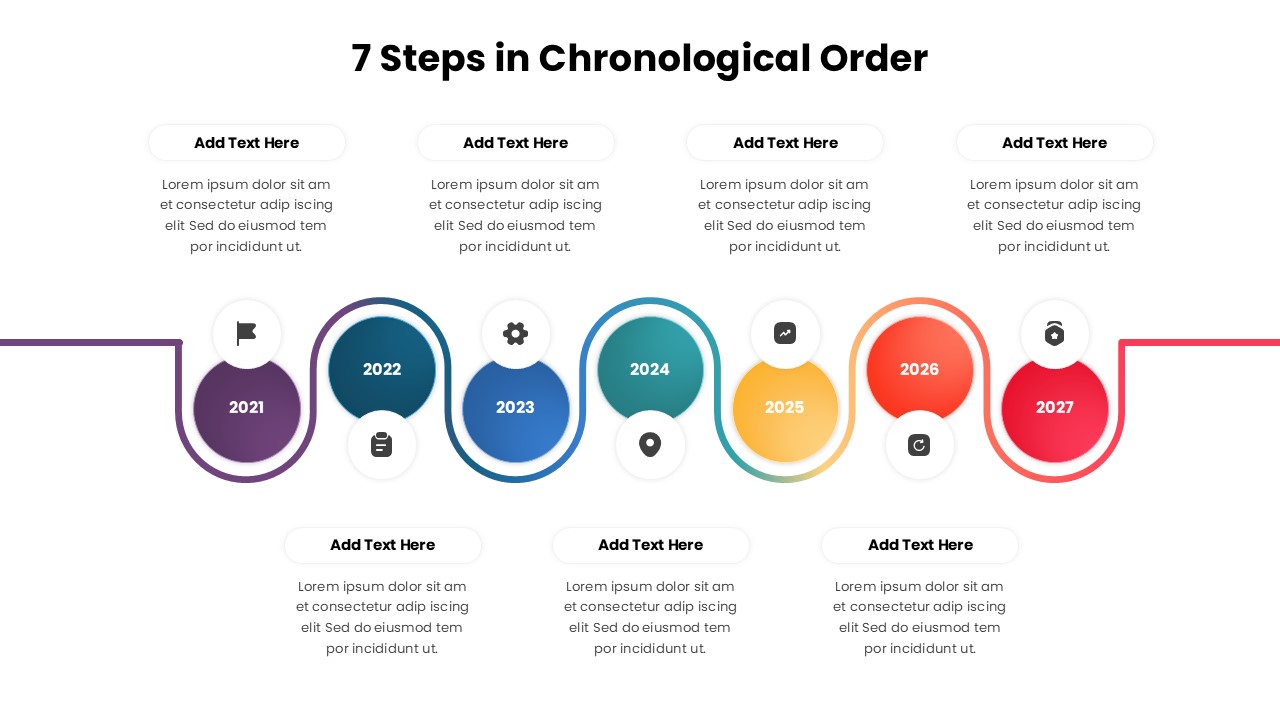
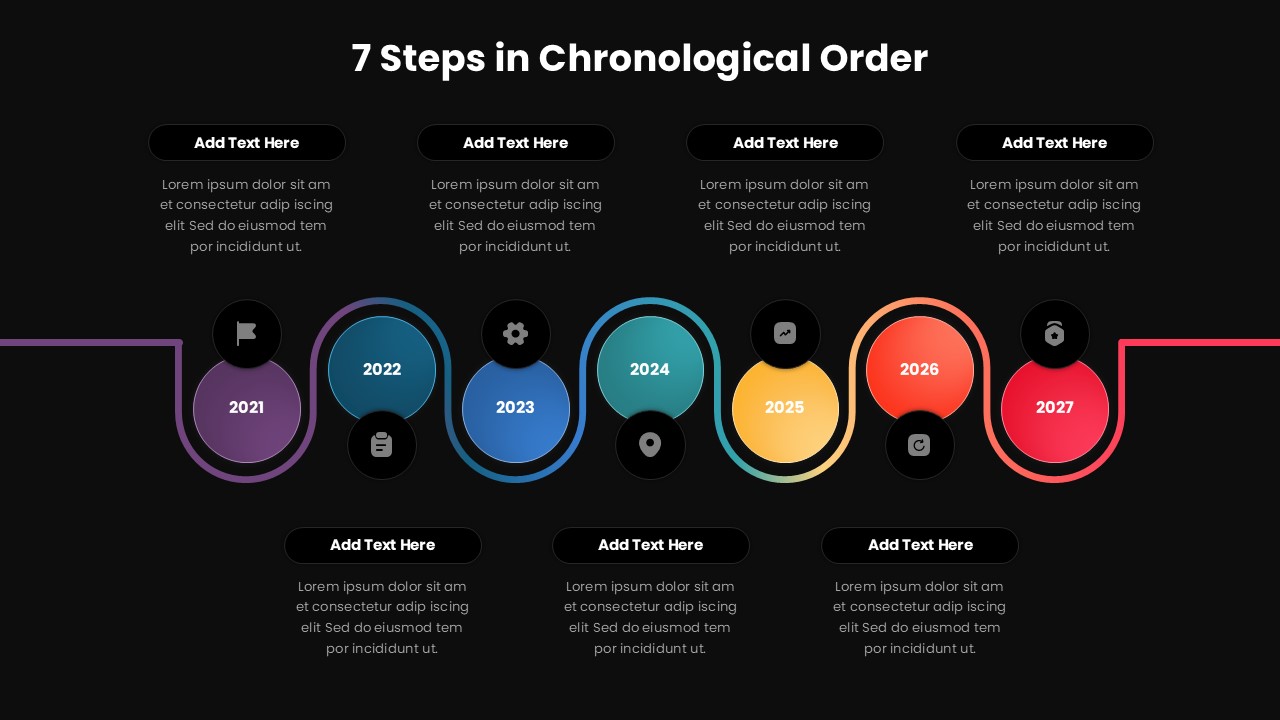
This template is designed to present seven steps arranged in a clear chronological order. It is a fully editable presentation template created to visualize timelines and sequential progress. The layout helps communicate evolution, planning stages, or long term roadmaps clearly. The template is compatible with PowerPoint and Google Slides. The slide transforms time based information into a smooth, visually connected flow that is easy to follow. With a modern curved timeline and color coded milestones, it supports clear storytelling while keeping complex sequences organized. It is ideal for presentations that require logical progression and visual clarity.
What’s Inside the Template
The template includes a single horizontal timeline slide with seven connected milestones displayed in a flowing path. Each step is marked with a year or stage label and supported by editable text placeholders positioned above and below the timeline. Circular markers and icons help distinguish each phase while maintaining visual consistency. All elements including text, colors, icons, and shapes are fully editable to adapt the slide to different use cases.
Key Features
- Seven step chronological timeline layout
- Smooth connected path for clear progression
- Editable year or stage markers
- Balanced top and bottom text placeholders
- Fully customizable colors and content
Ideal For
This slide is ideal for business roadmaps, strategic planning, project timelines, and company growth presentations. It works well for executives outlining long term vision, teams presenting phased execution plans, and consultants explaining transformation journeys. The design also fits educational and training contexts where sequence and timing are essential.
Slide Highlights
The slide highlights a continuous curved timeline that visually guides the audience from start to finish. Each step stands out through distinct colors while maintaining a cohesive design. The alternating text placement improves readability and allows detailed explanations without cluttering the main timeline.
Compatibility & Formats
The template is fully compatible with Microsoft PowerPoint and Google Slides. Built entirely with native slide elements, it ensures smooth editing, consistent formatting, and reliable performance across platforms.
Login to download this file
What do you think of this template?
Category:
Project
Aspect Ratio: 16:9
Item ID: SPT0291
Color



