
Swimlane Flowchart PowerPoint Template

Swimlane Flowchart PowerPoint Template
This template is part of a deck featuring multiple slides. To check out all slides.

See All round right arrow
Swimlane Flowchart Process Mapping Template

Product Description

Swimlane Flowchart Template

This presentation is designed to visualize processes and responsibilities using a structured swimlane flowchart layout. It is a fully editable presentation template created to map workflows across stages and decision points. The template is compatible with PowerPoint and Google Slides, enabling easy customization for different teams and projects. The swimlane structure helps clearly separate phases, actions, and approvals while showing how tasks move from initiation to completion. It supports better understanding of process flow, ownership, and dependencies.

What’s Inside the Swimlane Flowchart Template

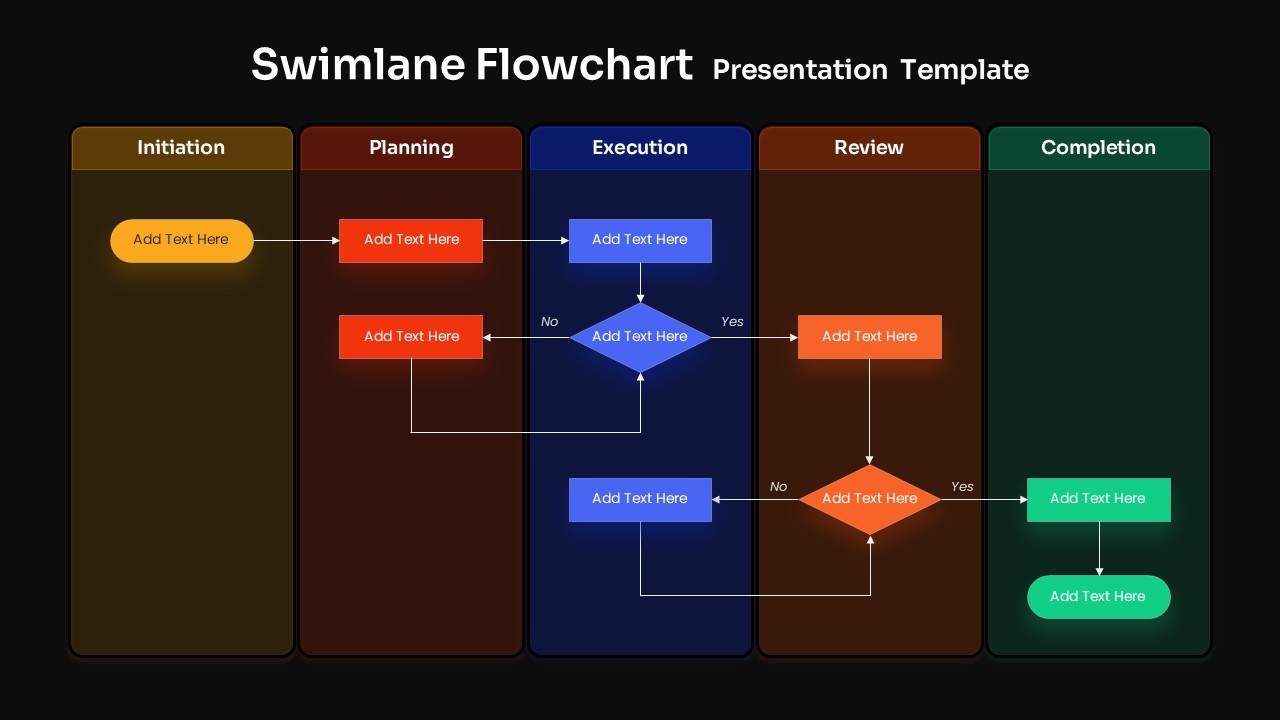
The template includes a multi lane horizontal flowchart divided into clear stages such as initiation, planning, execution, review, and completion. Each lane contains editable process steps, decision diamonds, and directional connectors that illustrate workflow logic. The layout allows you to document tasks, approvals, rework loops, and final outcomes in one cohesive view. Colors, shapes, arrows, and text placeholders are fully customizable to align with your process or branding needs.

Key Features of Swimlane Flowchart Template

  • Swimlane flowchart layout with clearly defined stages
  • Process steps and decision points mapped visually
  • Logical connectors showing task flow and dependencies
  • Color coded lanes for improved clarity
  • Fully editable in PowerPoint and Google Slides

Ideal For

This template is ideal for project managers, operations teams, business analysts, consultants, and process improvement professionals. It works well for documenting workflows, standard operating procedures, project lifecycles, approval processes, and cross functional coordination.

Slide Highlights

The slide highlights a clean left to right progression that mirrors real process flow. Distinct lanes make it easy to identify responsibilities and handoffs between stages. Decision points with yes and no paths help explain variations and exceptions without overwhelming the audience.

Compatibility & Formats

The template is fully compatible with PowerPoint and Google Slides. No additional plugins or fonts are required. All elements can be quickly edited, duplicated, or rearranged, making the template suitable for workshops, documentation, and executive presentations.

Login to download this file

What do you think of this template?

Rating

0.0

(0 reviews)

