
SWOT Analysis Quadrant Template for PowerPoint & Google Slides
Product Description
Description
This SWOT Analysis template offers a clear and structured way to present organizational strengths, weaknesses, opportunities, and threats. Designed with a modern quadrant layout and balanced color palette, it helps teams communicate insights with clarity and impact. Its professional visual style supports strategic planning sessions, business reviews, and decision-making discussions where concise analysis is essential.
What’s Inside the Template
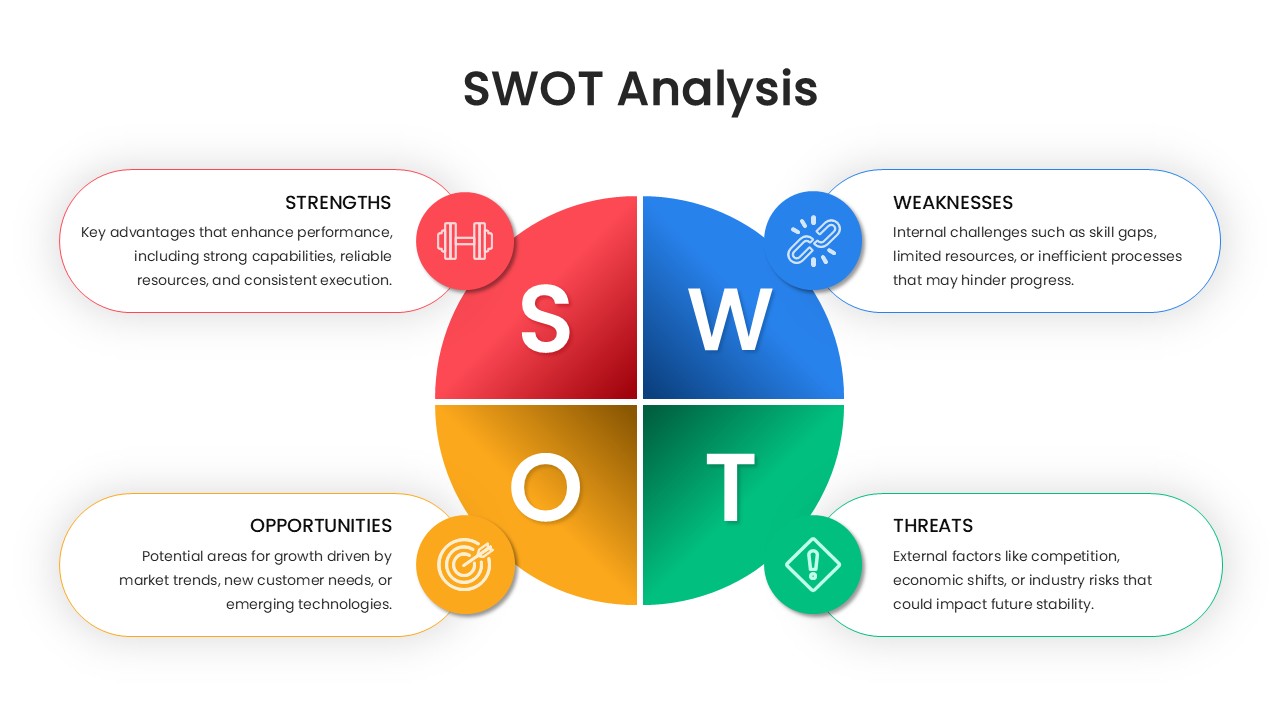
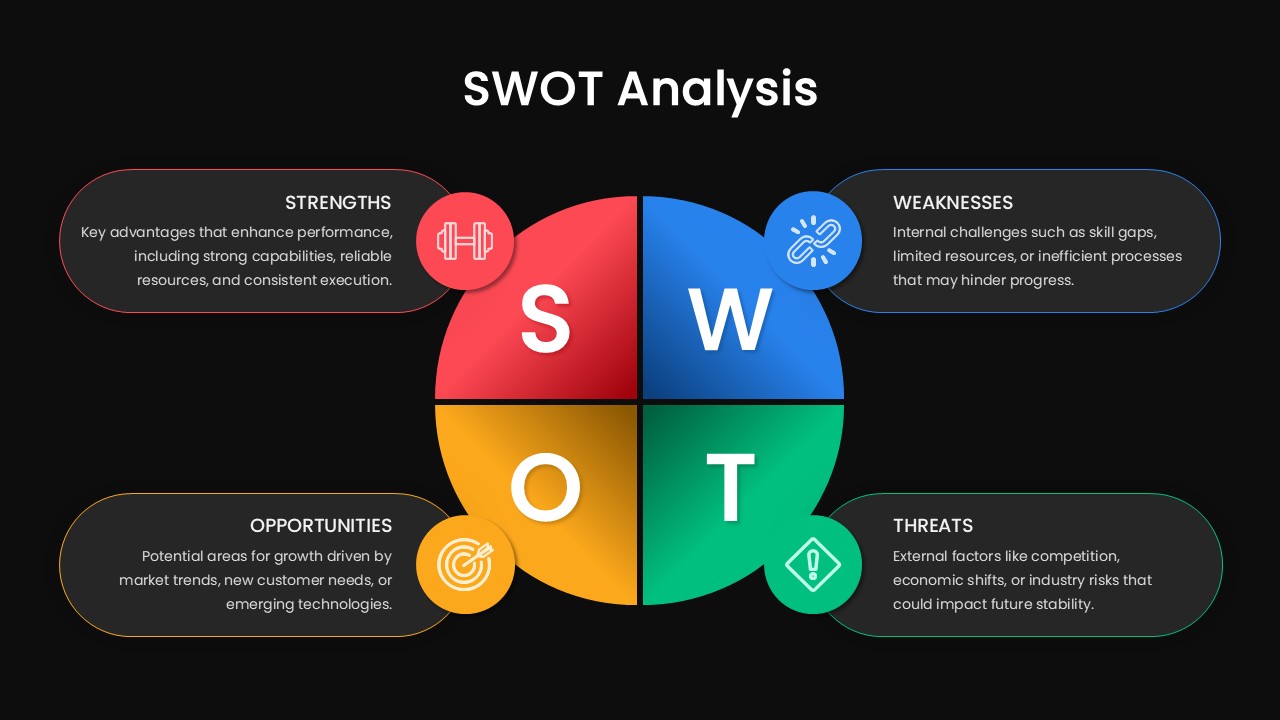
The slide features a four-quadrant matrix at the center, each section dedicated to one SWOT component. Surrounding the matrix, individual text containers summarize key points for each category strengths, weaknesses, opportunities, and threats. Each quadrant is paired with a relevant icon to further enhance comprehension, making the template visually intuitive for stakeholders and audiences across organizational functions.
Key Features
- Clean quadrant structure that organizes information logically
- Distinct color coding to help differentiate each SWOT element
- Ample text space for outlining key insights without clutter
- Modern iconography for faster visual interpretation
- Balanced composition suitable for both presentations and reports
Ideal For
This template is ideal for business strategists, consultants, team leads, project managers, and educators who need a refined tool for analyzing business environments. It also serves well in workshops, pitch decks, annual planning meetings, and competitive analysis reviews.
Slide Highlights
The central circular quadrant design ensures all four analytical dimensions hold equal visual weight, encouraging objective comparison. Icons—such as a dumbbell for strengths and a chain link for weaknesses add contextual cues without overpowering the design. Light, rounded text boxes placed around the main diagram help emphasize key takeaways while maintaining a clean, focused layout.
Compatibility & Formats
The template is fully compatible with both PowerPoint and Google Slides. All elements are editable, allowing users to adjust colors, text, and icons to match their branding or presentation style. It works seamlessly across devices, ensuring a consistent and professional display in virtual or in-person settings.
Login to download this file
What do you think of this template?
Category:
Business
Aspect Ratio: 16:9
Item ID: SPT0169
Color



