
Webinar Agenda Template Editable In PowerPoint & Google Slides
Product Description
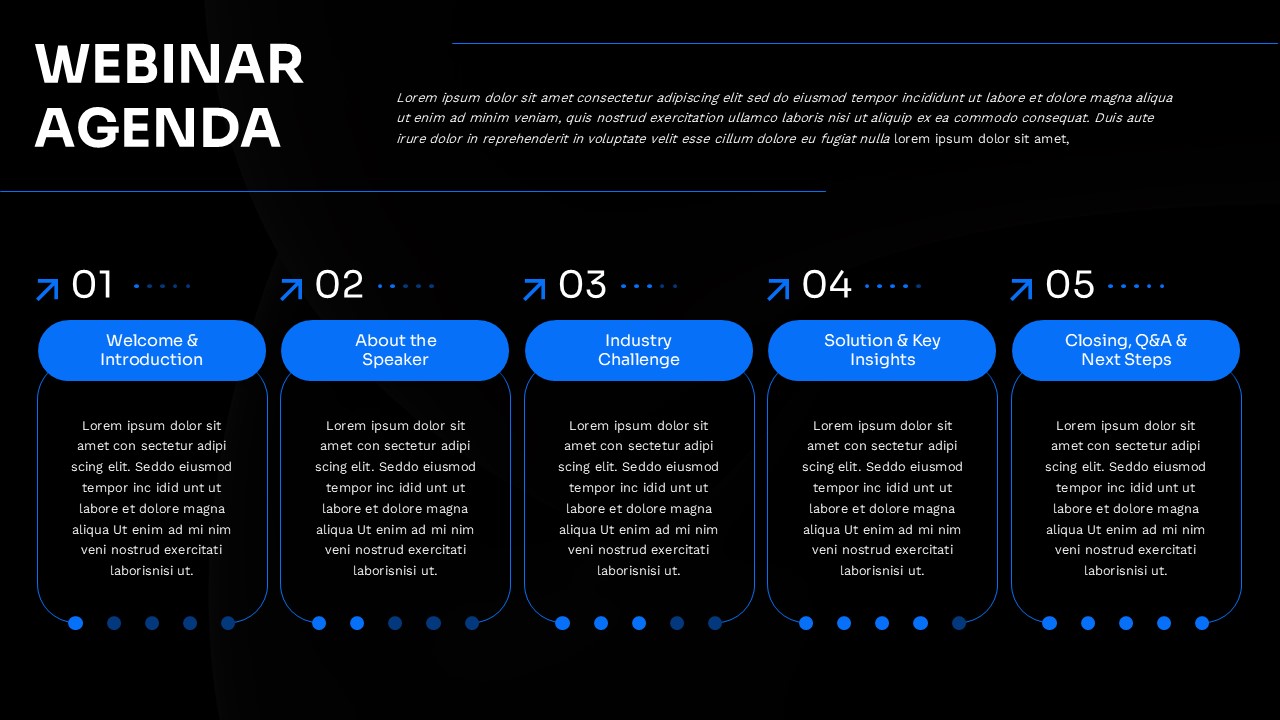
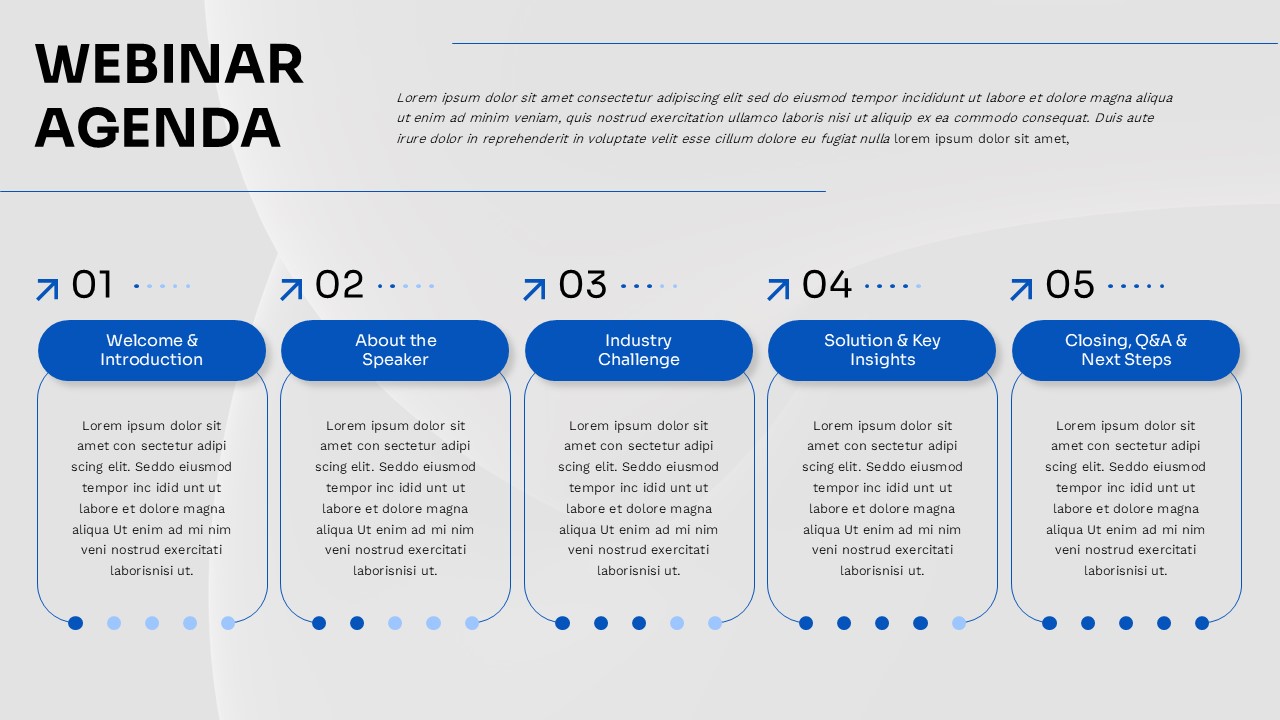
This webinar agenda template gives you a clean, horizontal timeline to map out your session flow before the first slide even begins. It is fully editable in both Microsoft PowerPoint and Google Slides, making it easy to drop in your agenda items and share across teams without any compatibility issues. The layout uses numbered steps connected by dotted lines and directional arrows, so your audience always knows where they are in the session. It is a no-fuss starting point for anyone who wants their webinar to feel organized from the opening slide.
What This Webinar Agenda Template Includes
- Five-Step Horizontal Timeline: A sequential numbered layout that walks your audience through each agenda section in order, with clear visual progression from start to finish
- Numbered Oval Buttons: Each step is anchored by a bold numbered button connected through dotted lines and arrows, making the flow easy to follow at a glance
- Rounded Content Boxes: Each section includes a dedicated rectangular text area for the agenda item title and a detailed description below it
- Dual Color Variants: Comes with both a dark background and a light background version, so you can match your brand or presentation environment
- Navigation Dots: Small indicator dots sit beneath each section for additional visual structure and alignment
- Blue and White Color Scheme: High contrast blue accent elements against dark and light backgrounds ensure the text stays readable across screen types
Agenda Communication Made Visual: Who This Template Is For
- Corporate trainers structuring internal training sessions
- Product managers running product demos or launch webinars
- Business consultants presenting to clients or stakeholders
- Educators facilitating online workshops or seminars
- Event hosts who need a professional run-of-show slide
Fully Editable for PowerPoint and Google Slides
Every element in this template is open to editing – step titles, descriptions, colors, and layout. Swap in your own agenda items, adjust the color scheme to your brand, and resize content boxes as needed, all within PowerPoint or Google Slides.
Download this webinar agenda template today and walk into your next online session with a clear, professional structure your audience can follow from start to finish.
Frequently Asked Questions
Can I customize the number of agenda items in this webinar template?
Yes, this template is fully editable in both PowerPoint and Google Slides. You can easily add or remove agenda sections, modify the timeline steps, and adjust the layout to accommodate your specific webinar structure and requirements.
Does this template work for virtual and in-person presentations?
Absolutely! The template is designed with a 16:9 aspect ratio that works perfectly for both virtual webinar platforms and in-person presentations. The high contrast design and clear typography ensure excellent readability across different viewing environments.
Are both light and dark background versions included?
Yes, this template includes both dark and light background variants, giving you flexibility to choose the version that best matches your brand colors or presentation environment while maintaining the same professional agenda structure.
Login to download this file
What do you think of this template?
Category:
Business
Aspect Ratio: 16:9
Item ID: SPT0654
Color



